Bluetooth 2.0 EDR with Serial Port Profile (SPP) over UART
In stock
Wifi Ble
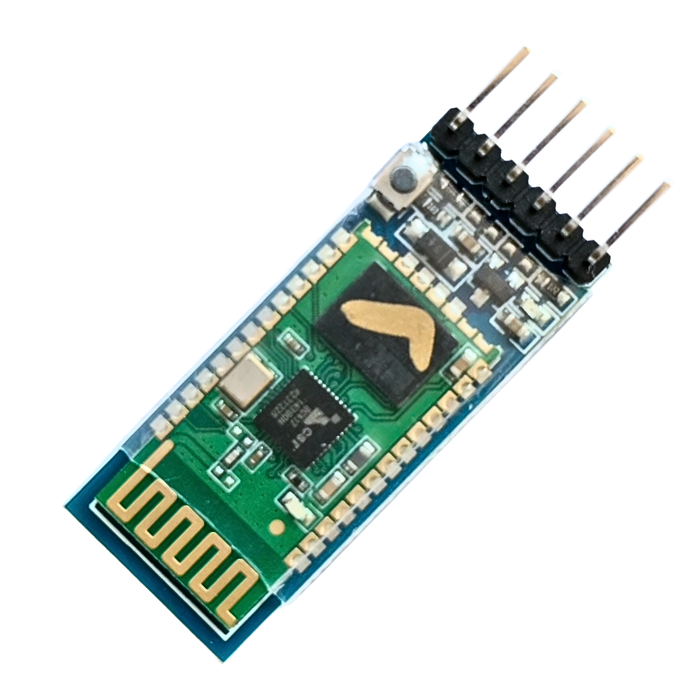
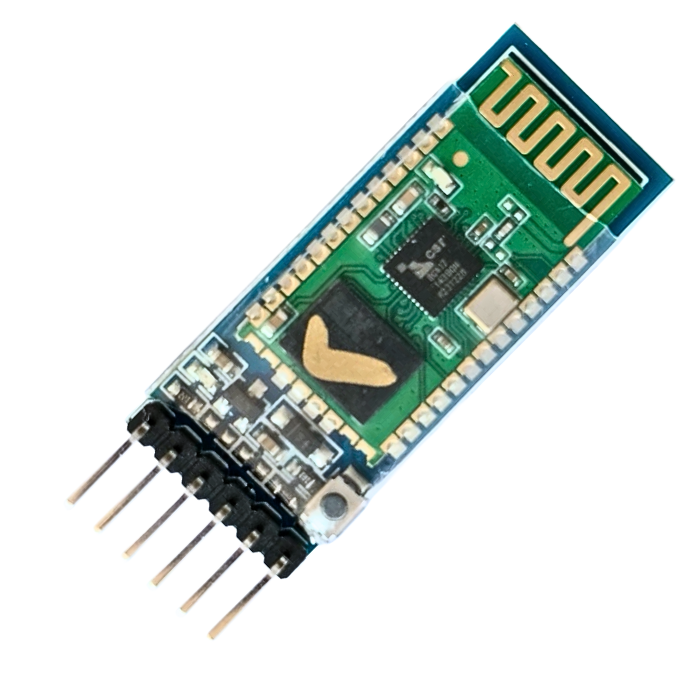
HC-05 Bluetooth Serial Transceiver Module
Classic Bluetooth 2.0 SPP UART module with master/slave AT-command support; standard for wireless serial links with Arduino.
₹199 + 18% GST
SKU: BOTBIT-IOT-06 · Best for: Wireless serial link between Arduino and an Android phone app
Overview
About HC-05 Bluetooth Serial Transceiver Module.
The HC-05 is the classic Bluetooth serial (SPP) module that has connected countless Arduino projects to phones and other devices. It uses Bluetooth 2.0 EDR and presents a simple UART interface, so any microcontroller with a serial port can send and receive data wirelessly with almost no code.
What sets the HC-05 apart from the cheaper HC-06 is that it can be configured as either master or slave via AT commands, letting it initiate connections as well as accept them. At around Rs 199 it remains a dependable, well-documented choice for wireless serial links, robot control from a phone, and device-to-device communication.
It is beginner-friendly: pair it from an Android phone, open a Bluetooth terminal app, and you have a wireless serial link to your Arduino. Its long track record means troubleshooting help and tutorials are everywhere.
Key features
Why it stands out.
Configurable as master OR slave using AT commands (unlike HC-06)
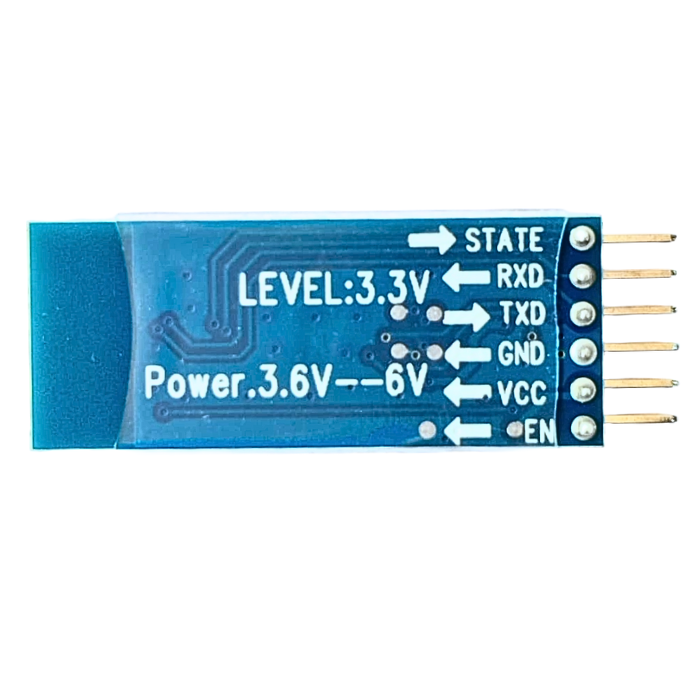
Simple 4-6 pin UART interface (VCC, GND, TX, RX, EN/KEY, STATE)
Onboard 3.3V regulator allowing 3.6-6V supply, with status LED
Default 9600 baud SPP link, configurable baud/name/PIN via AT mode
Works with Android phones and any UART-capable microcontroller
Specifications
Selection facts.
| Bluetooth version | Bluetooth 2.0 + EDR |
|---|---|
| Profile | Serial Port Profile (SPP) over UART |
| Chipset | CSR BC417 (typical) |
| Mode | Master / Slave selectable via AT commands |
| Operating voltage | 3.6-6V (module VCC); 3.3V logic level |
| Default baud rate | 9600 (data mode); 38400 in AT mode |
| Default pairing PIN | 1234 or 0000 |
| Range | Up to ~10m (Class 2) |
| Frequency | 2.4GHz ISM band |
| Pins | 6-pin (VCC, GND, TXD, RXD, EN/KEY, STATE) |
Applications
Where it is used.
- Wireless serial link between Arduino and an Android phone app
- Bluetooth-controlled robots and RC cars
- Remote control of relays, lights and home gadgets
- Wireless sensor data transmission to a phone terminal
- Device-to-device communication using two HC-05s (master + slave)
- Replacing a wired USB-serial cable with a wireless link
Buying guide
How to choose.
Buy the HC-05 when you need a simple, reliable wireless serial link and the flexibility to act as master or slave. It is perfect for phone-controlled Arduino robots and any project where you would otherwise run a serial cable. If you only ever need slave mode, the cheaper HC-06 also works.
Mind the logic levels: the module's RX pin is 3.3V, so when connecting a 5V Arduino's TX to the module's RX, use a voltage divider (e.g. 1k/2k resistors) or a level shifter. Powering VCC from 5V is fine thanks to the onboard regulator.
For modern low-energy phone apps and lower power use, consider a BLE module (HC-08, HM-10) or an ESP32 instead, since iPhones do not support the HC-05's Classic SPP for custom apps. But for Android and MCU-to-MCU serial links, the HC-05 is a proven, low-cost workhorse.
FAQ
Common questions.
How do I wire the HC-05 to an Arduino?
Connect module VCC to 5V, GND to GND, module TXD to Arduino RX, and Arduino TX to module RXD. Because the module's RX is 3.3V, put a voltage divider or level shifter on the Arduino-TX-to-module-RX line to avoid damage.
How do I enter AT command mode to change settings?
Hold the EN/KEY pin high (or press its button) while powering on; the LED blinks slowly. Then communicate at 38400 baud and send AT commands like AT+NAME, AT+PSWD, AT+ROLE to change the name, PIN, or master/slave role.
What is the default pairing PIN?
The default pairing code is usually 1234 (sometimes 0000). After pairing from your phone's Bluetooth settings, use a serial Bluetooth terminal app to send and receive data over the SPP link at 9600 baud by default.
Does the HC-05 work with iPhones?
Not for custom app development. The HC-05 uses Bluetooth Classic SPP, which Apple restricts, so it will not connect to a normal iPhone app. It works well with Android and with other microcontrollers. For iPhone projects, use a BLE module or ESP32.
What's the difference between HC-05 and HC-06?
The HC-05 can be configured as master or slave, so it can initiate connections; the HC-06 is slave-only. If you need two modules to talk to each other, or want the module to connect out to another device, choose the HC-05.
More in IoT & Wireless
Related hardware.
Wifi Ble
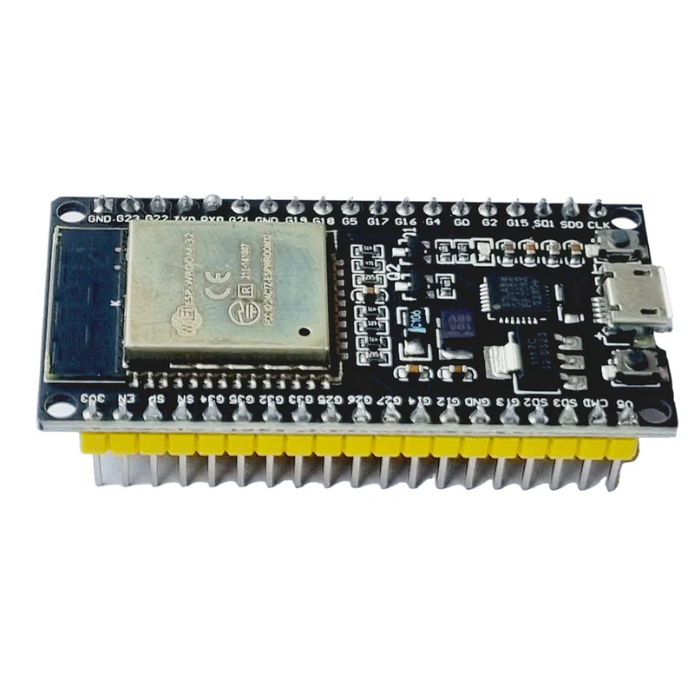
ESP32 WROOM-32 38-Pin Development Board (DevKit V1)
Dual-core ESP32-WROOM-32 board with WiFi and Bluetooth, 38 pins and USB-UART; the workhorse MCU for most Indian IoT projects.
₹320 + 18% GST
Wifi Ble
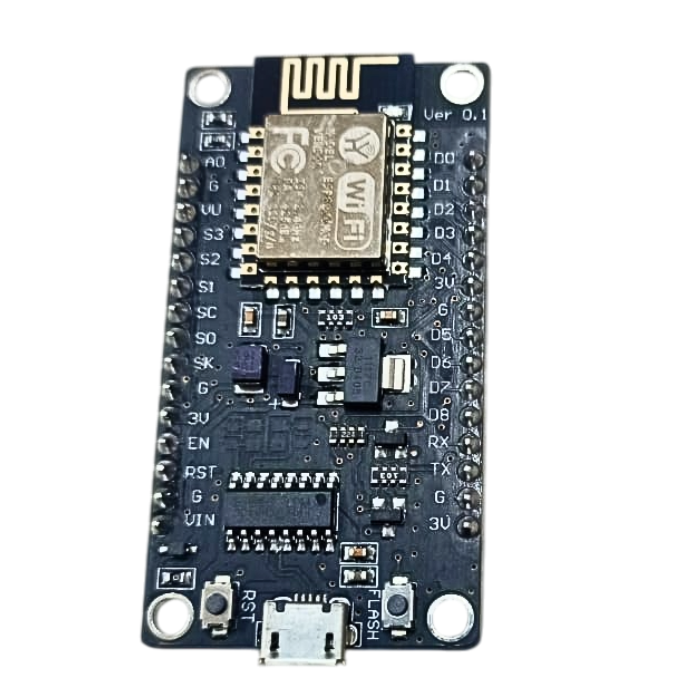
NodeMCU ESP8266 WiFi Development Board (V3 Lolin CH340)
Low-cost ESP8266 WiFi board with CH340 USB, breadboard-friendly; extremely popular entry point for WiFi-connected sensor projects.
₹180 + 18% GST
Wifi Ble
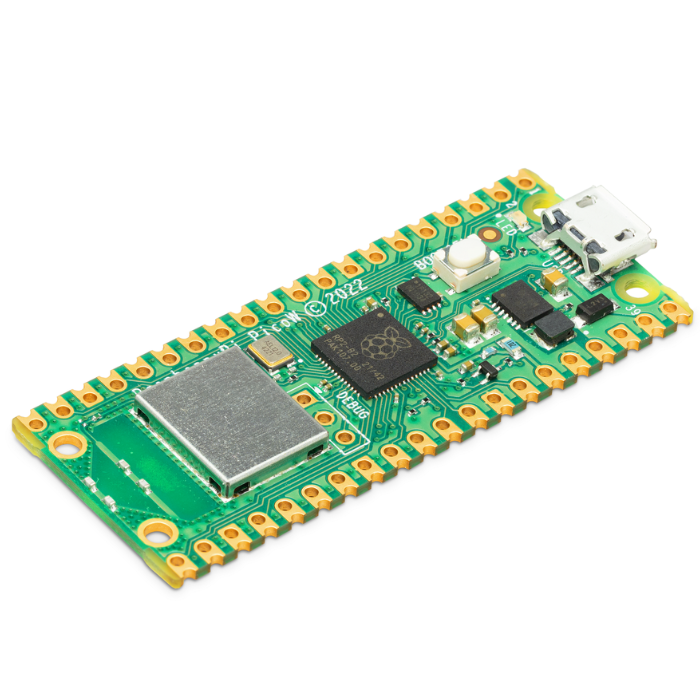
Raspberry Pi Pico W (Wireless RP2040 Microcontroller)
Official RP2040 dual-core microcontroller board with onboard 2.4GHz WiFi, programmable in MicroPython/C for IoT and hotspot applications.
₹650 + 18% GST
Wifi Ble
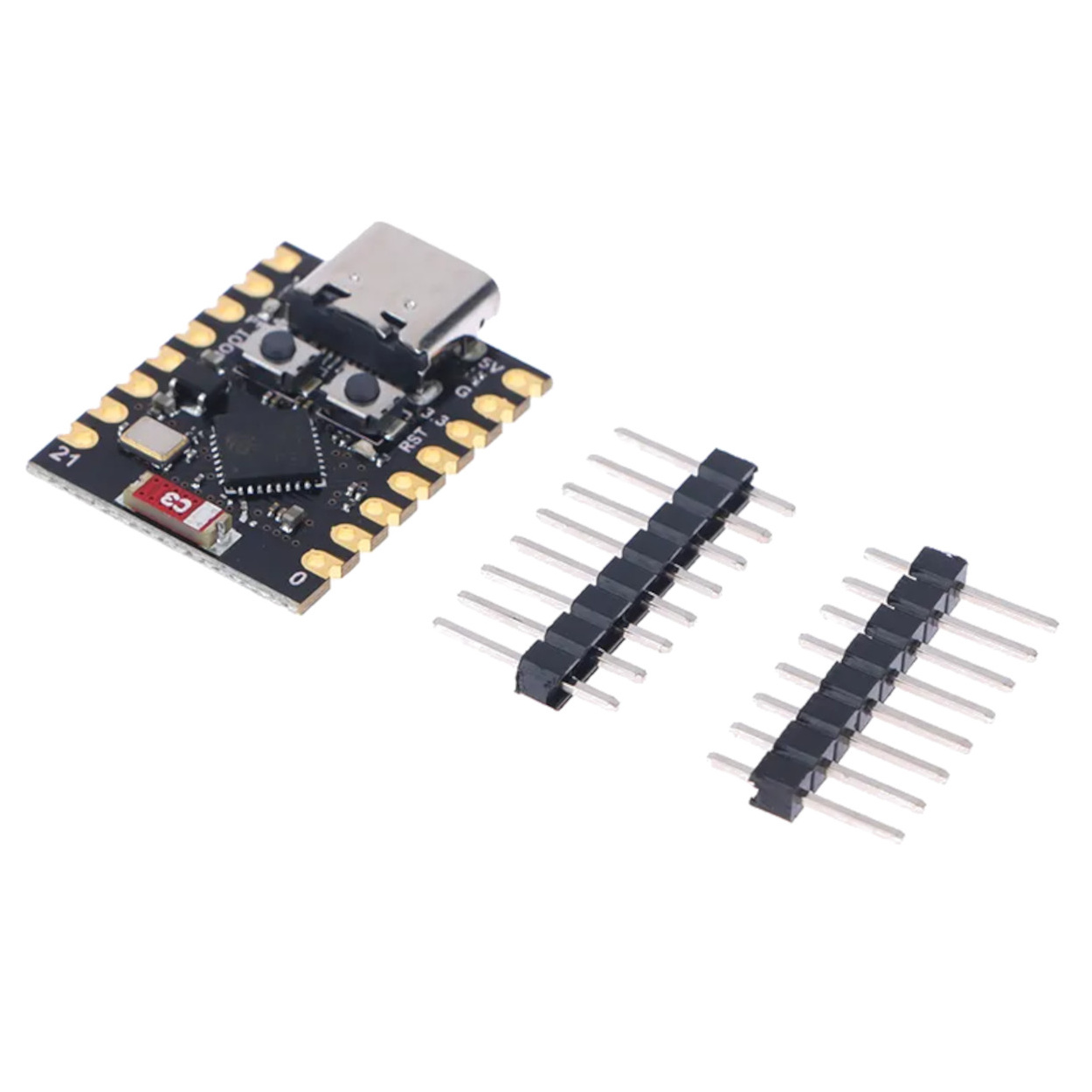
ESP32-C3 SuperMini Development Board
Ultra-compact RISC-V single-core ESP32-C3 board with WiFi and Bluetooth 5.0 (LE) and USB-C, ideal for space-constrained IoT builds.
₹280 + 18% GST
You may also need
Pairs well with.
Arduino Boards
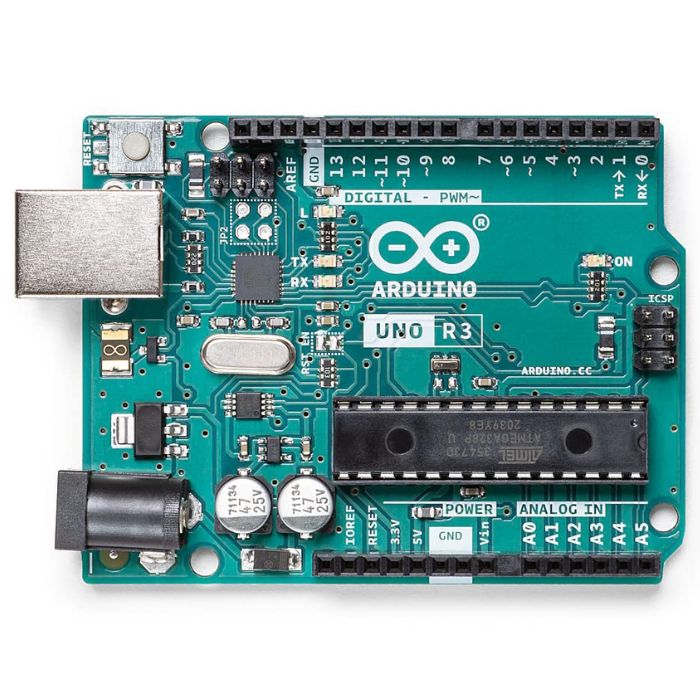
Arduino Uno R3
The classic ATmega328P 8-bit microcontroller board, a popular beginner prototyping platform with 14 digital and 6 analog I/O pins.
₹799 + 18% GST
Breadboards Jumpers
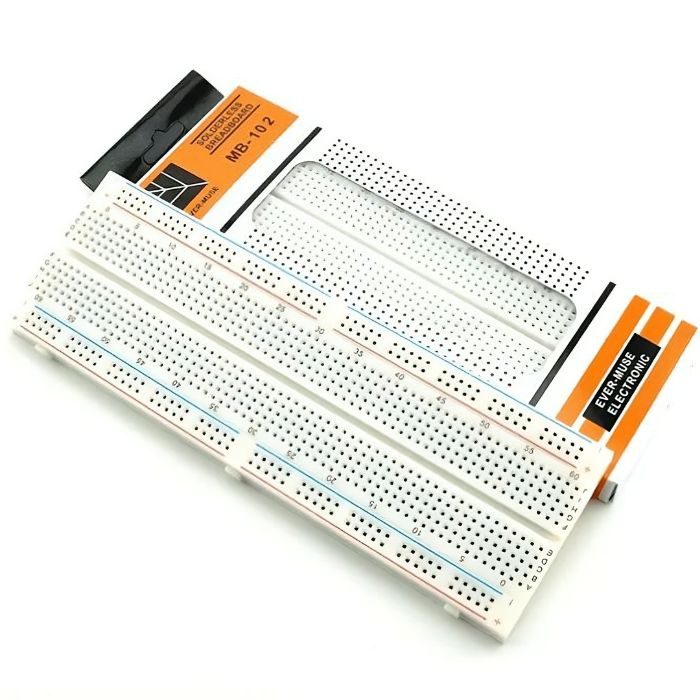
MB102 830 Points Solderless Breadboard
Full-size 830 tie-point solderless prototyping breadboard with power rails, accepts 20-29 AWG wire.
₹90 + 18% GST