ATmega328P 8-bit AVR microcontroller running at 16 MHz with a 5V logic level
In stock
Arduino Boards
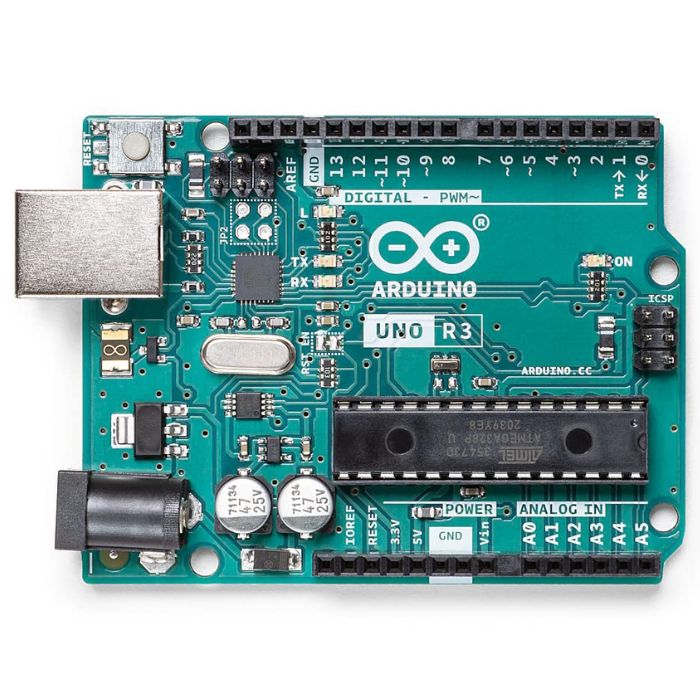
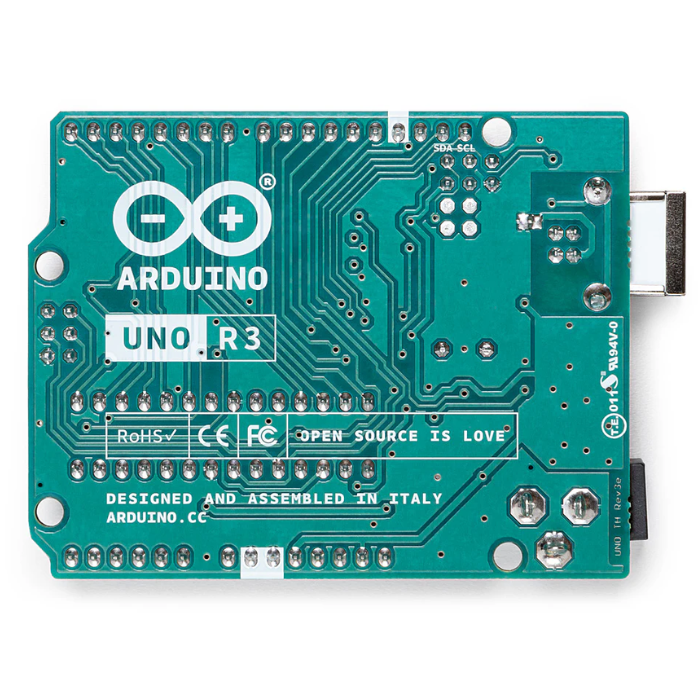
Arduino Uno R3
The classic ATmega328P 8-bit microcontroller board, a popular beginner prototyping platform with 14 digital and 6 analog I/O pins.
₹799 + 18% GST
SKU: BOTBIT-DEV-01 · Best for: Learning electronics and C/C++ embedded programming in school, college and self-study
Overview
About Arduino Uno R3.
The Arduino Uno R3 is the classic, board that launched the modern maker movement and remains the single most popular microcontroller board for learning electronics and embedded programming. Built around the 8-bit ATmega328P running at 16 MHz, it exposes 14 digital I/O pins (6 with PWM) and 6 analog inputs on a rugged, breadboard-friendly through-hole layout with the familiar Arduino shield header footprint.
It is popular in India because it is the reference board that virtually every tutorial, textbook, YouTube course and college lab is written around. The huge global community means almost any sensor, motor driver or shield you buy will already have example code and a wiring diagram tested on an Uno. The ATmega328P sits in a removable DIP socket, so if you accidentally destroy the chip you can replace just the microcontroller rather than the whole board.
For a beginner, hobbyist, student or anyone building a first prototype, the Uno R3 is the safest, most forgiving choice. It runs at 5V logic, tolerates wiring mistakes better than 3.3V boards, and is powered and programmed over a single USB-B cable.
Key features
Why it stands out.
14 digital I/O pins (of which 6 support PWM output) plus 6 analog input pins
32 KB Flash program memory (0.5 KB used by bootloader), 2 KB SRAM and 1 KB EEPROM
USB-B port for power and programming, plus a barrel jack for 7-12V external supply
ATmega328P housed in a removable DIP socket so the MCU can be swapped if damaged
Standard Arduino shield header layout compatible with thousands of add-on shields
Specifications
Selection facts.
| Microcontroller | Microchip ATmega328P (8-bit AVR) |
|---|---|
| Clock Speed | 16 MHz |
| Operating Voltage | 5V |
| Recommended Input Voltage | 7-12V (via barrel jack / VIN) |
| Digital I/O Pins | 14 (6 provide PWM output) |
| Analog Input Pins | 6 |
| DC Current per I/O Pin | 20 mA (40 mA absolute max) |
| Flash / SRAM / EEPROM | 32 KB / 2 KB / 1 KB |
| USB Connector | USB Type-B |
| Board Dimensions | 68.6 x 53.4 mm |
Applications
Where it is used.
- Learning electronics and C/C++ embedded programming in school, college and self-study
- Reading sensors (temperature, ultrasonic, light, motion) and logging or displaying data
- Driving LEDs, relays, servos and DC/stepper motors for basic robotics and automation
- Building home-automation and hobby projects controlled by buttons, IR remotes or LCDs
- Prototyping with plug-in shields such as motor drivers, Ethernet, GPS and LCD keypad shields
- College mini-projects, science exhibitions and engineering lab assignments
Buying guide
How to choose.
The Uno R3 is the right board for anyone starting out, following a beginner course, or prototyping a project where 5V logic and rock-solid tutorial support matter more than speed or connectivity. If you have never used a microcontroller before, start here.
Choose the Uno R3 over the Nano when you want the shield header and a sturdy full-size board, and over the Mega when your project needs fewer than about 20 I/O pins. If you specifically need built-in WiFi or Bluetooth or a faster 32-bit core, look at the Uno R4 WiFi instead; if you need a compact breadboard footprint, consider the Nano.
Pair it with a solderless breadboard, a set of male-to-male jumper wires, a starter component kit (LEDs, resistors, buttons, a potentiometer) and a USB-B cable. A basic multimeter is a very useful companion for debugging.
FAQ
Common questions.
Which software and language do I use to program the Uno R3?
The free Arduino IDE (available for Windows, macOS and Linux). You write in C/C++ using the Arduino libraries, select 'Arduino Uno' as the board, choose the correct COM port and click Upload. No external programmer is needed because the board has a USB bootloader.
What cable does it use and is it included?
It uses a standard USB Type-B cable (the same square connector as many printers). Whether a cable is included depends on the seller's packaging, so check the listing; the cable is inexpensive and widely available in India if you need to add one.
Can I connect 3.3V sensors and modules to the Uno?
The Uno runs at 5V logic. Many 5V-tolerant modules work directly, but sending a raw 5V signal into a 3.3V-only device (for example some SD-card or ESP modules) can damage it. Use a logic-level shifter or a resistor divider on those lines to be safe.
How many devices can I power from the board's 5V pin?
Each I/O pin is rated for 20 mA and the on-board regulator has limited headroom, so it comfortably drives LEDs and small sensors. For servos, motors or LED strips, use a separate external power supply and share a common ground with the Uno.
Is this a genuine Arduino or a compatible clone?
Both genuine Arduino-branded boards and pin-compatible clones are sold in India. This listing is for the Arduino Uno R3; check the product title and brand on the page. Either works with the same code and shields, but genuine boards support the project financially and use higher-grade components.
What is the difference between the Uno R3 and the newer Uno R4?
The R3 uses the 8-bit ATmega328P at 16 MHz with 32 KB Flash. The R4 uses a faster 32-bit Renesas Cortex-M4 core, has far more memory, adds a 12x8 LED matrix, and the WiFi variant includes WiFi and Bluetooth. The R3 remains the cheaper, simpler, best-documented choice for learning.
More in Development Boards
Related hardware.
Arduino Boards
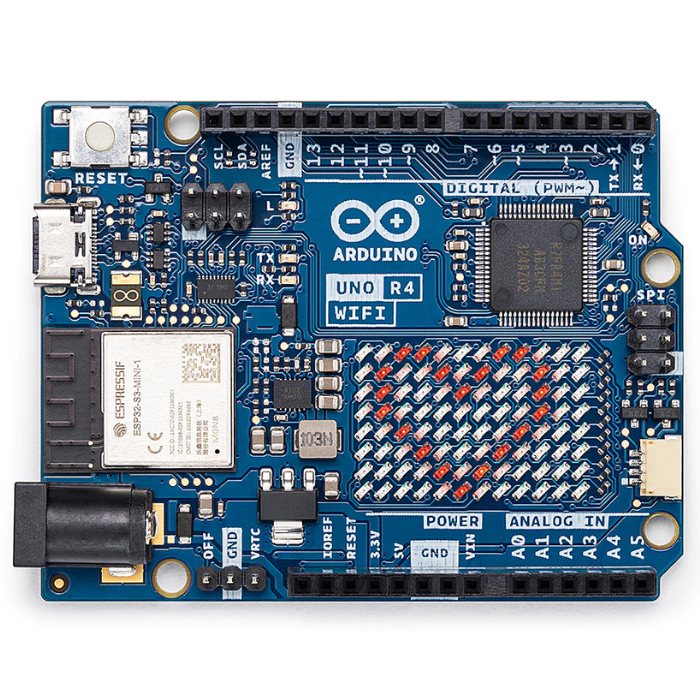
Arduino Uno R4 WiFi
Next-gen Uno with 32-bit Renesas RA4M1 Arm Cortex-M4 MCU, ESP32-S3 WiFi/Bluetooth and a built-in 12x8 LED matrix.
₹2,199 + 18% GST
Arduino Boards
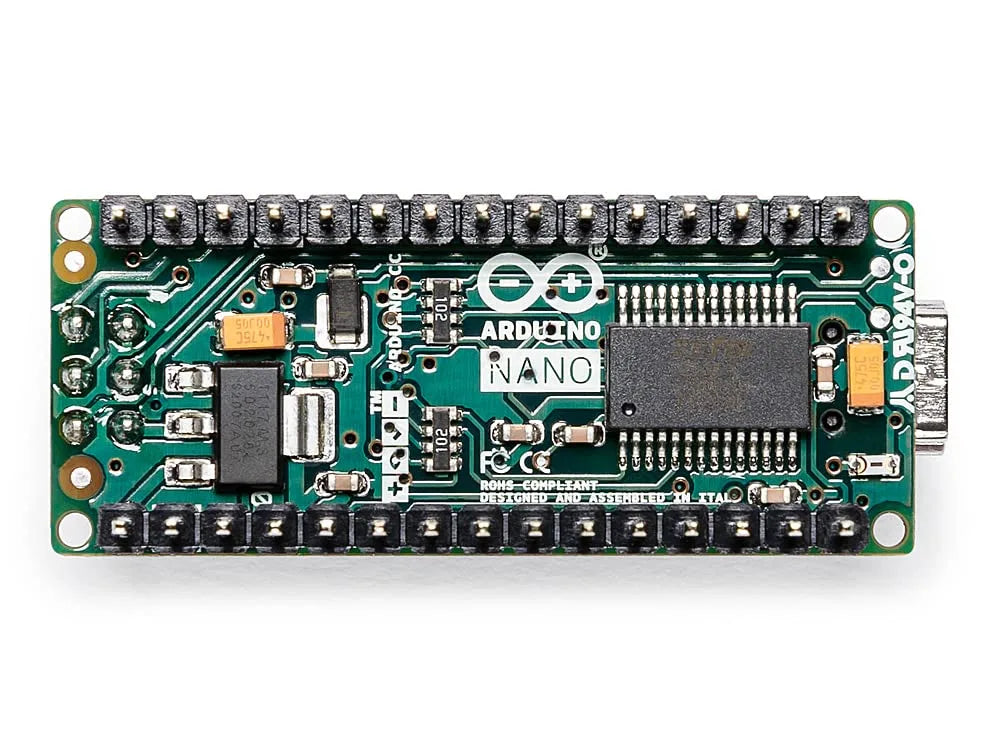
Arduino Nano
Compact breadboard-friendly ATmega328P board with the same core as the Uno in a tiny DIP-mountable form factor.
₹1,499 + 18% GST
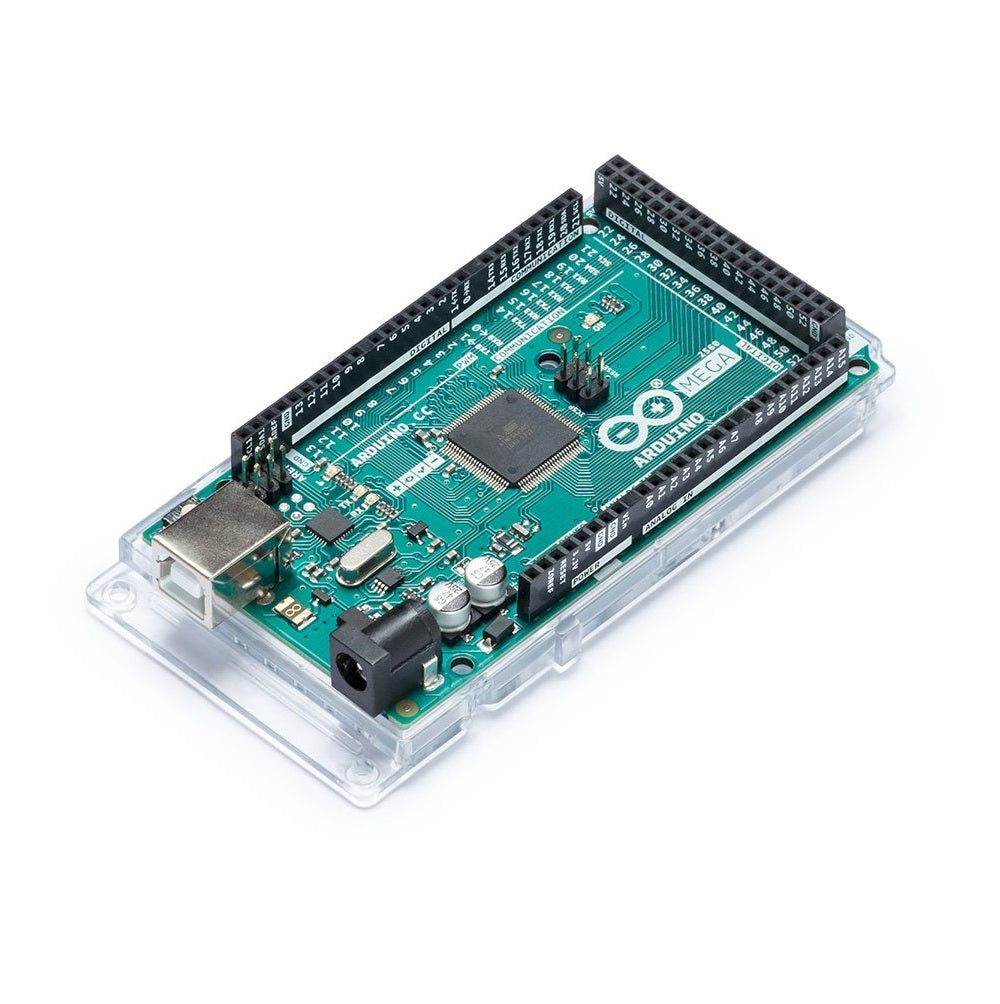
Arduino Boards
Arduino Mega 2560 R3
High-pin-count ATmega2560 board with 54 digital I/O and 16 analog inputs for larger projects needing many peripherals.
₹2,999 + 18% GST
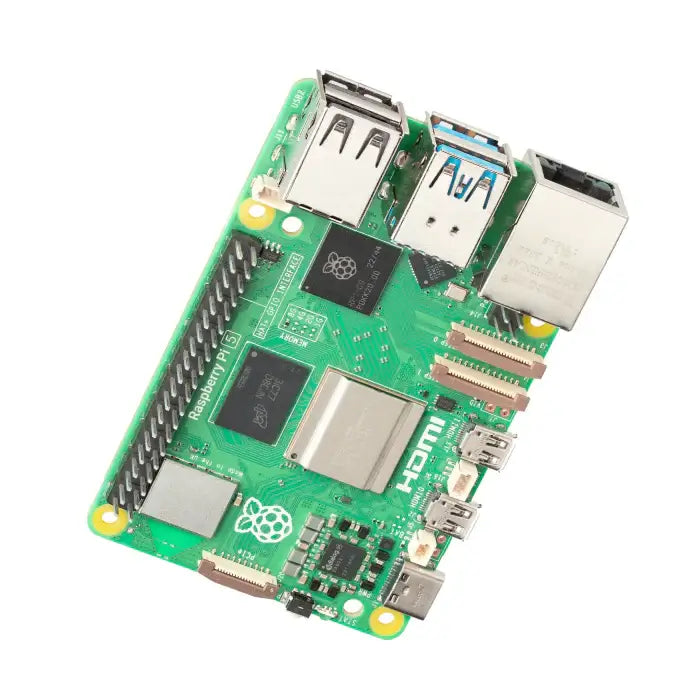
Raspberry Pi
Raspberry Pi 5 (8GB)
Flagship single-board computer with 2.4GHz quad-core Cortex-A76, 8GB RAM, PCIe and dual 4K60 HDMI output.
₹8,499 + 18% GST
You may also need
Pairs well with.
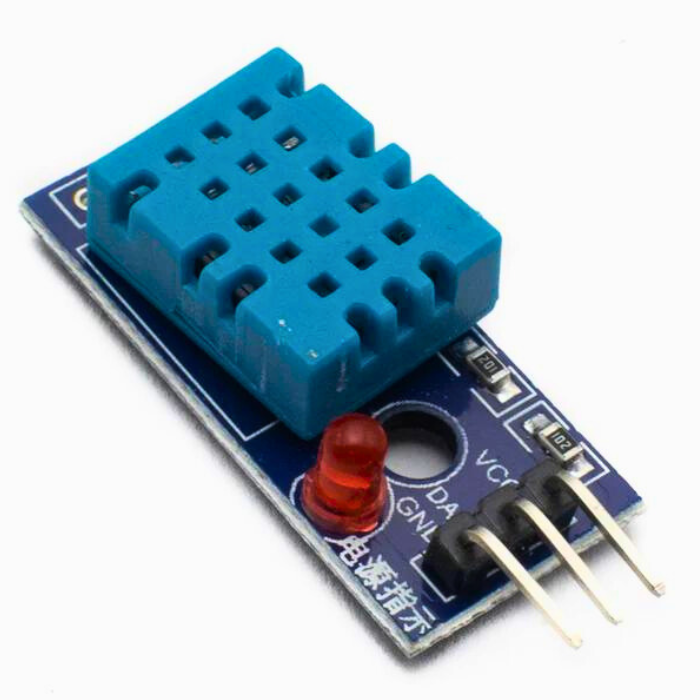
Environment
DHT11 Digital Temperature and Humidity Sensor Module
Low-cost single-wire digital temperature (0-50C) and humidity (20-90% RH) sensor, the default beginner Arduino sensor.
₹60 + 18% GST
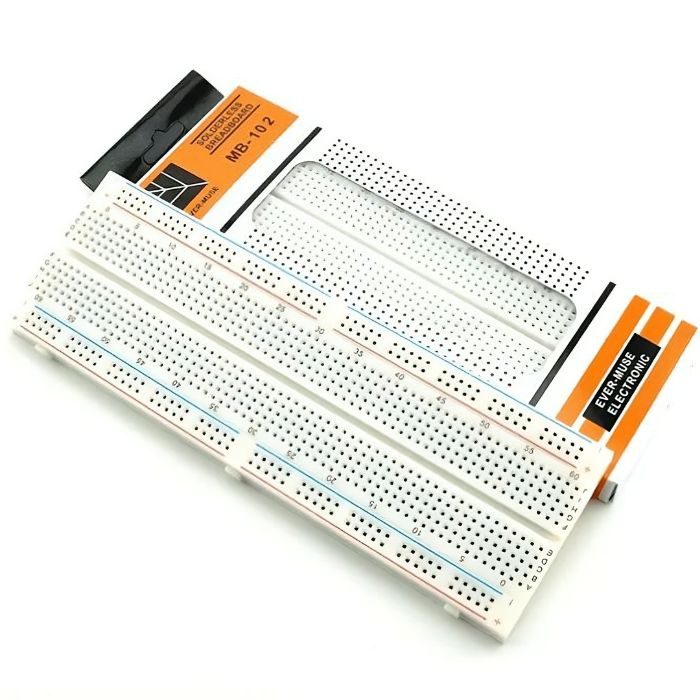
Breadboards Jumpers
MB102 830 Points Solderless Breadboard
Full-size 830 tie-point solderless prototyping breadboard with power rails, accepts 20-29 AWG wire.
₹90 + 18% GST