2.4 inch smart HMI TFT with 320x240 resolution and resistive touch
In stock
Touch Hmi
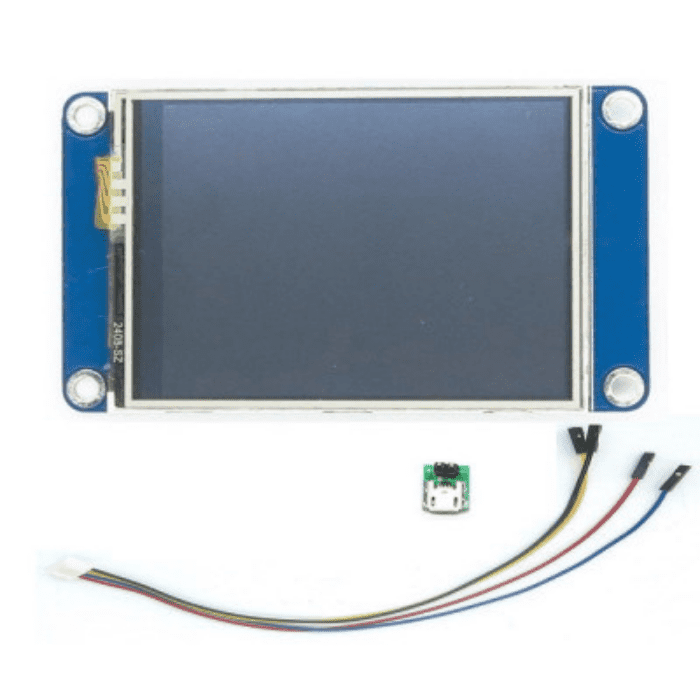
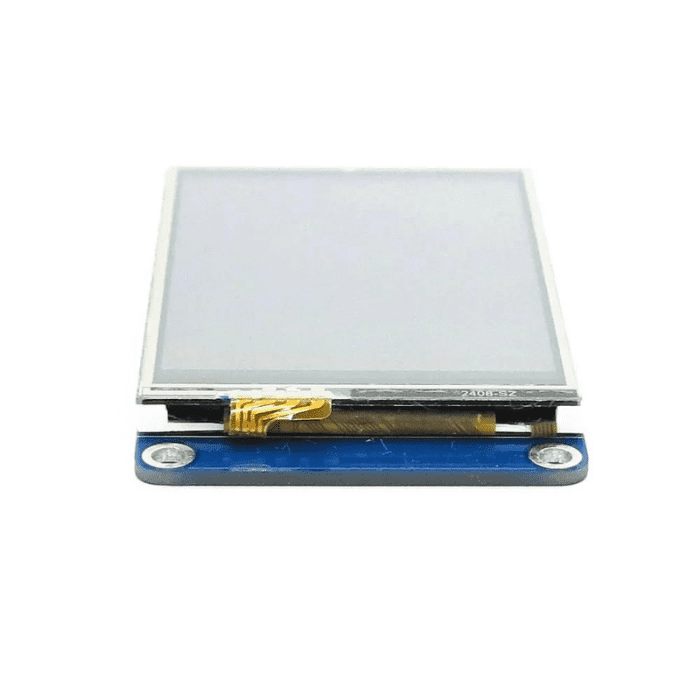
Nextion Basic 2.4 inch HMI Touch Display NX3224T024
2.4" 320x240 resistive-touch smart HMI with onboard processor and flash; UI built in Nextion Editor, driven over UART.
₹3,000 + 18% GST
SKU: BOTBIT-DSP-13 · Best for: Product and appliance control panels with a professional touchscreen UI
Overview
About Nextion Basic 2.4 inch HMI Touch Display NX3224T024.
The Nextion Basic NX3224T024 is a 2.4 inch 320x240 resistive-touch smart HMI display that shifts the hard work of building a user interface off your main microcontroller. It carries its own onboard processor and flash memory, so the display itself runs the UI you design and talks to your host board over a simple two-wire UART link.
You build the interface visually in the free Nextion Editor on a PC, dragging buttons, sliders, text, gauges and images onto pages, then compile and upload it to the display. Your Arduino, ESP32, STM32 or Raspberry Pi then just sends and receives short serial commands to update values and read touches, dramatically simplifying your firmware.
This approach makes the Nextion a favourite for professional-looking control panels, appliances and instrument front-ends where you want a polished touchscreen without writing low-level graphics code. As a genuine Nextion Basic-series product, the NX3224T024 is well documented and widely used in Indian product and hobby projects at around Rs 3000.
Key features
Why it stands out.
Onboard processor and flash memory run the UI independently of your microcontroller
UI designed visually in the free Nextion Editor (buttons, text, sliders, gauges, images)
Simple UART (serial) interface to any host: Arduino, ESP32, STM32, Raspberry Pi
Offloads graphics work from the host MCU, keeping host firmware lightweight
Onboard flash stores pages, fonts and images for the interface
Specifications
Selection facts.
| Model | NX3224T024 (Nextion Basic) |
|---|---|
| Display size | 2.4 inch diagonal |
| Resolution | 320 x 240 pixels |
| Touch type | Resistive touch |
| Onboard controller | Integrated processor with flash memory |
| Interface | UART / TTL serial (TX, RX, 5V, GND) |
| Operating voltage | 5V |
| Design software | Nextion Editor (free) |
| Series | Nextion Basic (T series) |
Applications
Where it is used.
- Product and appliance control panels with a professional touchscreen UI
- Instrument and machine front-ends showing gauges, values and buttons
- Home-automation and IoT control interfaces over serial
- PLC-style and industrial-style HMIs for hobby and prototype builds
- Menu-driven devices where the host MCU has limited resources
- 3D printer, CNC and equipment status and control displays
Buying guide
How to choose.
Choose the Nextion NX3224T024 when you want a polished touch interface with the least possible firmware effort on your main board. Because the display runs the UI itself and communicates over UART, even a modest Arduino can drive a rich touchscreen by sending short serial commands. This is a different philosophy from a raw TFT like the ILI9341 (BOTBIT-DSP-09), where your MCU does all the drawing.
It pairs with any host that has a UART: Arduino, ESP32, STM32, Raspberry Pi and more. You design the interface once in the free Nextion Editor, upload it to the display (via serial or microSD depending on setup), and then handle only data exchange in your host code.
Pick this Basic-series model when you need a straightforward, reliable HMI and do not require the extended GPIO or advanced features of higher Nextion series. Budget a little extra time to learn the Nextion Editor, which pays off quickly in cleaner projects.
FAQ
Common questions.
How does the Nextion connect to my microcontroller?
It connects over a simple UART serial link using just four wires: 5V, GND, TX and RX. Your host sends and receives short text commands to update the display and read touch events, so wiring and code stay minimal.
How do I design the interface?
You use the free Nextion Editor on a Windows PC. You visually place buttons, text, sliders, gauges and images across pages, then compile and upload the project to the display's onboard flash, either over serial or via a microSD card.
Which host boards are compatible?
Any board with a UART works: Arduino UNO/Nano/Mega, ESP32, ESP8266, STM32 and Raspberry Pi. Libraries and examples exist for Arduino and others, but at its core you just exchange serial commands.
Is the touch resistive or capacitive?
The NX3224T024 Basic model uses a resistive touch panel, which responds to pressure from a fingertip or stylus and registers a single touch point at a time.
Does it need my Arduino to draw the graphics?
No. That is the key advantage. The Nextion's onboard processor runs the UI itself, so your microcontroller only sends data and commands over serial. This keeps host firmware simple and frees up its resources.
What is in the box?
You receive the Nextion NX3224T024 Basic 2.4 inch HMI display. A connecting cable is commonly included; a host microcontroller and power supply are not. You will also need a PC to run the free Nextion Editor.
More in Displays & HMI
Related hardware.
Touch Hmi
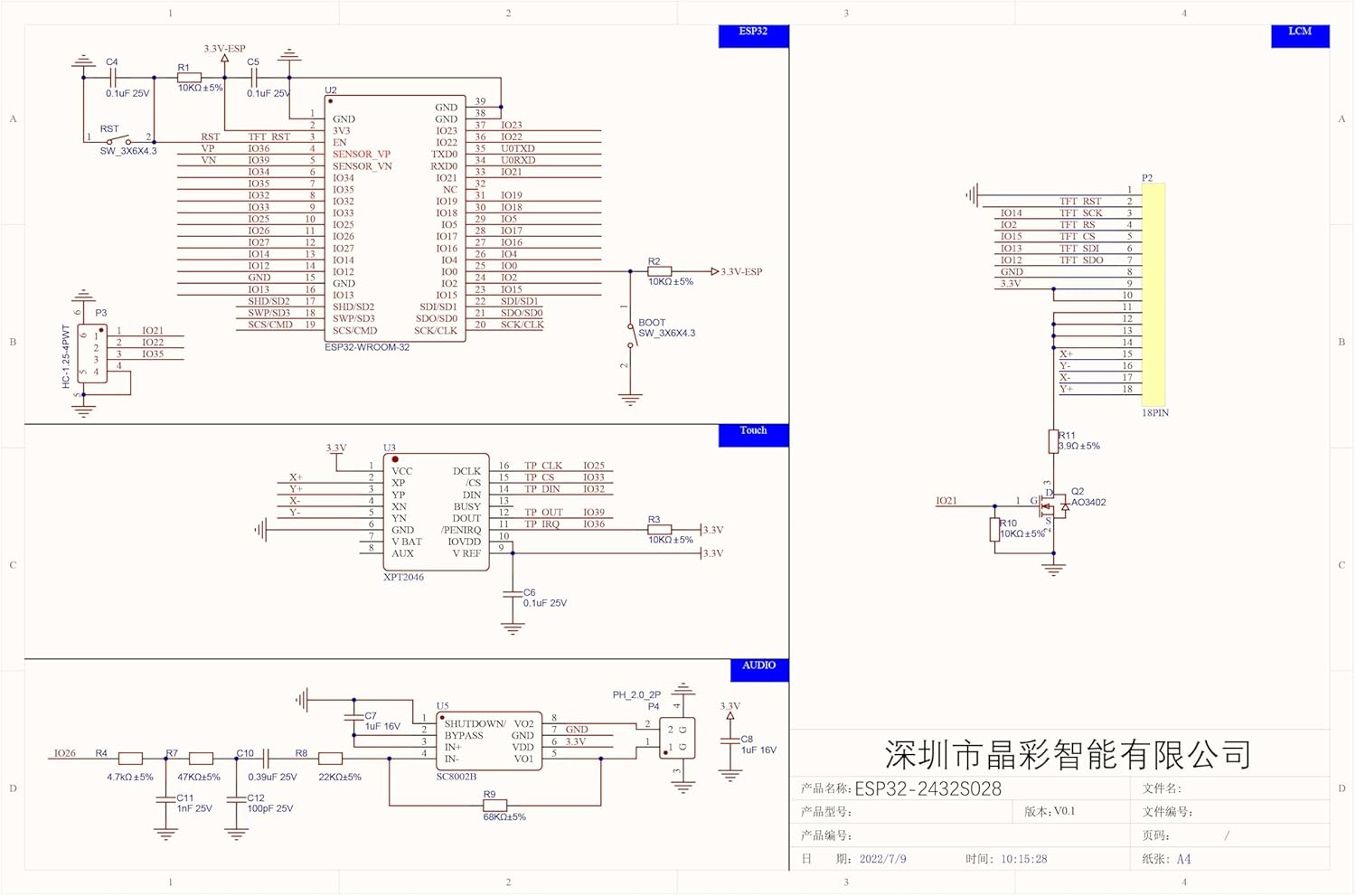
ESP32-2432S028R Yellow Display (CYD) 2.8 inch Touch
All-in-one ESP32 board with 2.8" 240x320 ILI9341 resistive-touch TFT, WiFi/BT and microSD; the trending 'CYD' HMI board.
₹1,600 + 18% GST
Oled
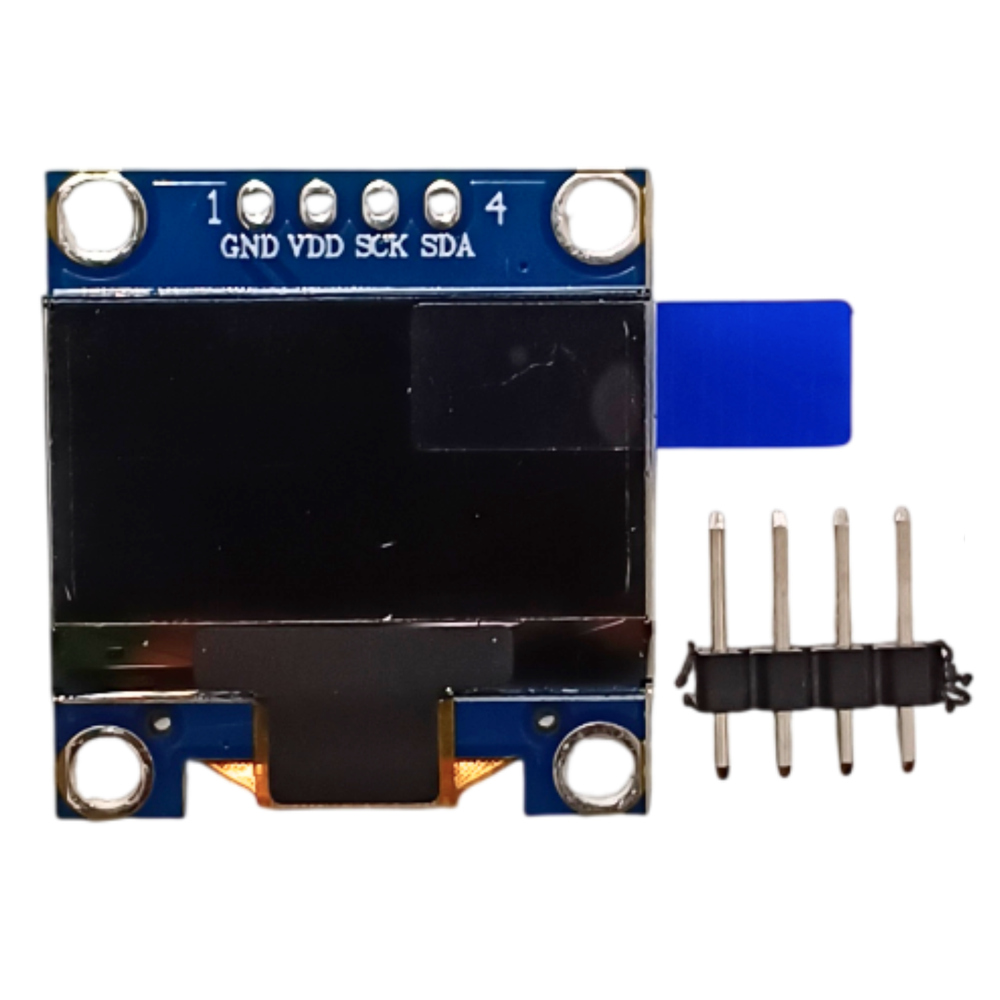
0.96 inch OLED Display Module 128x64 SSD1306 (I2C)
Monochrome 0.96" 128x64 OLED with SSD1306 driver, I2C 4-pin interface; the default display for Arduino/ESP32 projects.
₹175 + 18% GST
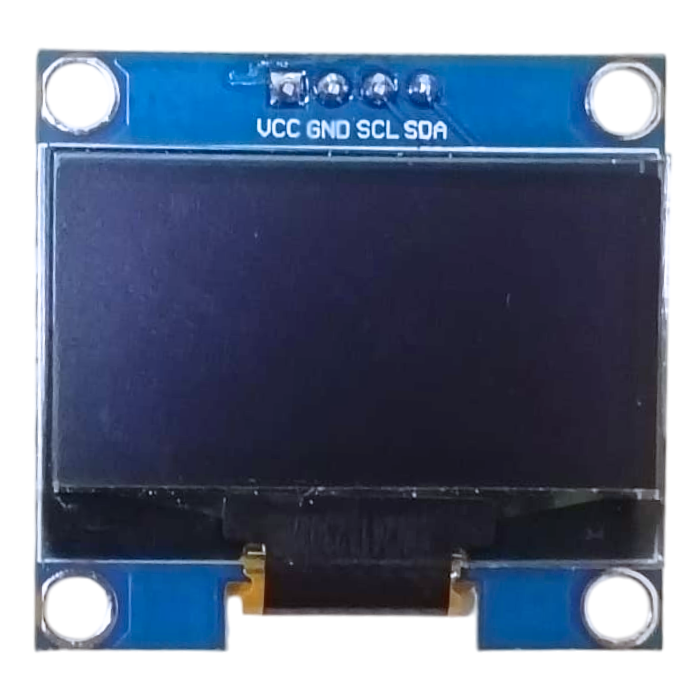
Oled
1.3 inch OLED Display Module 128x64 SH1106 (I2C)
Larger 1.3" 128x64 monochrome OLED using the SH1106 controller with I2C interface; brighter, roomier alternative to the 0.96".
₹320 + 18% GST
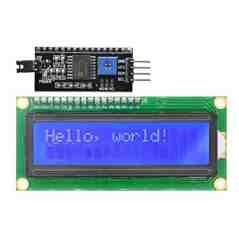
Lcd Character
16x2 LCD Display Module with I2C Interface (1602)
Classic 16x2 character LCD (HD44780) with soldered I2C backpack; needs only SDA/SCL, a common maker-store part.
₹160 + 18% GST
You may also need
Pairs well with.
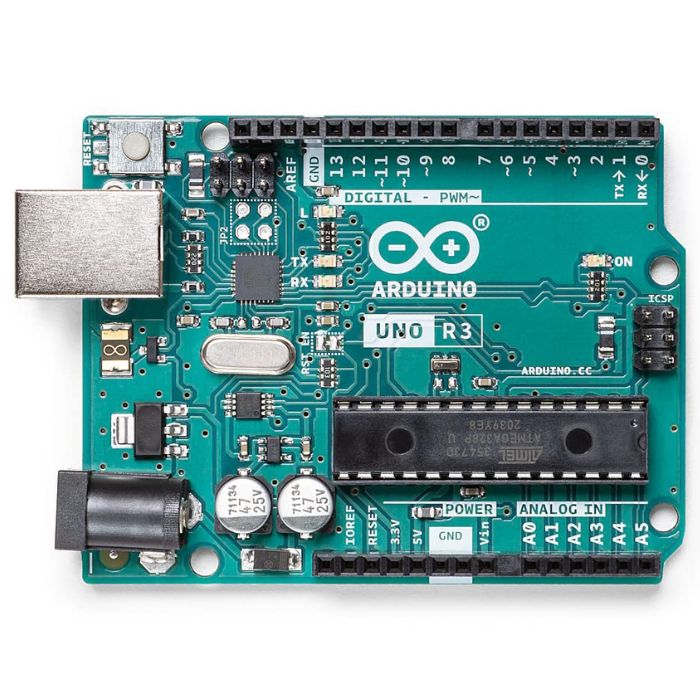
Arduino Boards
Arduino Uno R3
The classic ATmega328P 8-bit microcontroller board, a popular beginner prototyping platform with 14 digital and 6 analog I/O pins.
₹799 + 18% GST
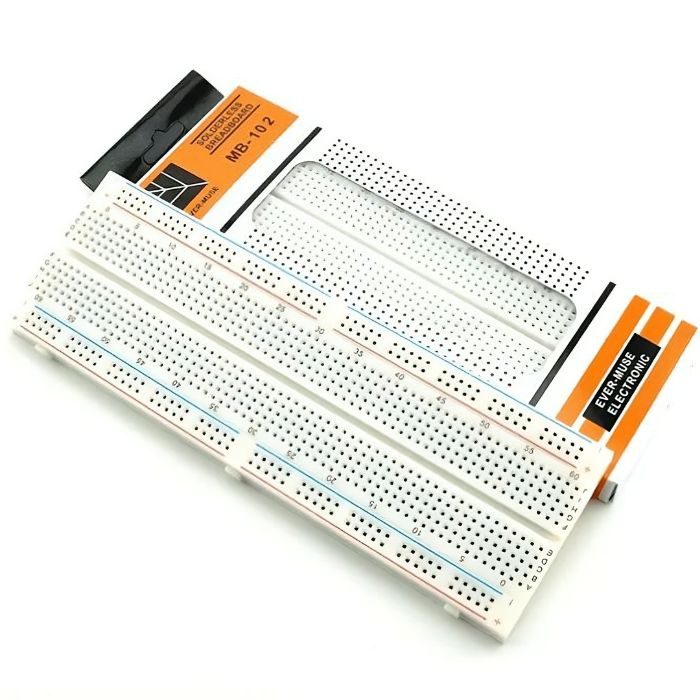
Breadboards Jumpers
MB102 830 Points Solderless Breadboard
Full-size 830 tie-point solderless prototyping breadboard with power rails, accepts 20-29 AWG wire.
₹90 + 18% GST