128x64 pixel monochrome OLED with self-emitting pixels for high contrast and deep blacks
In stock
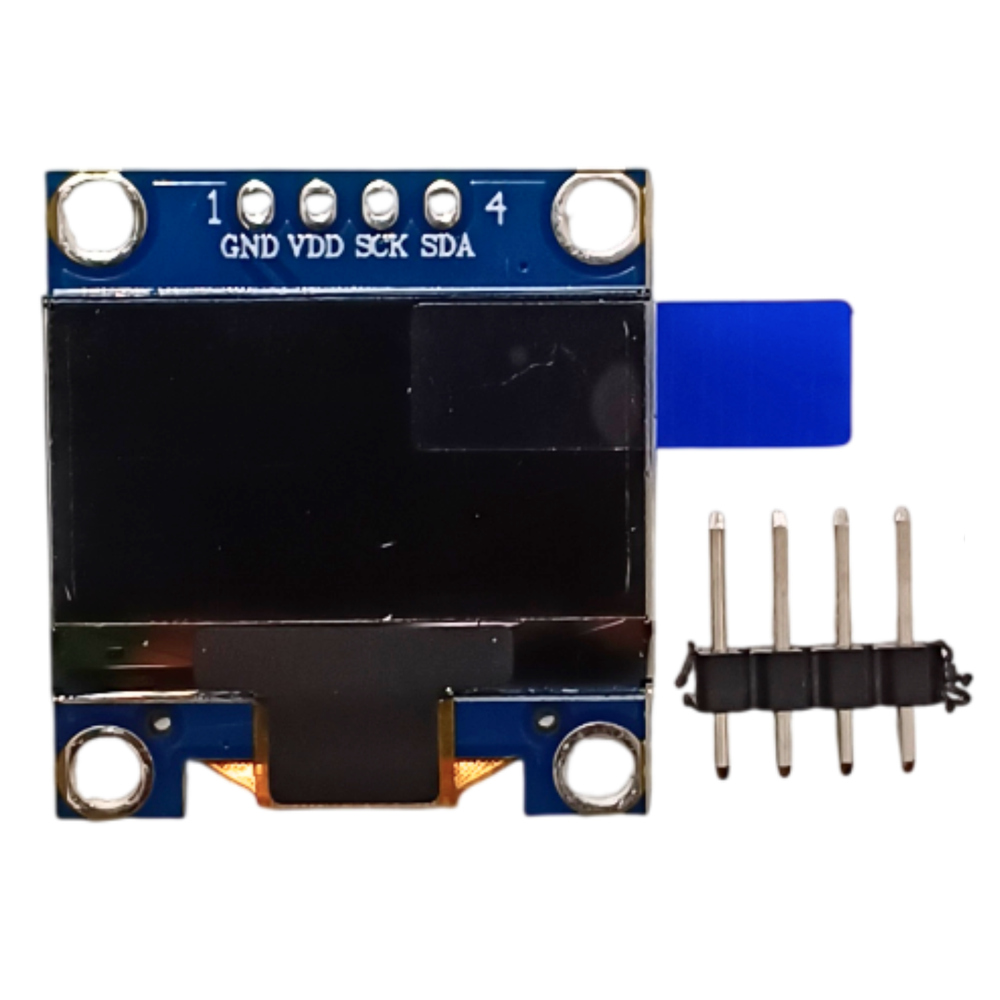
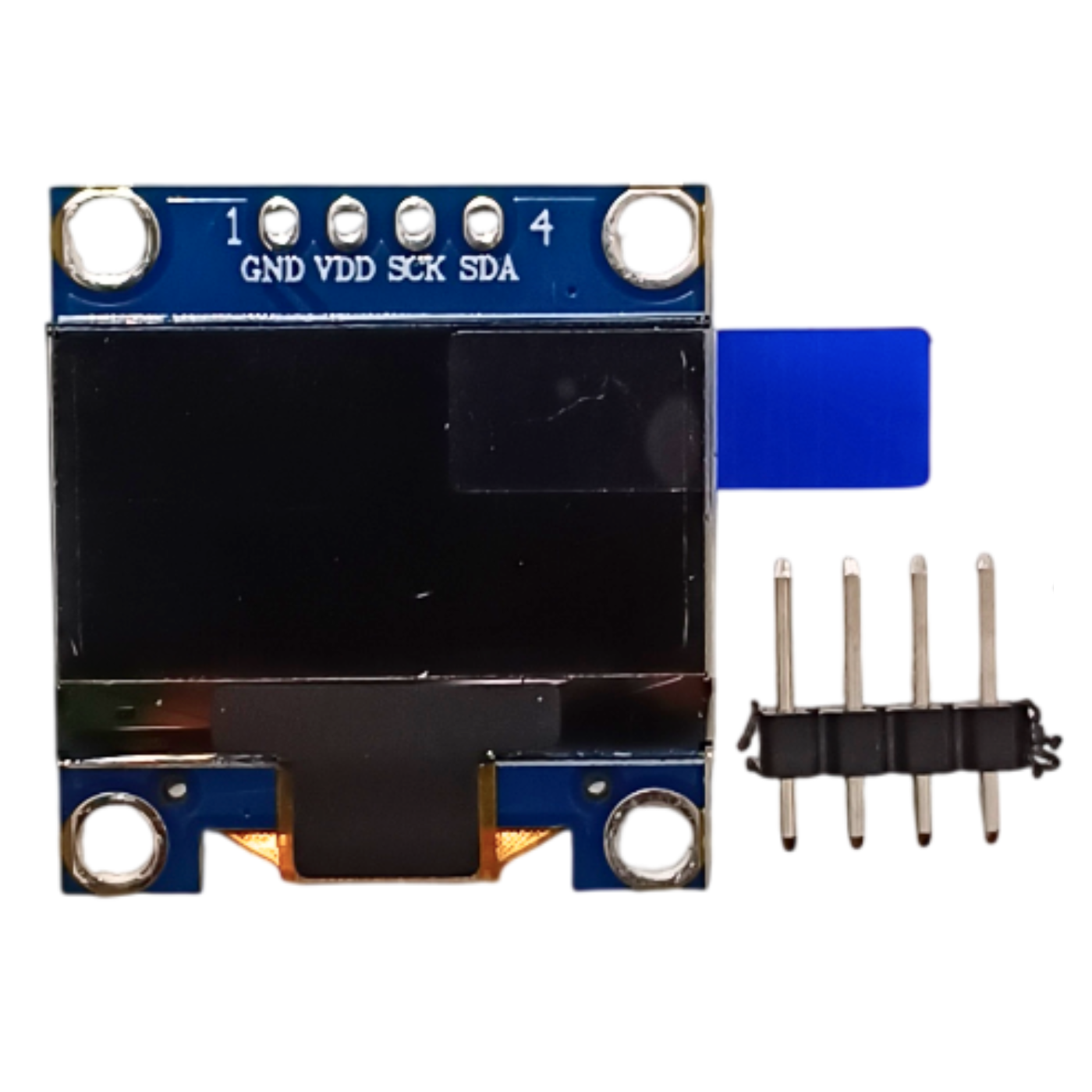
Oled
0.96 inch OLED Display Module 128x64 SSD1306 (I2C)
Monochrome 0.96" 128x64 OLED with SSD1306 driver, I2C 4-pin interface; the default display for Arduino/ESP32 projects.
₹175 + 18% GST
SKU: BOTBIT-DSP-01 · Best for: Sensor readout dashboards (temperature, humidity, pressure) with DHT/BME280 sensors
Overview
About 0.96 inch OLED Display Module 128x64 SSD1306 (I2C).
The 0.96 inch OLED Display Module is the single most popular small display in the maker world, and for good reason. It packs a 128x64 pixel monochrome OLED panel driven by the SSD1306 controller onto a tiny PCB with a simple 4-pin I2C interface (GND, VCC, SCL, SDA). Because OLED pixels emit their own light, the display shows crisp white (or blue/yellow depending on the panel variant) text and graphics on a true black background with no backlight and excellent contrast, even in dim rooms.
It is the default display for Arduino, ESP8266, ESP32 and Raspberry Pi Pico projects across India because it is cheap, sips power, and only needs two signal wires. Sensor dashboards, battery voltmeters, clocks, weather stations and tiny game consoles are commonly built around this exact panel. The Adafruit SSD1306 and U8g2 libraries support it out of the box, so getting text on screen takes only a few lines of code.
At roughly Rs 175 it is an easy add-on for any beginner or hobby project. The wide 3.3V to 5V supply range means you can wire it directly to both 5V Arduino boards and 3.3V ESP32/Pico boards without a level shifter.
Key features
Why it stands out.
SSD1306 driver IC with 4-pin I2C interface (VCC, GND, SCL, SDA) - only two signal wires needed
Wide 3.3V-5V operating voltage works directly with Arduino, ESP32, ESP8266 and Raspberry Pi Pico
No backlight required; very low power draw, ideal for battery projects
Supported by Adafruit_SSD1306, U8g2 and Adafruit_GFX libraries for text, graphics and bitmaps
Compact 27x27mm PCB (0.96 inch diagonal active area) fits easily on breadboards and enclosures
Specifications
Selection facts.
| Panel type | Monochrome OLED (passive matrix) |
|---|---|
| Resolution | 128 x 64 pixels |
| Diagonal size | 0.96 inch |
| Driver IC | SSD1306 |
| Interface | I2C (4-pin: VCC, GND, SCL, SDA) |
| Default I2C address | 0x3C (some boards 0x3D) |
| Operating voltage | 3.3V - 5V DC |
| Module dimensions | Approx. 27 x 27 mm |
| Viewing angle | >160 degrees |
| Common colours | White, blue, or two-colour yellow/blue variants |
Applications
Where it is used.
- Sensor readout dashboards (temperature, humidity, pressure) with DHT/BME280 sensors
- Battery voltage and current monitors for power banks and DIY supplies
- Digital clocks and alarm displays using DS3231/RTC modules
- Wearables and small handheld gadgets where power and size matter
- Menu and status screens for ESP32/ESP8266 IoT devices
- Tiny games and animation demos on Arduino/Pico
Buying guide
How to choose.
This is the right pick if you are a beginner or building a compact project that needs a small, sharp, low-power text/graphics display and you can drive it over I2C. If you want a physically larger screen with the same resolution, step up to the 1.3 inch SH1106 module instead.
Note the I2C address before buying: most 0.96 inch boards use 0x3C, but a few use 0x3D. If you plan to run this alongside other I2C sensors, that is fine since I2C is a shared bus. For 5V Arduino Uno/Nano and 3.3V ESP32/Pico boards you can connect it directly with no level shifter.
Pair it with an ESP32 or Arduino Nano and the U8g2 library for the smoothest experience. Buy the two-colour (yellow top / blue bottom) variant only if you specifically want a header row highlight - the pixel layout is fixed on those panels.
FAQ
Common questions.
Is this a 4-pin I2C or 7-pin SPI module?
This is the 4-pin I2C version (VCC, GND, SCL, SDA). It is the most common variant and only needs two signal wires. If you specifically need SPI, that is a different 7-pin board.
Which library should I use with Arduino?
Use the Adafruit SSD1306 library together with Adafruit GFX, or the U8g2 library. Both are free in the Arduino Library Manager. The SSD1306 driver is fully supported.
Does it work with ESP32 and Raspberry Pi Pico at 3.3V?
Yes. It operates from 3.3V to 5V, so you can wire VCC directly to the 3.3V pin of an ESP32, ESP8266 or Pico, or to 5V on an Arduino Uno/Nano, with no level shifter needed.
What is the I2C address?
Most modules use 0x3C. A small number use 0x3D. If your sketch does not display anything, run an I2C scanner sketch to confirm the address.
Can I show images and custom fonts?
Yes. With Adafruit GFX or U8g2 you can draw text in multiple fonts, shapes, and monochrome bitmaps up to the full 128x64 resolution.
What comes in the box?
You receive the OLED display module itself with the 4-pin header pre-soldered (or as a strip on some batches). Jumper wires and boards are not included.
More in Displays & HMI
Related hardware.
Oled
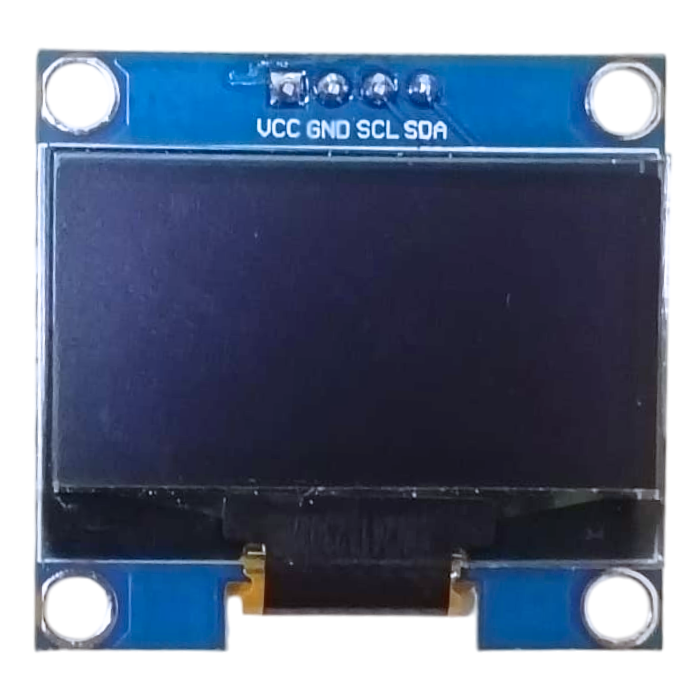
1.3 inch OLED Display Module 128x64 SH1106 (I2C)
Larger 1.3" 128x64 monochrome OLED using the SH1106 controller with I2C interface; brighter, roomier alternative to the 0.96".
₹320 + 18% GST
Lcd Character
16x2 LCD Display Module with I2C Interface (1602)
Classic 16x2 character LCD (HD44780) with soldered I2C backpack; needs only SDA/SCL, a common maker-store part.
₹160 + 18% GST
Lcd Character
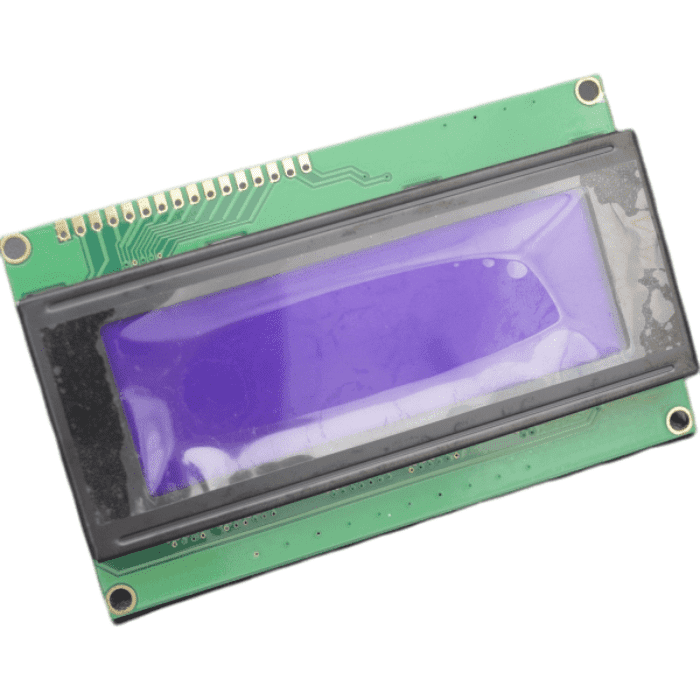
20x4 LCD Display Module 2004 with I2C Interface
20-column, 4-row character LCD with I2C adapter; roomier text display for menus, meters and clocks.
₹270 + 18% GST
Led Matrix
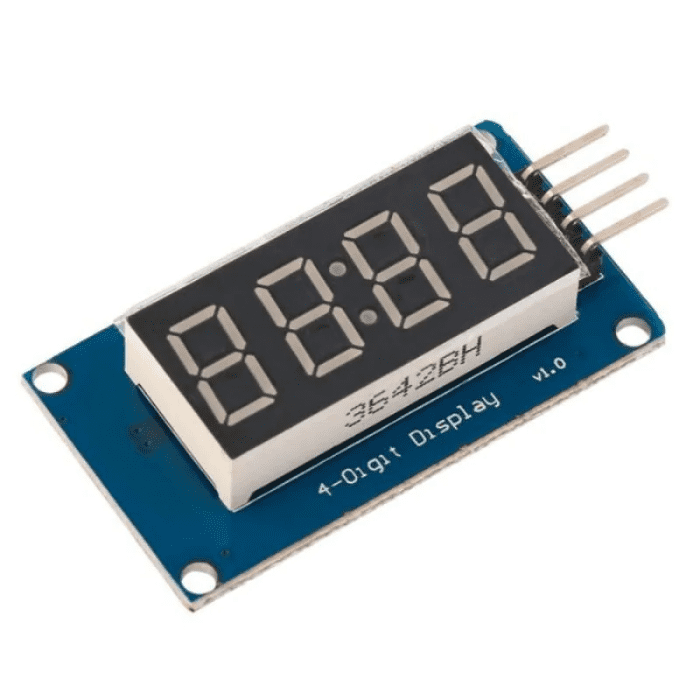
TM1637 4-Digit 7-Segment LED Display Module
Compact 4-digit 7-segment red LED display with clock colon, driven by TM1637 over a simple 2-wire interface.
₹99 + 18% GST
You may also need
Pairs well with.
Arduino Boards
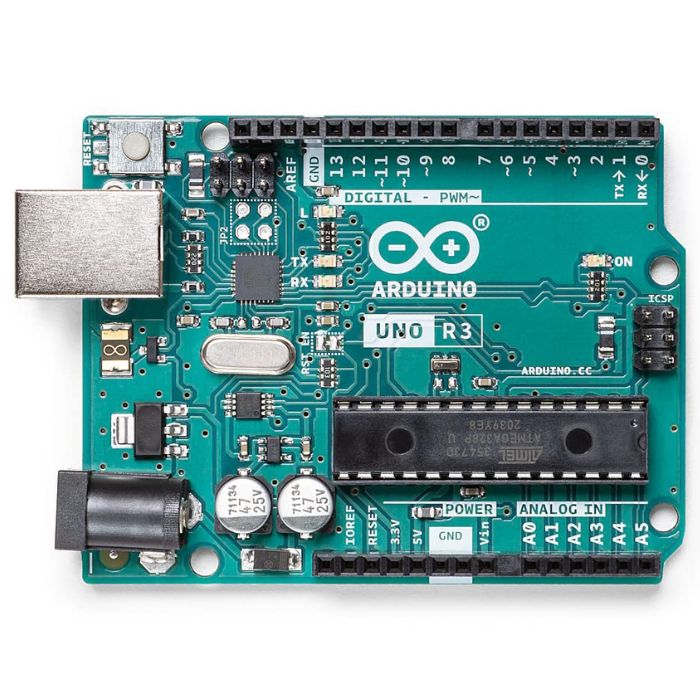
Arduino Uno R3
The classic ATmega328P 8-bit microcontroller board, a popular beginner prototyping platform with 14 digital and 6 analog I/O pins.
₹799 + 18% GST
Breadboards Jumpers
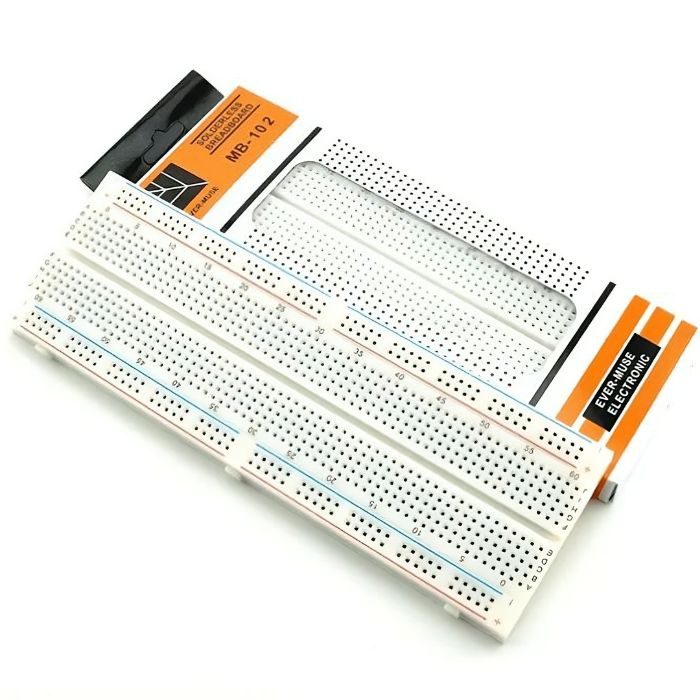
MB102 830 Points Solderless Breadboard
Full-size 830 tie-point solderless prototyping breadboard with power rails, accepts 20-29 AWG wire.
₹90 + 18% GST