16 characters x 2 lines HD44780-compatible character LCD
In stock
Lcd Character
16x2 LCD Display Module with I2C Interface (1602)
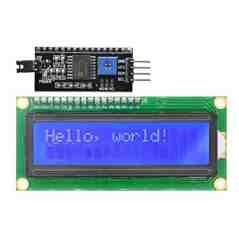
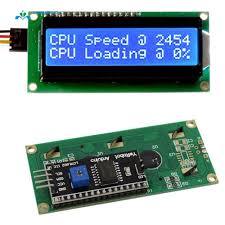
Classic 16x2 character LCD (HD44780) with soldered I2C backpack; needs only SDA/SCL, a common maker-store part.
₹160 + 18% GST
SKU: BOTBIT-DSP-03 · Best for: Sensor value readouts (temperature, humidity, pH, distance) on two lines
Overview
About 16x2 LCD Display Module with I2C Interface (1602).
The 16x2 LCD Display Module with I2C interface is the classic two-line, sixteen-character LCD that has been a maker staple for decades, now made effortless with a soldered-on I2C backpack. The display itself is a standard HD44780-compatible character LCD, and the small piggyback board (built around a PCF8574 I2C expander) means you drive all 16 pins over just two signal wires - SDA and SCL - instead of the usual tangle of parallel wiring.
It shows 2 rows of 16 characters and includes an LED backlight plus a contrast trimmer potentiometer on the backpack. This exact combination is a bestseller in Indian maker shops because it turns a fiddly parallel LCD into a plug-and-two-wire part that any Arduino, ESP32 or Raspberry Pi can drive with the LiquidCrystal_I2C library.
At roughly Rs 160 it is the default text display for anything that needs clear, readable characters rather than graphics - meters, counters, menus and readouts. The blue-backlight-with-white-text version is the most common, though yellow-green variants exist.
Key features
Why it stands out.
Soldered I2C backpack (PCF8574) - drive with only SDA and SCL, freeing your GPIO pins
LED backlight with a jumper to switch it on/off and a contrast trimmer potentiometer
Runs on 5V; works with Arduino, ESP32, ESP8266 and Raspberry Pi via LiquidCrystal_I2C
Supports custom characters (up to 8 user-defined 5x8 glyphs)
Chainable on the I2C bus alongside sensors and other I2C peripherals
Specifications
Selection facts.
| Display type | Character LCD (HD44780 compatible) |
|---|---|
| Characters | 16 columns x 2 rows |
| Character format | 5x8 dots per character |
| Interface | I2C via PCF8574 backpack (SDA, SCL, VCC, GND) |
| Default I2C address | 0x27 (some boards 0x3F) |
| Operating voltage | 5V DC |
| Backlight | LED (switchable via jumper), blue or yellow-green |
| Contrast | Adjustable via onboard trimmer potentiometer |
| Module dimensions | Approx. 80 x 36 mm |
Applications
Where it is used.
- Sensor value readouts (temperature, humidity, pH, distance) on two lines
- Menu and status screens for Arduino and ESP32 projects
- Counters, tachometers and simple meters
- Clocks and timers with an RTC module
- Serial monitor replacement for standalone (no-PC) devices
- Home automation and appliance control panels
Buying guide
How to choose.
Buy this when you want simple, highly readable text on two lines and you would rather not wire a parallel LCD. The I2C backpack is the whole point - it reduces the connection to power plus SDA/SCL, which is ideal when you are short on GPIO pins. If you need more text area, step up to the 20x4 version.
Check the I2C address in code: most of these boards report 0x27, but some use 0x3F. An I2C scanner sketch confirms it in seconds. The module is 5V, so on a 3.3V board like ESP32 you power VCC from 5V but the I2C lines are generally tolerant; many makers run them directly, though a level shifter is the safe choice.
Pair it with the LiquidCrystal_I2C library and adjust the blue contrast trimmer on the back until the characters are crisp. Buy jumper wires separately if you do not already have them.
FAQ
Common questions.
Do I need to solder anything?
No. The I2C backpack comes pre-soldered to the LCD, so you only connect four wires: VCC, GND, SDA and SCL.
Which library do I use?
Use the LiquidCrystal_I2C library, available free in the Arduino Library Manager. You set the I2C address, columns (16) and rows (2) when you initialise it.
What is the I2C address?
Most modules are 0x27, but some are 0x3F. Run an I2C scanner sketch first if the screen stays blank or shows only boxes.
Nothing shows or I only see black boxes - what is wrong?
Turn the small blue contrast trimmer on the back of the backpack. Black boxes on the top row usually mean the contrast just needs adjusting, or the I2C address is wrong.
Can I use it with an ESP32 at 3.3V?
Power the module from 5V for a bright backlight and reliable contrast. The I2C lines usually work directly, but a level shifter or logic-level backpack is the safest option for 3.3V boards.
What comes in the box?
The 16x2 LCD with the I2C backpack already soldered on. Jumper wires and the microcontroller are not included.
More in Displays & HMI
Related hardware.
Lcd Character
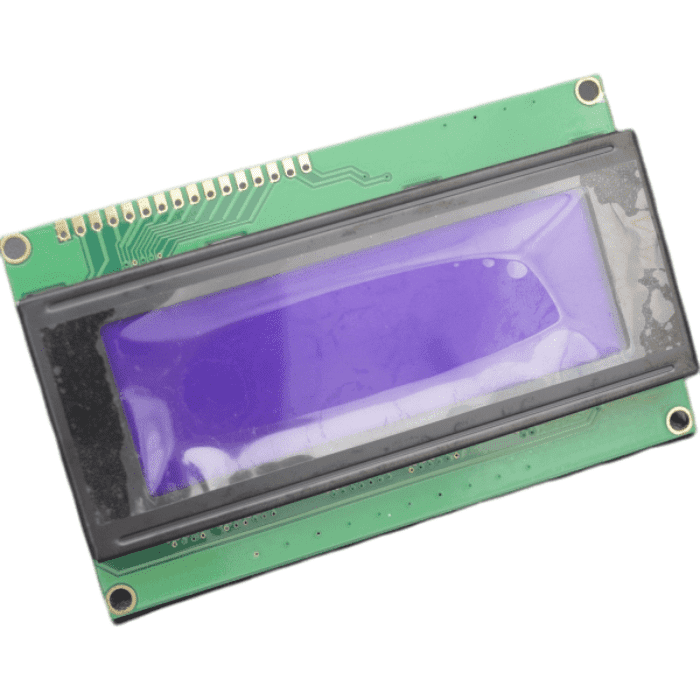
20x4 LCD Display Module 2004 with I2C Interface
20-column, 4-row character LCD with I2C adapter; roomier text display for menus, meters and clocks.
₹270 + 18% GST
Oled
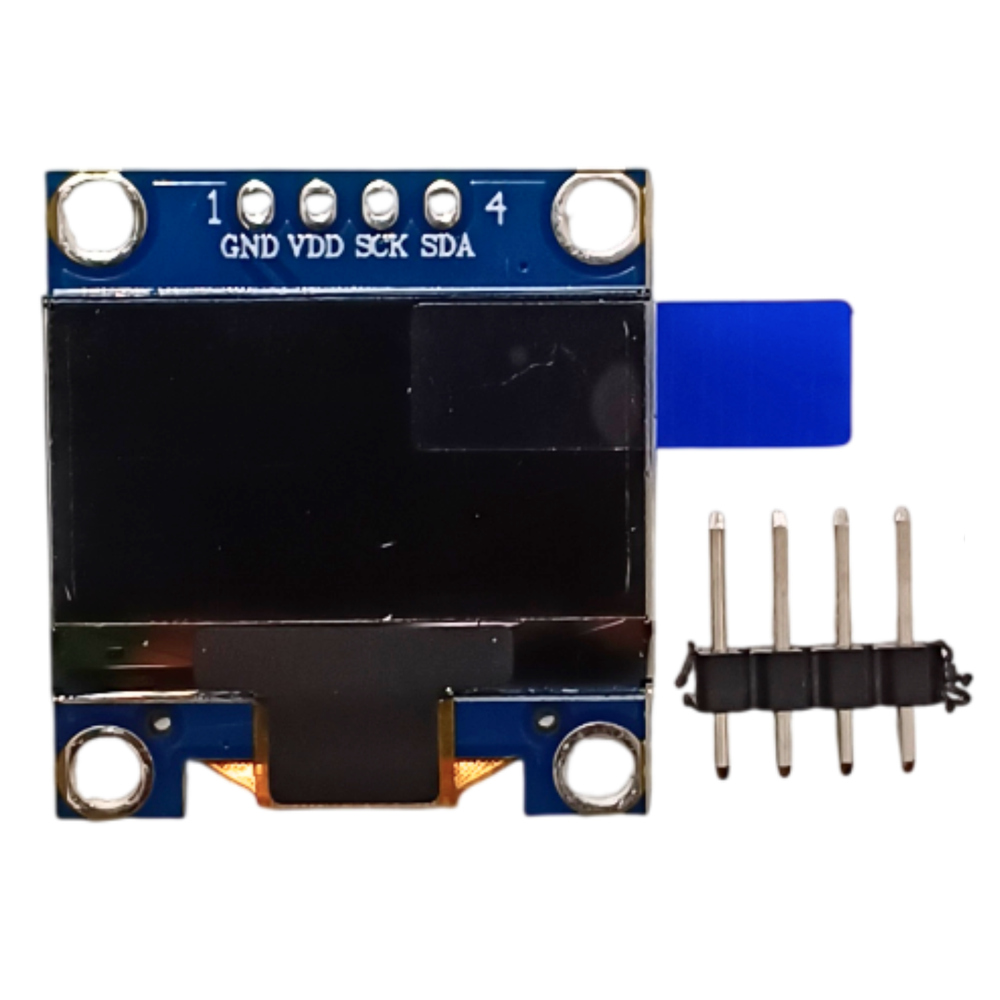
0.96 inch OLED Display Module 128x64 SSD1306 (I2C)
Monochrome 0.96" 128x64 OLED with SSD1306 driver, I2C 4-pin interface; the default display for Arduino/ESP32 projects.
₹175 + 18% GST
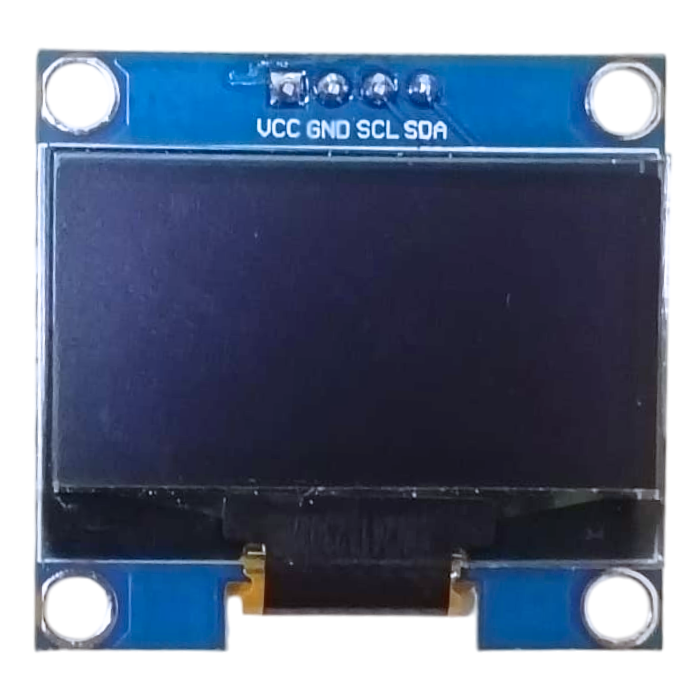
Oled
1.3 inch OLED Display Module 128x64 SH1106 (I2C)
Larger 1.3" 128x64 monochrome OLED using the SH1106 controller with I2C interface; brighter, roomier alternative to the 0.96".
₹320 + 18% GST
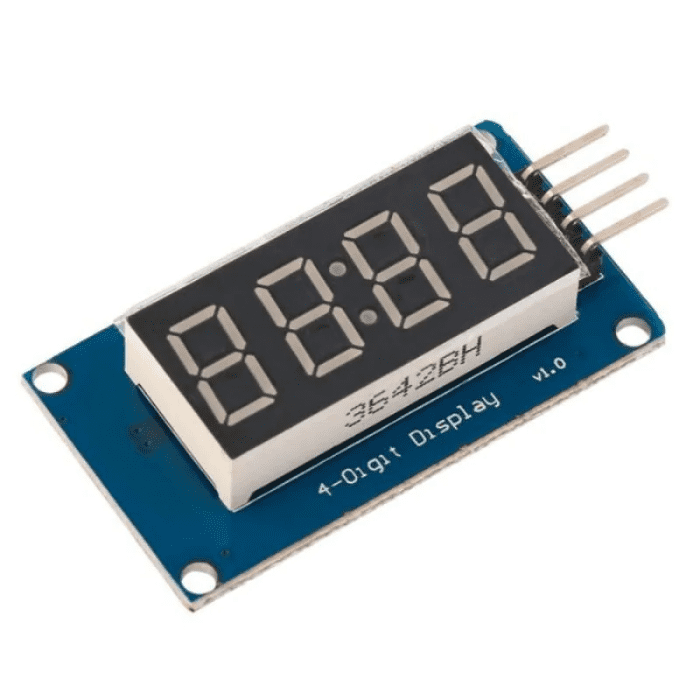
Led Matrix
TM1637 4-Digit 7-Segment LED Display Module
Compact 4-digit 7-segment red LED display with clock colon, driven by TM1637 over a simple 2-wire interface.
₹99 + 18% GST
You may also need
Pairs well with.
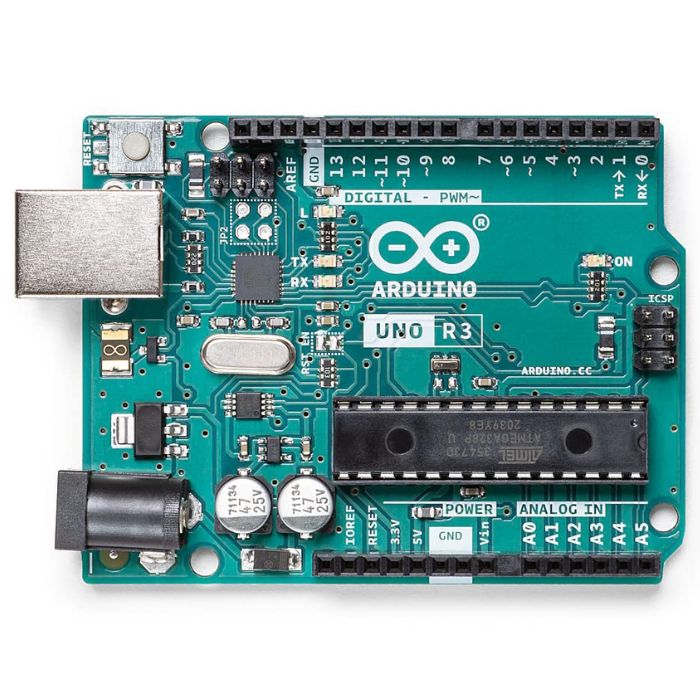
Arduino Boards
Arduino Uno R3
The classic ATmega328P 8-bit microcontroller board, a popular beginner prototyping platform with 14 digital and 6 analog I/O pins.
₹799 + 18% GST
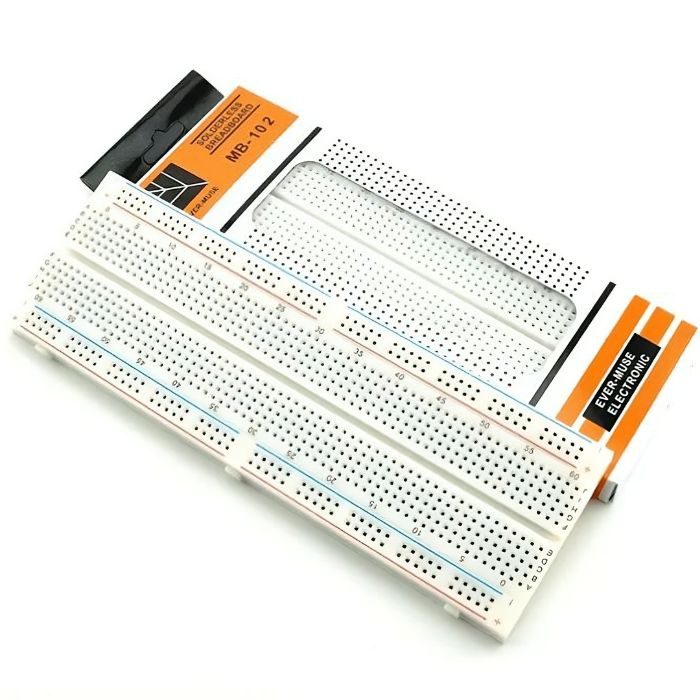
Breadboards Jumpers
MB102 830 Points Solderless Breadboard
Full-size 830 tie-point solderless prototyping breadboard with power rails, accepts 20-29 AWG wire.
₹90 + 18% GST