1.5 GHz quad-core 64-bit Arm Cortex-A72 (BCM2711) processor
In stock
Raspberry Pi
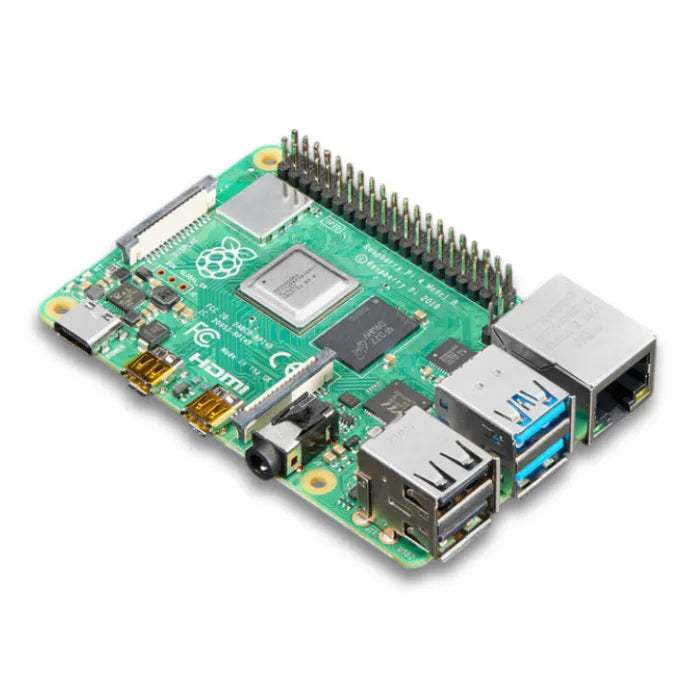
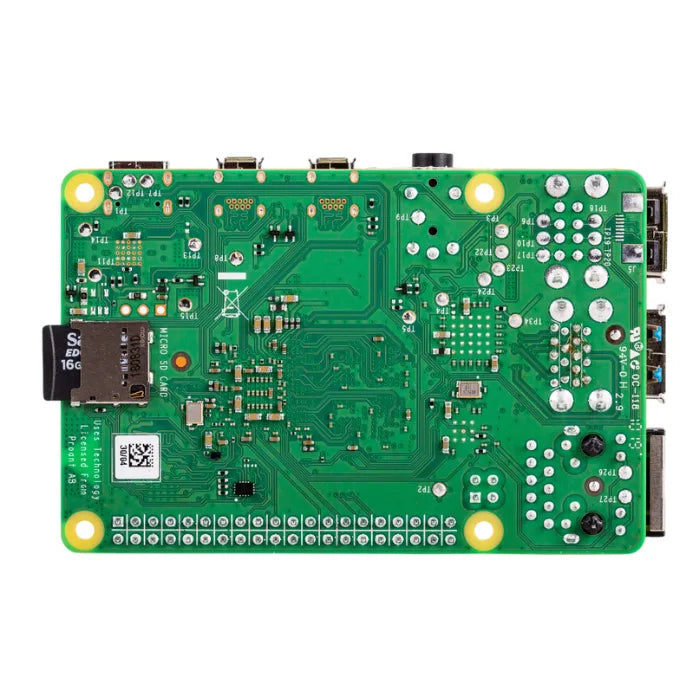
Raspberry Pi 4 Model B (4GB)
Popular quad-core Cortex-A72 SBC with 4GB RAM, dual micro-HDMI, USB 3.0 and Gigabit Ethernet for desktop and IoT use.
₹5,546 + 18% GST
SKU: BOTBIT-DEV-06 · Best for: Low-cost Linux desktop for browsing, coding, office tasks and learning
Overview
About Raspberry Pi 4 Model B (4GB).
The Raspberry Pi 4 Model B (4GB) remains one of the most popular and best-value single-board computers, offering a genuine desktop-class experience in a credit-card-sized board. It runs a 1.5 GHz quad-core Arm Cortex-A72 processor with 4GB of LPDDR4 RAM, dual micro-HDMI outputs, USB 3.0 and true Gigabit Ethernet.
It is extremely common in India for desktop use, home labs, retro gaming, network appliances (Pi-hole, home servers, VPNs), robotics and IoT gateways. The enormous community, mature software support and years of tutorials mean almost any project you can imagine has a proven guide built around the Pi 4. The 4GB variant hits the sweet spot of enough memory for multitasking without paying for the top model.
With a full 40-pin GPIO header it drives the entire ecosystem of HATs and add-on boards, and it runs the well-supported Raspberry Pi OS as well as many other Linux distributions. It draws less power and runs cooler than the Pi 5, making it a dependable everyday choice.
Key features
Why it stands out.
4GB LPDDR4-3200 RAM, ideal for multitasking, browsing and light server workloads
Dual micro-HDMI ports supporting two displays, up to 4Kp60 on a single output
2x USB 3.0 and 2x USB 2.0 ports for fast storage and peripherals
True Gigabit Ethernet plus dual-band 802.11ac WiFi and Bluetooth 5.0
Full 40-pin GPIO header and USB-C power input, compatible with the HAT ecosystem
Specifications
Selection facts.
| Processor | Broadcom BCM2711, quad-core Cortex-A72 @ 1.5 GHz |
|---|---|
| RAM | 4GB LPDDR4-3200 SDRAM |
| Video Output | 2x micro-HDMI (up to 4Kp60 on one, 4Kp30 on both) |
| USB Ports | 2x USB 3.0 + 2x USB 2.0 |
| Networking | Gigabit Ethernet, dual-band 802.11ac WiFi, Bluetooth 5.0/BLE |
| GPIO | 40-pin standard header |
| Storage | microSD card slot |
| Camera/Display | 2-lane MIPI CSI camera + DSI display connectors |
| Power Input | 5V/3A via USB-C |
| Video Decode | H.265 (HEVC) 4Kp60 hardware decode |
Applications
Where it is used.
- Low-cost Linux desktop for browsing, coding, office tasks and learning
- Home server and network appliances such as Pi-hole, NAS, VPN and web servers
- Retro gaming and media-centre builds with 4K video playback
- IoT gateways and edge devices collecting and forwarding sensor data
- Robotics controllers combining GPIO, camera and networking
- Teaching Linux, Python and hardware interfacing in schools and colleges
Buying guide
How to choose.
Choose the Pi 4 Model B (4GB) when you want a proven, well-supported single-board computer for a desktop, home server or robotics brain without the higher power draw and cost of the Pi 5. The 4GB variant is the balanced pick for most everyday multitasking.
If you only need light IoT or a compact embedded controller, the smaller Pi Zero 2 W is cheaper and tinier. If you need maximum speed, PCIe/NVMe or heavier AI work, step up to the Pi 5. Buy the Pi 4 when value, low power and mature software matter most.
Pair it with a good 5V/3A USB-C power supply, a case with a heatsink or fan (the Pi 4 can get warm under load), an A2-rated microSD card, and micro-HDMI cables since it does not use full-size HDMI. A quality power supply avoids under-voltage warnings.
FAQ
Common questions.
How is the Raspberry Pi 4 powered?
It uses a USB-C power input and needs a good 5V/3A (15W) supply, ideally the official Raspberry Pi adapter. Underpowered phone chargers often trigger low-voltage warnings and instability, so use a proper supply rated for the Pi 4.
What is the difference between the 4GB and 8GB Pi 4?
They are otherwise identical; only the RAM differs. 4GB is plenty for desktop use, servers, most projects and multitasking. Choose 8GB only if you run many heavy applications, large in-memory workloads or multiple containers at once.
Does the Pi 4 need cooling?
For light use it is usually fine bare, but under sustained load the CPU can throttle. A simple heatsink handles most tasks, and a fan case keeps it cool for continuous heavy workloads. Cooling is inexpensive and recommended for servers or long-running jobs.
Can I use the Pi 4 as an everyday desktop?
Yes, for web browsing, office documents, coding and media it works well, especially with 4GB RAM and an SSD over USB 3.0 instead of a microSD card. Very heavy multitasking or demanding apps are better on the Pi 5, but the Pi 4 handles typical desktop use comfortably.
What do I need besides the board to get started?
You need a 5V/3A USB-C power supply, a microSD card (flashed with Raspberry Pi OS using Raspberry Pi Imager), micro-HDMI cables for a display, and a USB keyboard/mouse. Storage and accessories are usually not included, so plan to add them.
Does it have full-size HDMI like older Pis?
No. The Pi 4 switched to two micro-HDMI ports to support dual displays. You will need micro-HDMI to HDMI cables or adapters, which is a common point people miss when upgrading from a Pi 3.
More in Development Boards
Related hardware.
Raspberry Pi
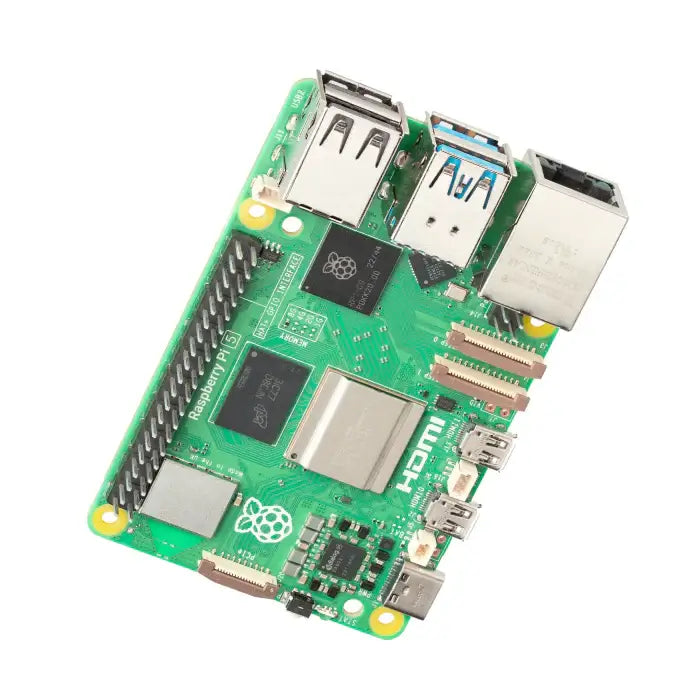
Raspberry Pi 5 (8GB)
Flagship single-board computer with 2.4GHz quad-core Cortex-A76, 8GB RAM, PCIe and dual 4K60 HDMI output.
₹8,499 + 18% GST
Raspberry Pi
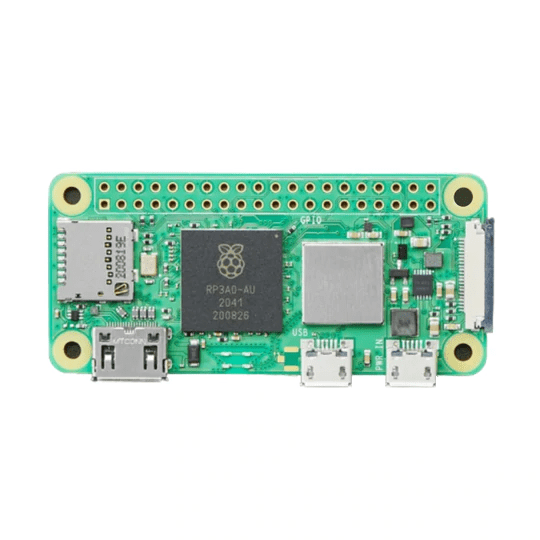
Raspberry Pi Zero 2 W
Ultra-compact SBC with quad-core 64-bit Cortex-A53, 512MB RAM and onboard WiFi/Bluetooth for embedded projects.
₹1,699 + 18% GST
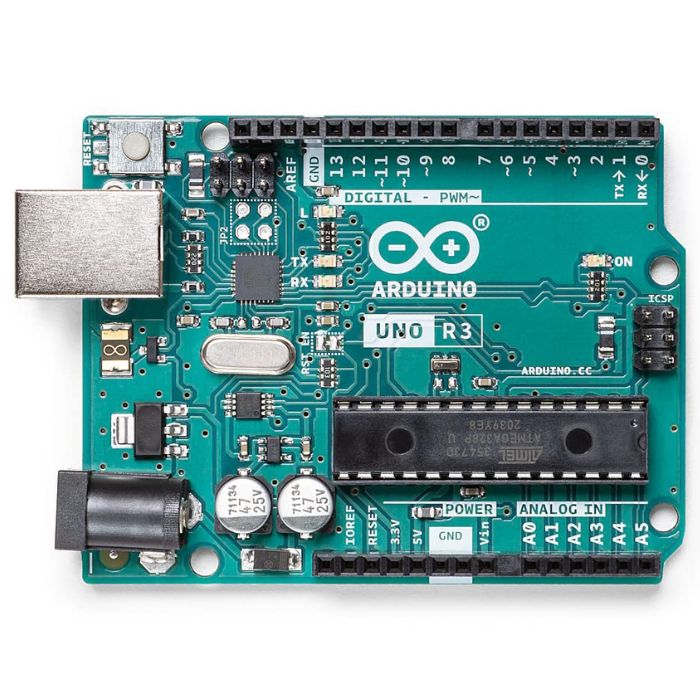
Arduino Boards
Arduino Uno R3
The classic ATmega328P 8-bit microcontroller board, a popular beginner prototyping platform with 14 digital and 6 analog I/O pins.
₹799 + 18% GST
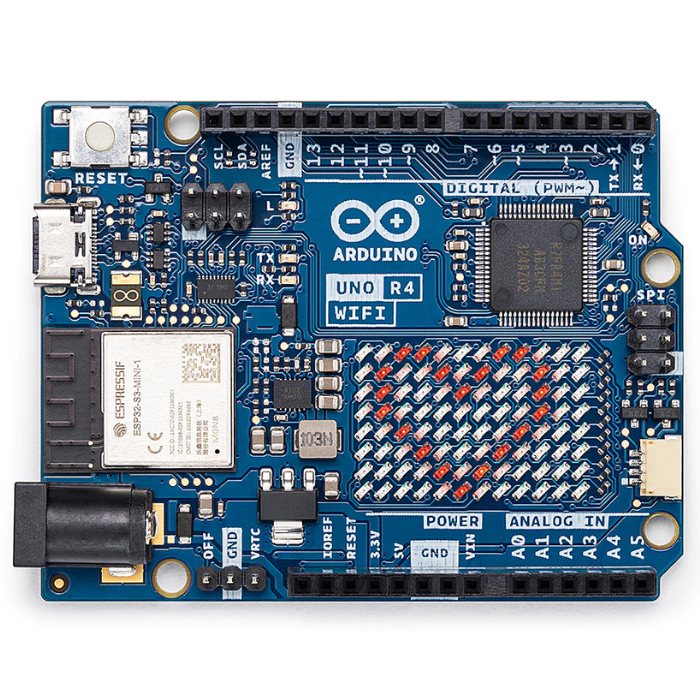
Arduino Boards
Arduino Uno R4 WiFi
Next-gen Uno with 32-bit Renesas RA4M1 Arm Cortex-M4 MCU, ESP32-S3 WiFi/Bluetooth and a built-in 12x8 LED matrix.
₹2,199 + 18% GST
You may also need
Pairs well with.
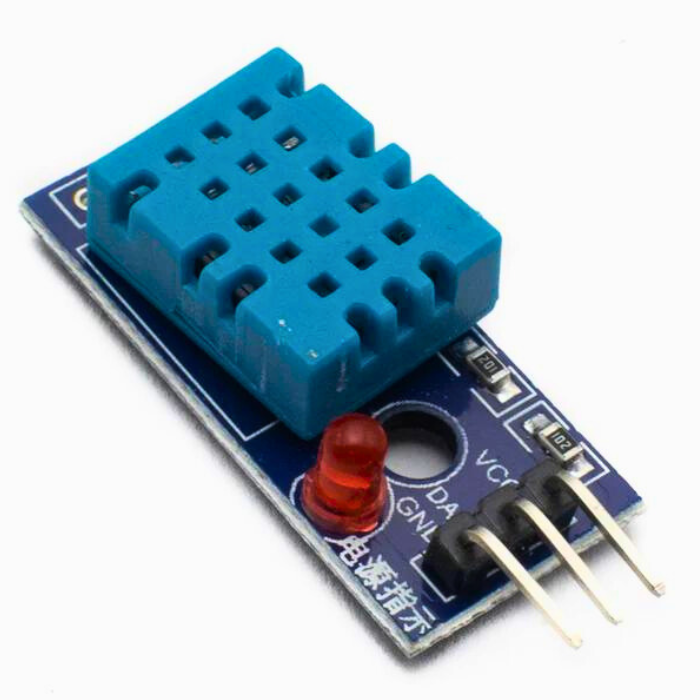
Environment
DHT11 Digital Temperature and Humidity Sensor Module
Low-cost single-wire digital temperature (0-50C) and humidity (20-90% RH) sensor, the default beginner Arduino sensor.
₹60 + 18% GST
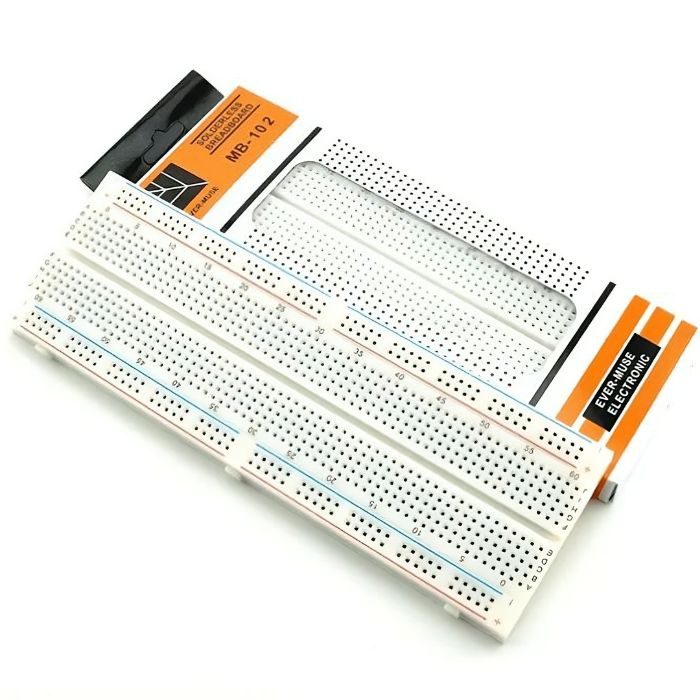
Breadboards Jumpers
MB102 830 Points Solderless Breadboard
Full-size 830 tie-point solderless prototyping breadboard with power rails, accepts 20-29 AWG wire.
₹90 + 18% GST