32-bit Renesas RA4M1 Arm Cortex-M4 MCU at 48 MHz, a major jump over the 8-bit R3
In stock
Arduino Boards
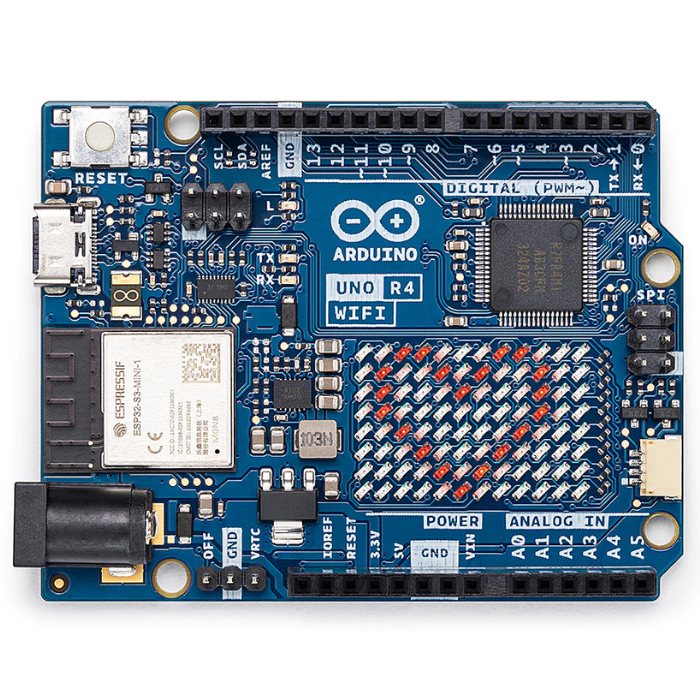
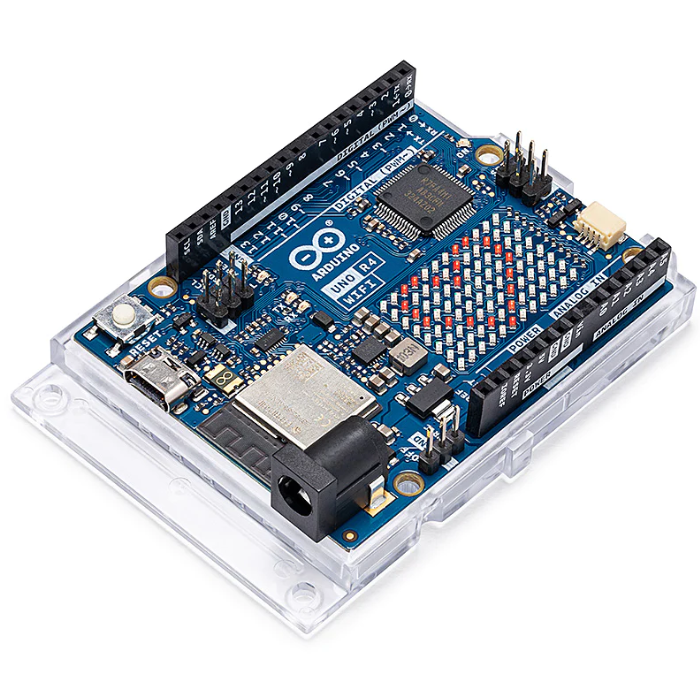
Arduino Uno R4 WiFi
Next-gen Uno with 32-bit Renesas RA4M1 Arm Cortex-M4 MCU, ESP32-S3 WiFi/Bluetooth and a built-in 12x8 LED matrix.
₹2,199 + 18% GST
SKU: BOTBIT-DEV-02 · Best for: WiFi-connected IoT projects that push sensor data to cloud dashboards or Arduino Cloud
Overview
About Arduino Uno R4 WiFi.
The Arduino Uno R4 WiFi is the modern successor to the classic Uno, keeping the familiar shape, pinout and shield compatibility while replacing the old 8-bit chip with a powerful 32-bit Renesas RA4M1 Arm Cortex-M4 microcontroller running at 48 MHz. It adds an on-board ESP32-S3 module for WiFi and Bluetooth 5.0, a built-in 12x8 red LED matrix, a CAN bus, a DAC and a much larger memory pool.
It is an appealing choice in India for makers who have outgrown the R3 but want to reuse their existing shields, wiring knowledge and code. The extra speed and 32 KB of SRAM make it comfortable for connected IoT dashboards, data logging to the cloud, and projects that were simply too heavy for the ATmega328P. Despite the upgrade, it still runs on the same beginner-friendly Arduino IDE and keeps 5V-tolerant I/O for easy migration.
The built-in LED matrix lets you show animations, text and simple graphics with no extra hardware, and the on-board Qwiic connector makes it easy to chain I2C sensors. It is the natural upgrade path for anyone who loves the Uno form factor but needs wireless connectivity.
Key features
Why it stands out.
On-board ESP32-S3 co-processor providing 2.4 GHz WiFi and Bluetooth 5.0 (LE)
Built-in 12x8 red LED matrix for text, animations and simple graphics with no add-ons
USB-C connector for power and programming; wider USB-C or VIN input up to 24V
256 KB Flash and 32 KB SRAM, far larger than the R3, plus a 12-bit DAC and CAN bus
Qwiic I2C connector and full backward compatibility with classic Uno shields and code
Specifications
Selection facts.
| Main Microcontroller | Renesas RA4M1 (Arm Cortex-M4) at 48 MHz |
|---|---|
| Connectivity Co-processor | Espressif ESP32-S3 (WiFi + Bluetooth 5.0 LE) |
| Flash Memory | 256 KB |
| SRAM | 32 KB |
| EEPROM | 8 KB |
| Digital I/O Pins | 14 (6 provide PWM) |
| Analog Input Pins | 6 (ADC up to 14-bit) |
| Operating / Logic Voltage | 5V |
| Recommended Input Voltage (VIN) | 6-24V |
| Special Features | 12x8 LED matrix, 12-bit DAC, CAN bus, USB-C, Qwiic |
Applications
Where it is used.
- WiFi-connected IoT projects that push sensor data to cloud dashboards or Arduino Cloud
- Bluetooth Low Energy projects communicating with phones and other BLE devices
- Scrolling text, clocks and animations shown directly on the built-in 12x8 LED matrix
- Data logging and monitoring that needs more speed and memory than the 8-bit Uno
- Reusing existing Arduino shields on a faster, connected 32-bit platform
- CAN-bus experiments and automotive/industrial signalling prototypes
Buying guide
How to choose.
Buy the Uno R4 WiFi if you want the classic Uno form factor and shield compatibility but need built-in WiFi/Bluetooth, more memory and a much faster processor. It is ideal for connected IoT, home dashboards and any project the ATmega328P struggled to run.
If you only need offline blinking-LED and simple-sensor learning, the cheaper R3 is enough. If you do not need connectivity but want speed, there is also a non-WiFi Uno R4 Minima. Choose the R4 WiFi specifically when wireless is part of the plan or you want the LED matrix.
Pair it with I2C Qwiic sensors for solder-free wiring, a USB-C cable for power and programming, and any existing Uno shields you already own. For cloud projects, the free Arduino Cloud service works out of the box with this board.
FAQ
Common questions.
Is the Uno R4 WiFi compatible with my old Uno R3 shields and code?
Yes. It keeps the same board outline, pin positions and 5V logic, so classic Uno shields fit and most R3 sketches recompile and run. A few libraries written for AVR-specific registers may need updated versions, but the vast majority of Arduino code works unchanged.
How do I use the WiFi and Bluetooth features?
WiFi and Bluetooth are handled by the on-board ESP32-S3 and exposed through the WiFiS3 library that ships with Arduino IDE board support. Install the 'Arduino UNO R4 Boards' package via Boards Manager, and you get ready-made examples for WiFi web servers, MQTT and BLE.
What cable and voltage does it need?
It uses USB-C for power and programming. For external supply it accepts 6-24V on VIN, a much wider range than the R3's 7-12V, which is convenient for battery and industrial power sources.
Do I need extra hardware to use the LED matrix?
No. The 12x8 red LED matrix is built onto the board and driven directly by the RA4M1. Arduino provides an LED Matrix library with examples for scrolling text, frames and simple animations, so you can light it up with a few lines of code.
Is it a good first Arduino for a complete beginner?
It works fine for beginners and uses the same friendly IDE, but if your goal is only to learn basics and follow the most common tutorials, the R3 is cheaper and has slightly more legacy documentation. Choose the R4 WiFi if connectivity or the LED matrix is important to you.
More in Development Boards
Related hardware.
Arduino Boards
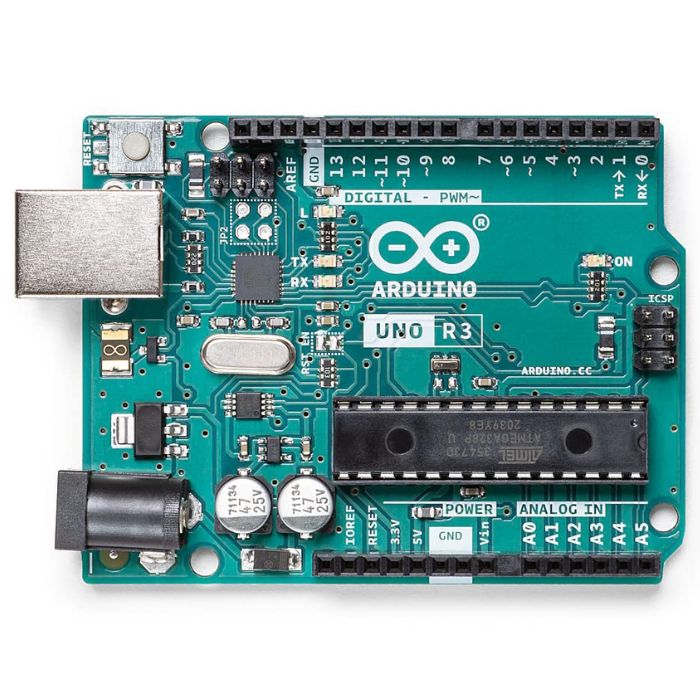
Arduino Uno R3
The classic ATmega328P 8-bit microcontroller board, a popular beginner prototyping platform with 14 digital and 6 analog I/O pins.
₹799 + 18% GST
Arduino Boards
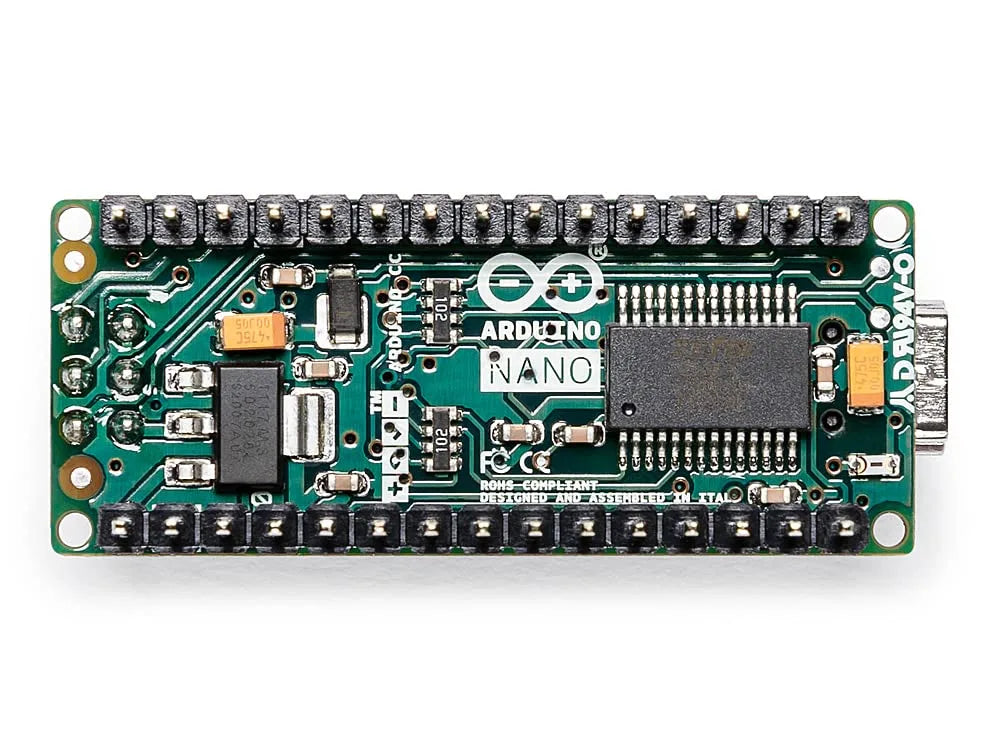
Arduino Nano
Compact breadboard-friendly ATmega328P board with the same core as the Uno in a tiny DIP-mountable form factor.
₹1,499 + 18% GST
Arduino Boards
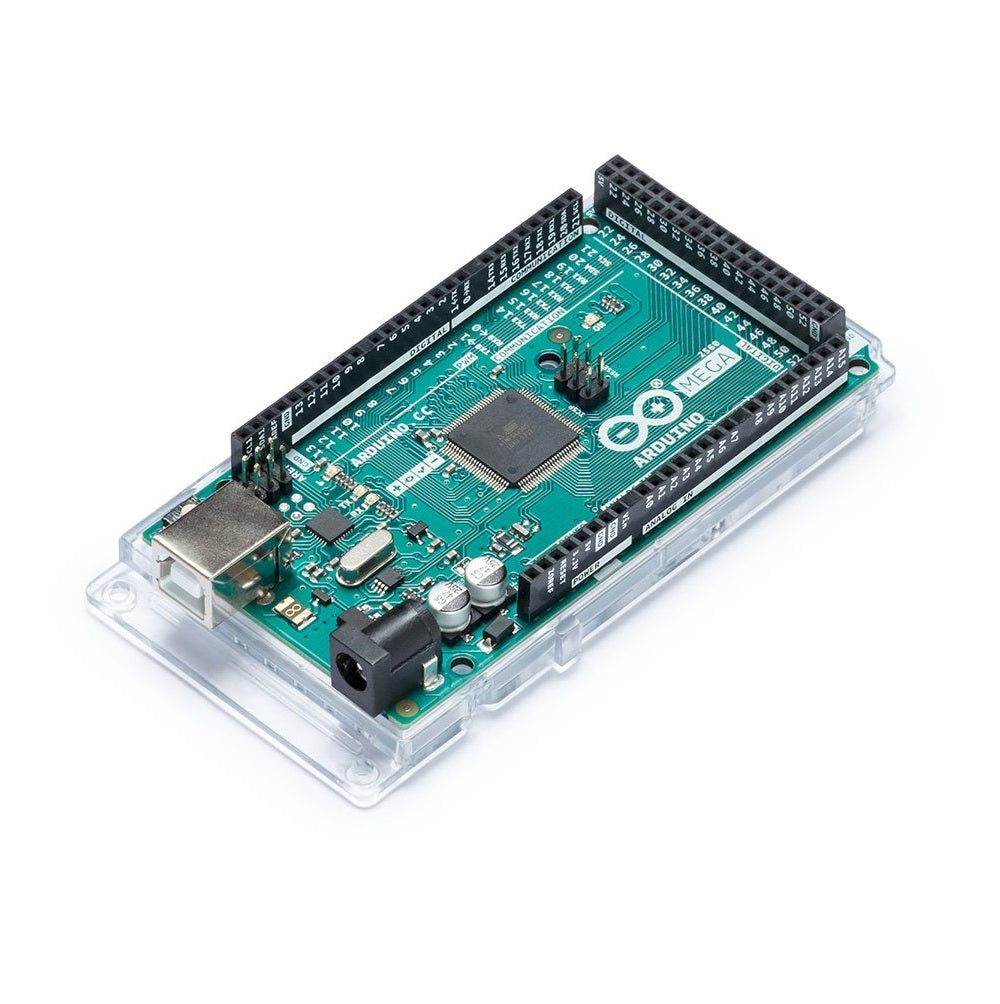
Arduino Mega 2560 R3
High-pin-count ATmega2560 board with 54 digital I/O and 16 analog inputs for larger projects needing many peripherals.
₹2,999 + 18% GST
Raspberry Pi
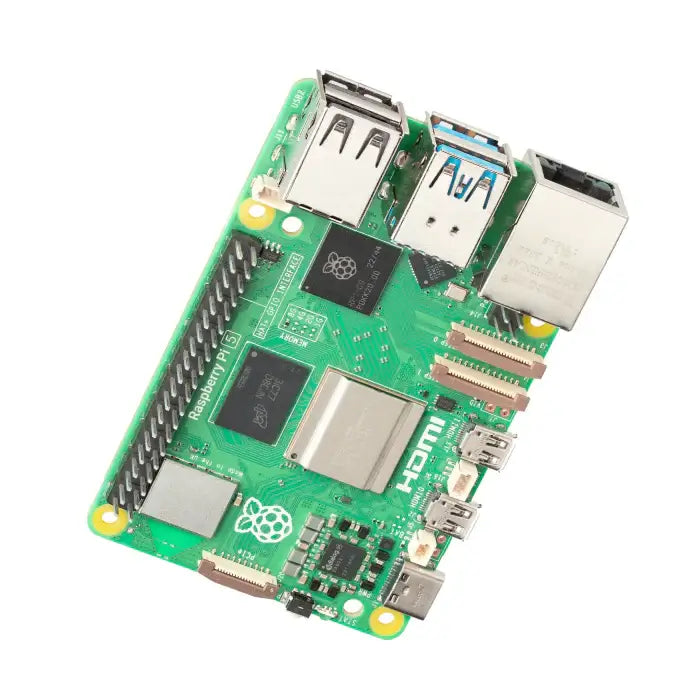
Raspberry Pi 5 (8GB)
Flagship single-board computer with 2.4GHz quad-core Cortex-A76, 8GB RAM, PCIe and dual 4K60 HDMI output.
₹8,499 + 18% GST
You may also need
Pairs well with.
Environment
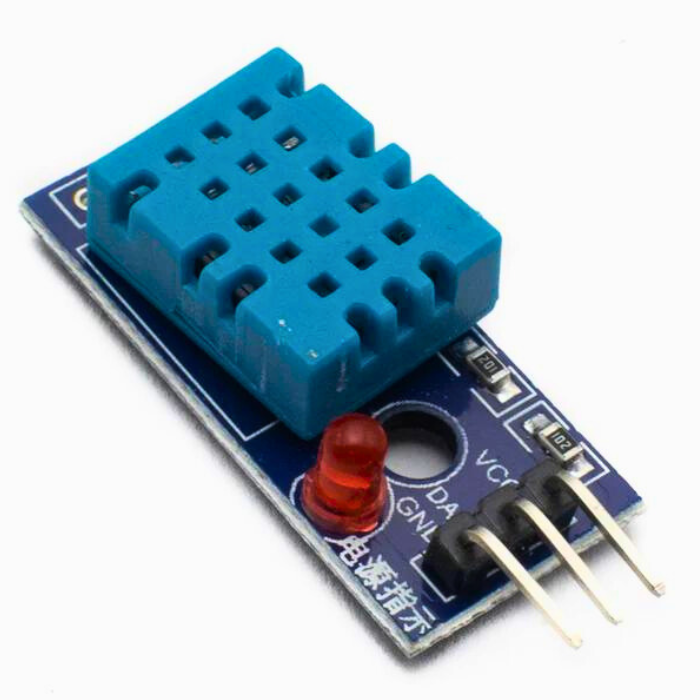
DHT11 Digital Temperature and Humidity Sensor Module
Low-cost single-wire digital temperature (0-50C) and humidity (20-90% RH) sensor, the default beginner Arduino sensor.
₹60 + 18% GST
Breadboards Jumpers
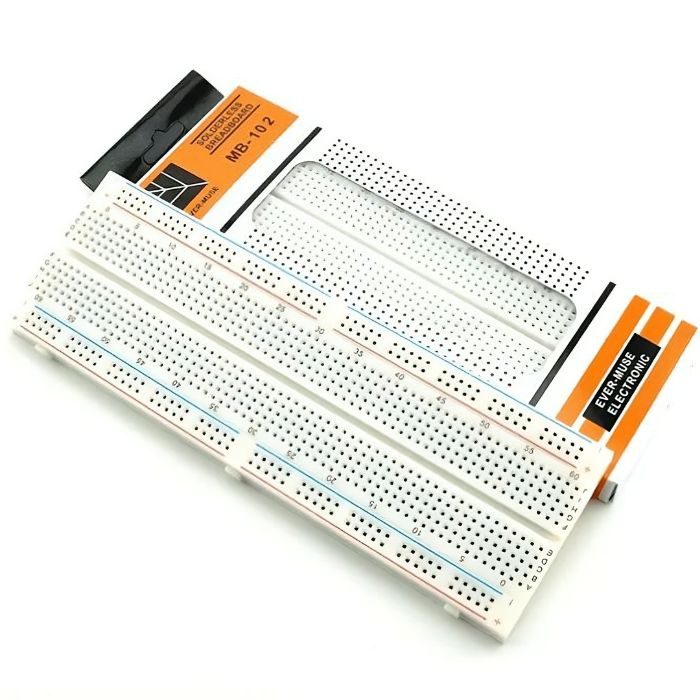
MB102 830 Points Solderless Breadboard
Full-size 830 tie-point solderless prototyping breadboard with power rails, accepts 20-29 AWG wire.
₹90 + 18% GST