ATmega2560 8-bit AVR microcontroller at 16 MHz with 5V logic
In stock
Arduino Boards
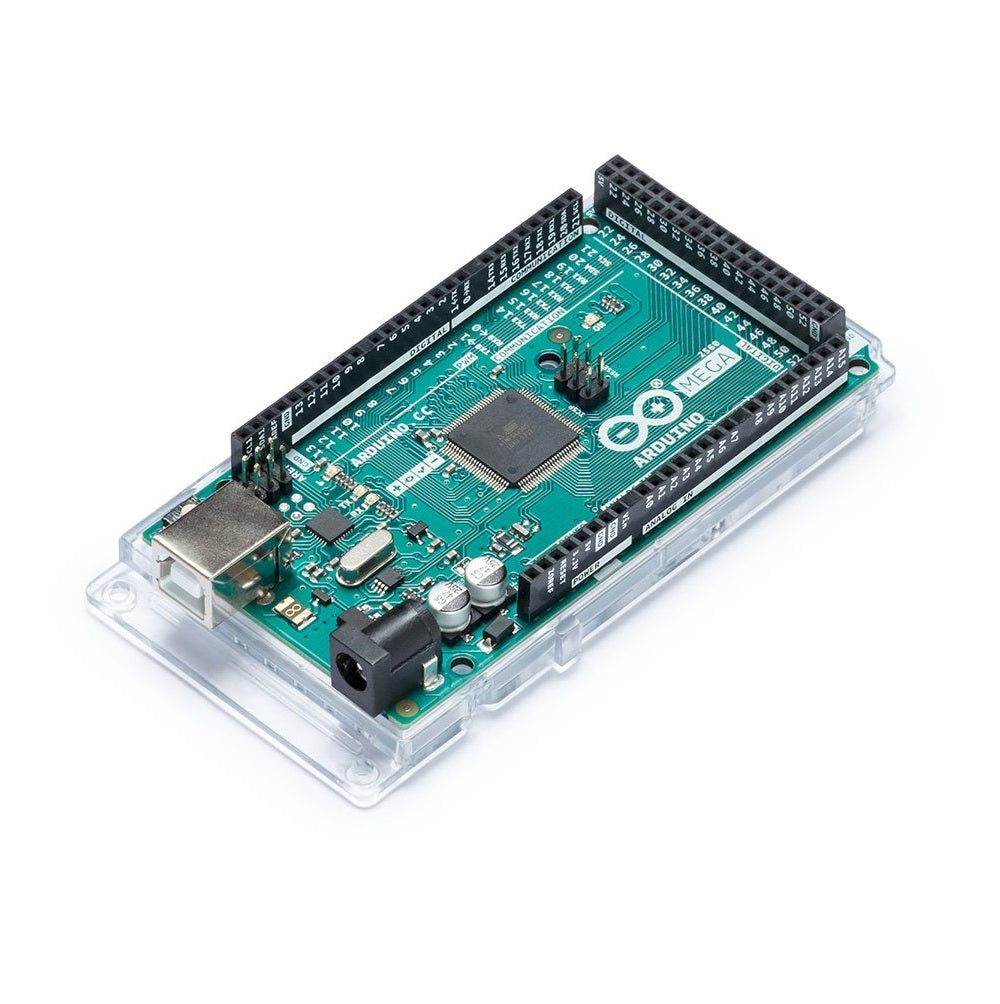
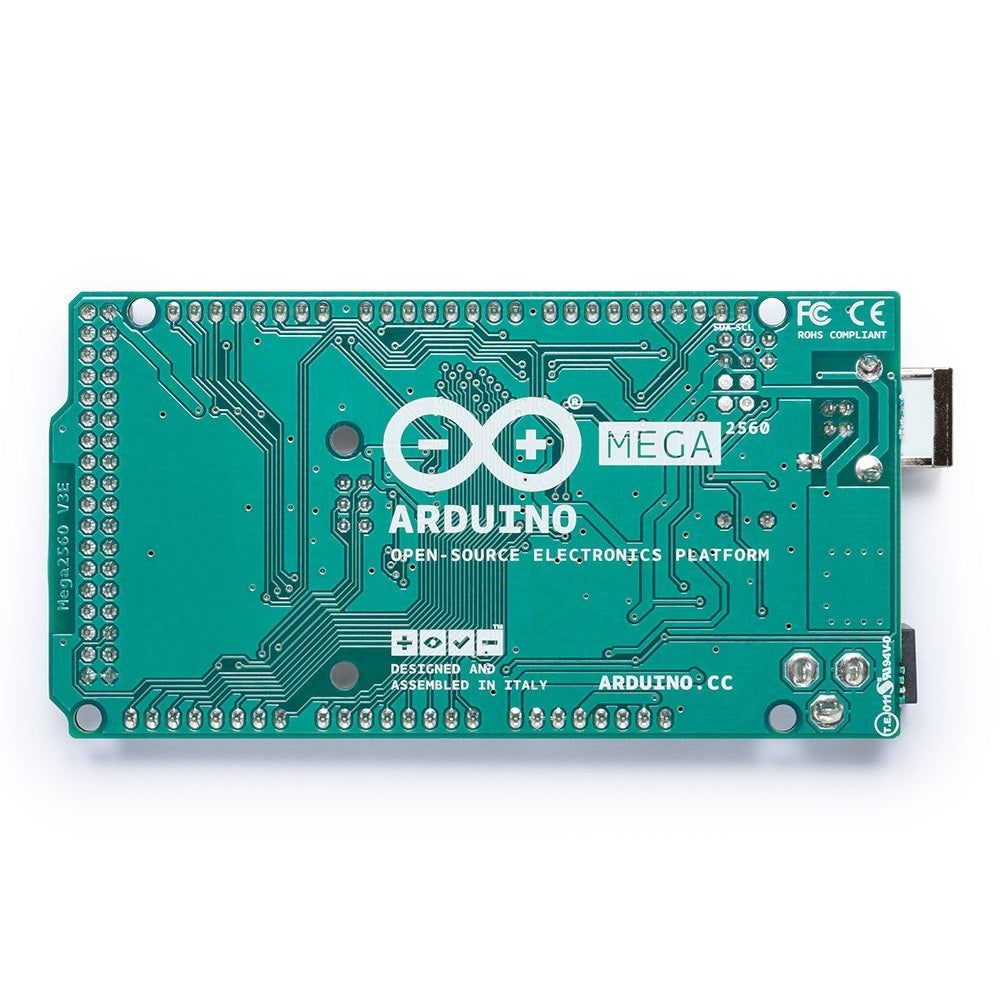
Arduino Mega 2560 R3
High-pin-count ATmega2560 board with 54 digital I/O and 16 analog inputs for larger projects needing many peripherals.
₹2,999 + 18% GST
SKU: BOTBIT-DEV-04 · Best for: 3D printer control boards, commonly paired with a RAMPS shield and stepper drivers
Overview
About Arduino Mega 2560 R3.
The Arduino Mega 2560 R3 is the high-pin-count Arduino, built around the 8-bit ATmega2560 running at 16 MHz. It offers a huge 54 digital I/O pins (15 with PWM) and 16 analog inputs, plus 4 hardware serial (UART) ports, making it the go-to board when a project needs to talk to many sensors, motors, displays and modules at once.
It is widely used in India for 3D printers (many popular firmware setups run on a Mega plus a RAMPS shield), large LED installations, robotics with many motors, and complex home-automation controllers. With 256 KB of Flash, it also holds much larger programs than the Uno or Nano, so sketches with big libraries and lots of features fit comfortably.
The Mega keeps the Arduino shield header layout, so most Uno shields still fit, and it runs on the same Arduino IDE with 5V logic. It is the natural upgrade when you run out of pins or program space on a smaller board.
Key features
Why it stands out.
54 digital I/O pins, of which 15 provide PWM output
16 analog input pins for many simultaneous sensor readings
4 hardware UART serial ports for talking to multiple serial modules at once
256 KB Flash (8 KB used by bootloader), 8 KB SRAM and 4 KB EEPROM for large programs
Arduino shield-compatible header layout and USB-B programming, compatible with Uno code
Specifications
Selection facts.
| Microcontroller | Microchip ATmega2560 (8-bit AVR) |
|---|---|
| Clock Speed | 16 MHz |
| Operating Voltage | 5V |
| Recommended Input Voltage | 7-12V |
| Digital I/O Pins | 54 (15 provide PWM) |
| Analog Input Pins | 16 |
| Hardware Serial Ports (UART) | 4 |
| Flash / SRAM / EEPROM | 256 KB / 8 KB / 4 KB |
| USB Connector | USB Type-B |
| Board Dimensions | 101.5 x 53.3 mm |
Applications
Where it is used.
- 3D printer control boards, commonly paired with a RAMPS shield and stepper drivers
- Robots and CNC machines that drive many motors and read many sensors together
- Large LED matrix, RGB strip and signage installations needing many output pins
- Complex home-automation and building controllers with dozens of inputs and relays
- Projects requiring several serial devices at once (GPS, GSM, Bluetooth, displays)
- Programs too large in code size to fit on an Uno or Nano
Buying guide
How to choose.
Buy the Mega 2560 R3 when you have simply run out of pins, serial ports or program memory on a smaller Arduino. It is the standard choice for 3D printers, multi-motor robots, big LED projects and any build wiring up many peripherals at once.
If your project needs fewer than about 20 I/O pins and modest program size, the Uno or Nano is smaller and cheaper. If you need WiFi/Bluetooth or a faster 32-bit core, look at boards like the Uno R4 WiFi or an ESP32-based board instead, since the Mega has no wireless.
Pair it with the appropriate shield (for example a RAMPS 1.4 for 3D printing), a solid external power supply sized for your motors, and a USB-B cable. For motor-heavy builds, always power motors from a separate supply and share ground with the Mega.
FAQ
Common questions.
Are Arduino Uno shields compatible with the Mega 2560?
Most standard Uno shields fit the Mega's headers because the first rows match the Uno layout. However, some shields expect specific pins (like SPI on pins 11-13) that are located differently on the Mega, so check the shield's documentation for Mega compatibility.
Why choose the Mega over an Uno?
The Mega offers far more I/O (54 digital, 16 analog), 4 hardware serial ports and 256 KB of Flash versus the Uno's 32 KB. Choose it when you need many pins, multiple serial devices, or larger programs. Otherwise the Uno is smaller and cheaper.
Can I use the Mega as a 3D printer controller?
Yes, this is one of its most common uses. A Mega 2560 combined with a RAMPS 1.4 shield and stepper driver modules runs popular open-source 3D printer firmware. This listing is for the Mega board itself; the RAMPS shield and drivers are separate.
How is it powered and programmed?
It is programmed over USB Type-B using the Arduino IDE (select 'Arduino Mega or Mega 2560'). It can run from USB power or an external 7-12V supply via the barrel jack. For heavy motor loads, use a dedicated external supply rather than USB.
Does it use 3.3V or 5V logic?
The Mega 2560 uses 5V logic on all its I/O pins. When connecting 3.3V-only sensors or modules, use a logic-level shifter on the relevant lines to avoid damaging those devices.
More in Development Boards
Related hardware.
Arduino Boards
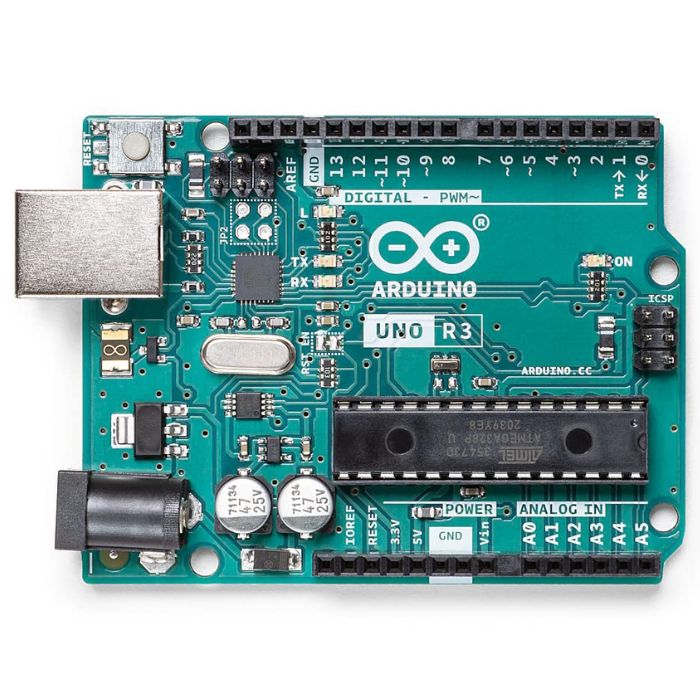
Arduino Uno R3
The classic ATmega328P 8-bit microcontroller board, a popular beginner prototyping platform with 14 digital and 6 analog I/O pins.
₹799 + 18% GST
Arduino Boards
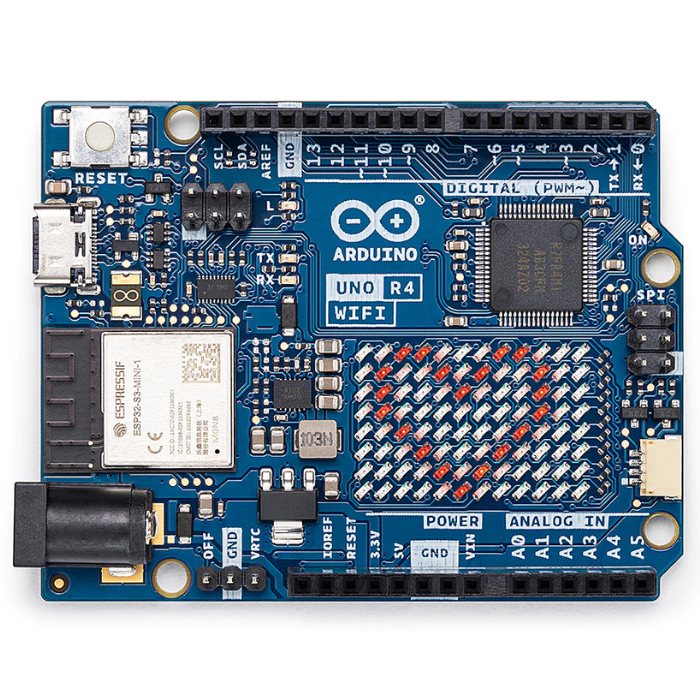
Arduino Uno R4 WiFi
Next-gen Uno with 32-bit Renesas RA4M1 Arm Cortex-M4 MCU, ESP32-S3 WiFi/Bluetooth and a built-in 12x8 LED matrix.
₹2,199 + 18% GST
Arduino Boards
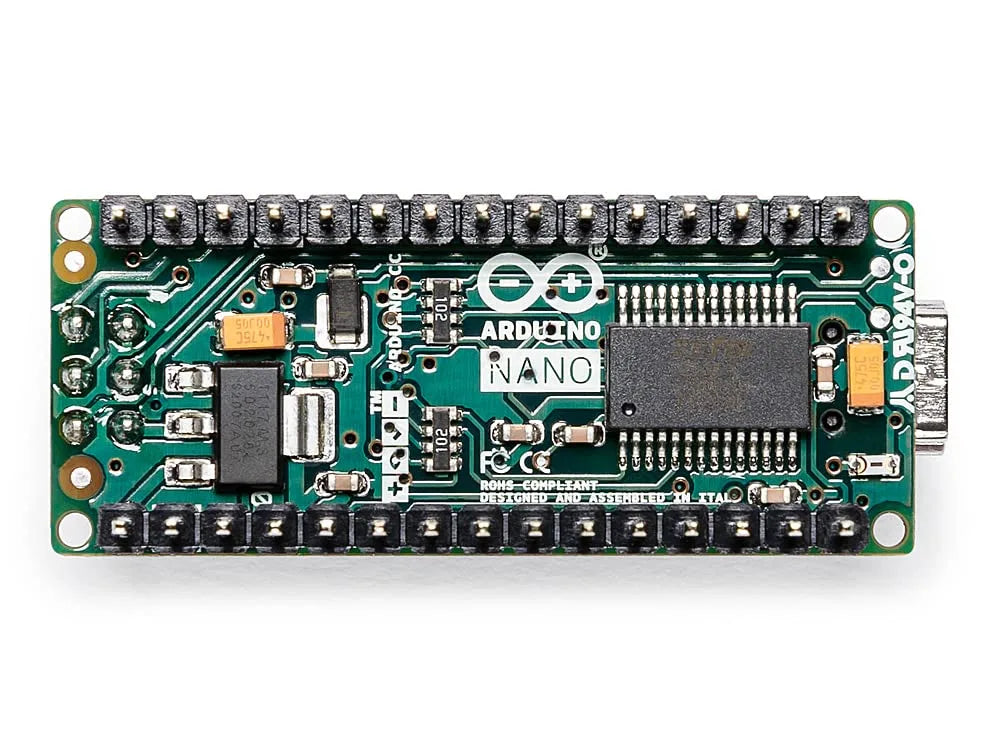
Arduino Nano
Compact breadboard-friendly ATmega328P board with the same core as the Uno in a tiny DIP-mountable form factor.
₹1,499 + 18% GST
Raspberry Pi
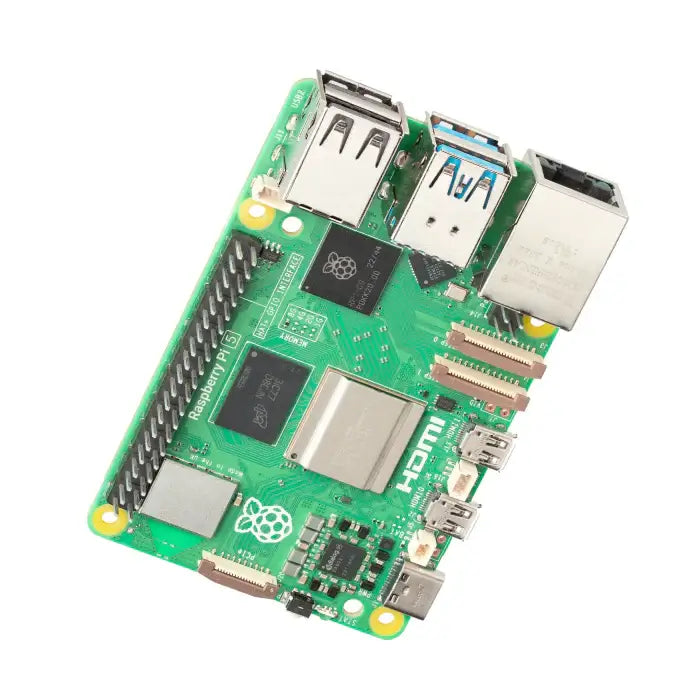
Raspberry Pi 5 (8GB)
Flagship single-board computer with 2.4GHz quad-core Cortex-A76, 8GB RAM, PCIe and dual 4K60 HDMI output.
₹8,499 + 18% GST
You may also need
Pairs well with.
Environment
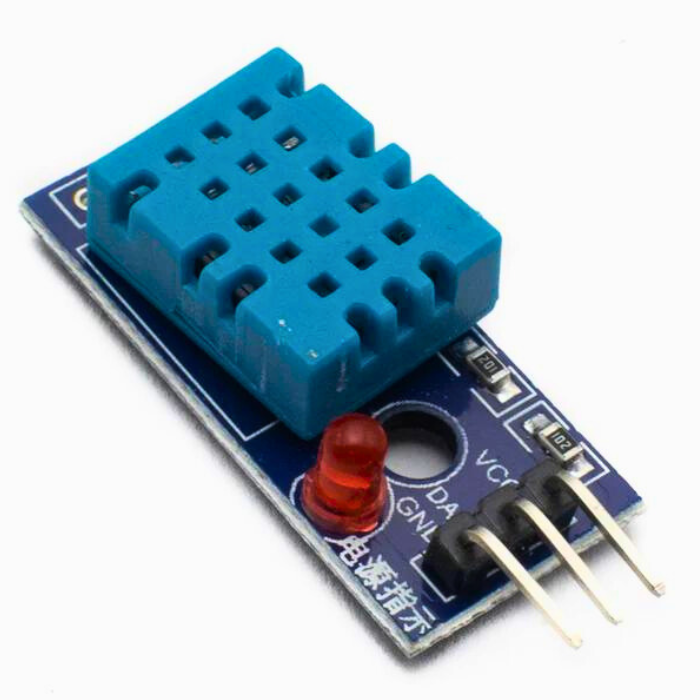
DHT11 Digital Temperature and Humidity Sensor Module
Low-cost single-wire digital temperature (0-50C) and humidity (20-90% RH) sensor, the default beginner Arduino sensor.
₹60 + 18% GST
Breadboards Jumpers
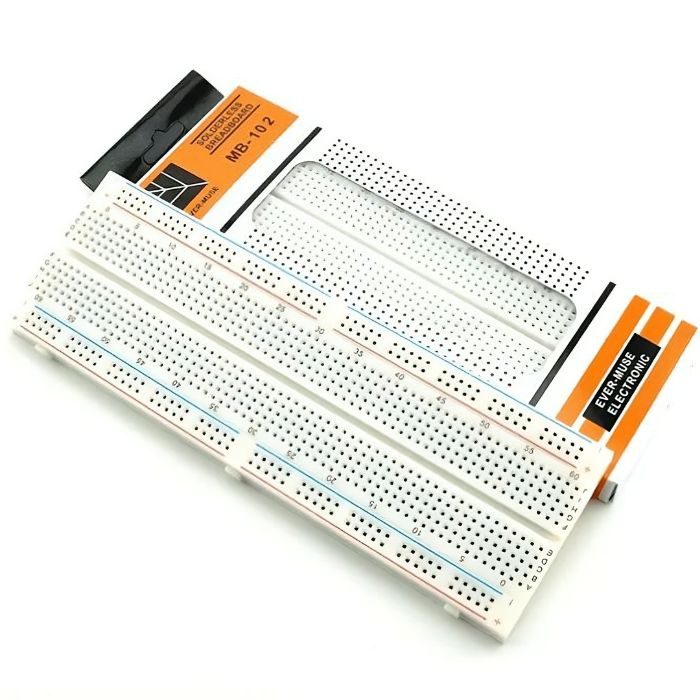
MB102 830 Points Solderless Breadboard
Full-size 830 tie-point solderless prototyping breadboard with power rails, accepts 20-29 AWG wire.
₹90 + 18% GST