Same ATmega328P 8-bit AVR at 16 MHz as the Arduino Uno, in a much smaller board
In stock
Arduino Boards
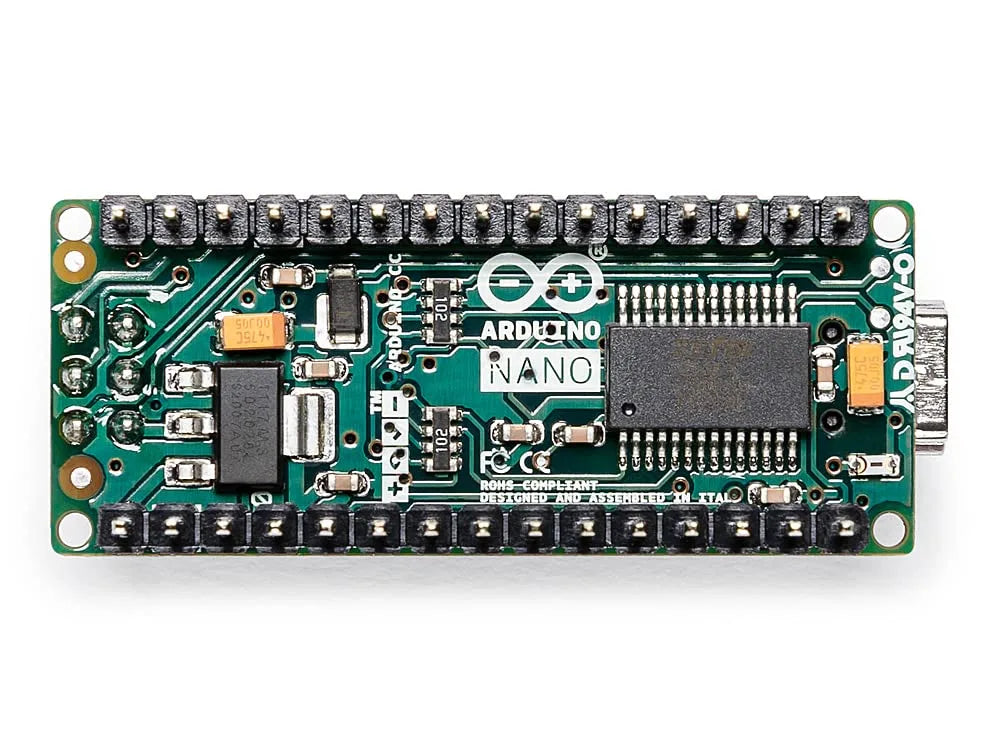
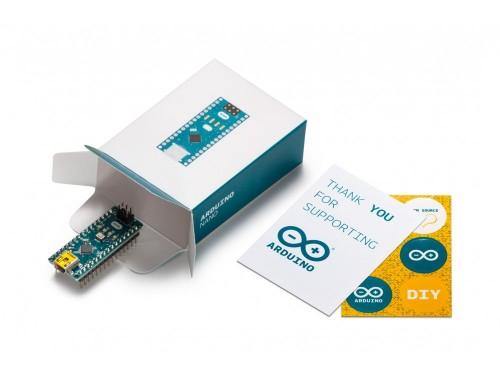
Arduino Nano
Compact breadboard-friendly ATmega328P board with the same core as the Uno in a tiny DIP-mountable form factor.
₹1,499 + 18% GST
SKU: BOTBIT-DEV-03 · Best for: Compact robots and drones where board size and weight matter
Overview
About Arduino Nano.
The Arduino Nano packs the same ATmega328P microcontroller and 16 MHz core as the Uno R3 into a tiny, breadboard-friendly board that plugs directly into a solderless breadboard through its DIP-style pin rows. It gives you the full Arduino experience in a footprint small enough to build into finished projects and enclosures.
It is a favourite in India for anything that has to be compact: wearables, robot brains, small IoT nodes and permanent installations where a full-size Uno would be too bulky. Because it shares the ATmega328P core, almost all Uno code, libraries and tutorials apply directly, so you keep the huge community support while shrinking the hardware. It even adds two extra analog inputs (A6 and A7) compared with the Uno.
The Nano is powered and programmed over a single USB cable and has an on-board voltage regulator, so it is easy to drop into a project. Its low cost and small size make it common to buy several at once for multiple builds.
Key features
Why it stands out.
Breadboard-friendly DIP layout with pin headers that plug straight into a breadboard
22 digital I/O pins (6 with PWM) plus 8 analog inputs, two more analog than the Uno
32 KB Flash, 2 KB SRAM and 1 KB EEPROM matching the Uno's memory
On-board USB port and voltage regulator for single-cable power and programming
Fully compatible with Arduino IDE, Uno sketches and the vast Arduino library ecosystem
Specifications
Selection facts.
| Microcontroller | Microchip ATmega328P (8-bit AVR) |
|---|---|
| Clock Speed | 16 MHz |
| Operating Voltage | 5V |
| Input Voltage (VIN) | 7-12V |
| Digital I/O Pins | 22 (6 provide PWM) |
| Analog Input Pins | 8 (A0-A7) |
| Flash / SRAM / EEPROM | 32 KB (2 KB used by bootloader) / 2 KB / 1 KB |
| DC Current per I/O Pin | 20 mA |
| USB Connector | Mini-USB (classic Nano) or USB-C (Nano ESP32/newer variants) |
| Board Dimensions | 18 x 45 mm |
Applications
Where it is used.
- Compact robots and drones where board size and weight matter
- Wearable and portable electronics that must fit inside a small enclosure
- Permanent embedded builds soldered onto a custom PCB or perfboard
- Small IoT and sensor nodes paired with a wireless module
- Breadboard prototyping where an Uno's shield header is unnecessary
- Multi-board projects where several cheap MCUs are needed at once
Buying guide
How to choose.
Choose the Nano when you need Uno-level capability but in a footprint small enough to embed into a finished project or plug straight into a breadboard. It is ideal once you have prototyped on an Uno and want to shrink the build.
If your project relies on plug-in Arduino shields, pick the Uno instead, since the Nano has no shield header. If you need many more I/O pins, look at the Mega 2560; if you need WiFi in a small board, consider the Nano ESP32 or a Nano 33 variant.
Pair it with a breadboard, jumper wires and, for permanent builds, female header sockets so the Nano stays removable. Note the USB connector: classic Nanos use Mini-USB while some newer variants use USB-C, so buy the matching cable.
FAQ
Common questions.
Is the Nano code-compatible with the Arduino Uno?
Yes. The classic Nano uses the same ATmega328P at 16 MHz, so Uno sketches and libraries run on it directly. In the Arduino IDE just select 'Arduino Nano' as the board and, if needed, choose the correct processor/bootloader option.
Which USB cable does the Nano use?
The traditional Arduino Nano uses a Mini-USB cable, while newer variants such as the Nano ESP32 use USB-C. Check the connector shown in this listing and buy the matching cable, as cables are not always included.
Some clones use a CH340 USB chip. Does that matter?
Many low-cost Nano boards use the CH340 USB-to-serial chip instead of the original FTDI/ATmega16U2. They work the same but need the free CH340 driver installed on Windows or macOS. If the board is not detected, install that driver and pick the right port.
Can I power the Nano from a battery?
Yes. Feed 7-12V into the VIN pin (through the on-board regulator) or a clean regulated 5V into the 5V pin. Do not feed unregulated voltage into the 5V pin. For low-power battery builds, remember the on-board USB chip and power LED draw some current.
Does the Nano have more analog pins than the Uno?
Yes. The Nano exposes 8 analog inputs (A0-A7) versus the Uno's 6. The two extra pins, A6 and A7, are analog-input only and cannot be used as digital I/O, which is useful when you need more sensor readings.
More in Development Boards
Related hardware.
Arduino Boards
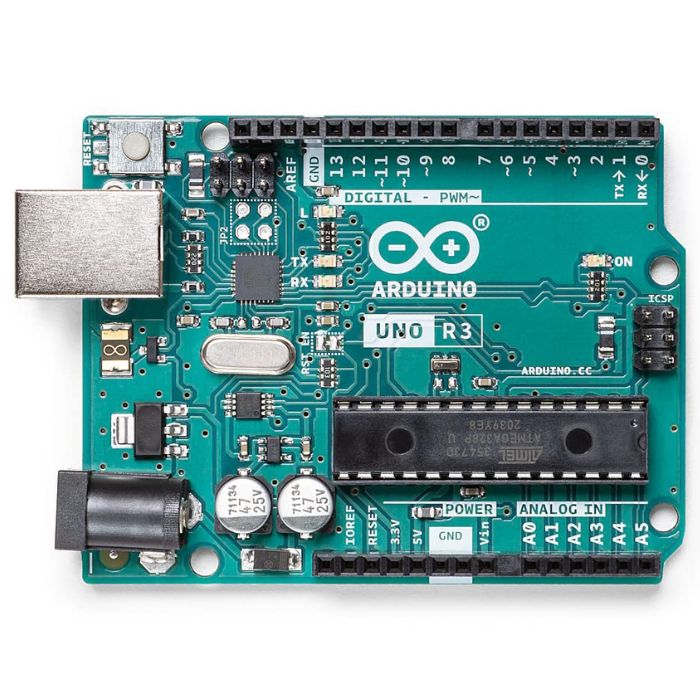
Arduino Uno R3
The classic ATmega328P 8-bit microcontroller board, a popular beginner prototyping platform with 14 digital and 6 analog I/O pins.
₹799 + 18% GST
Arduino Boards
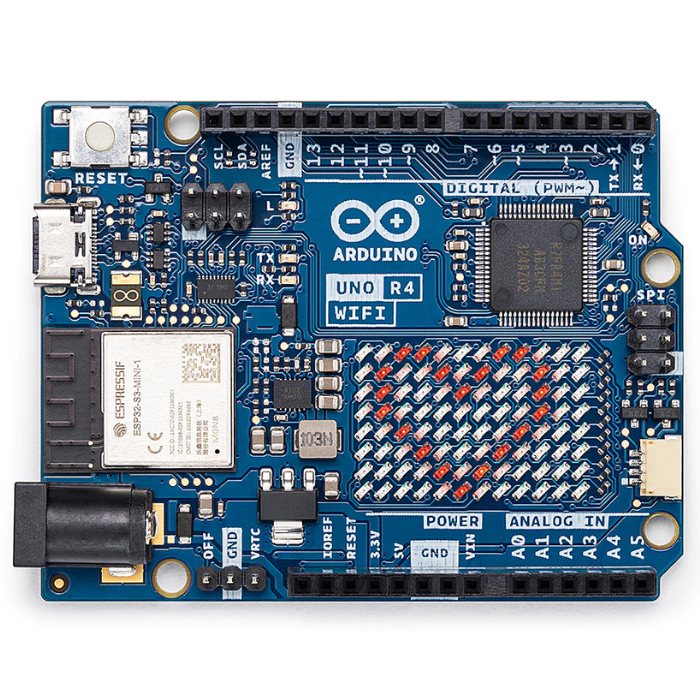
Arduino Uno R4 WiFi
Next-gen Uno with 32-bit Renesas RA4M1 Arm Cortex-M4 MCU, ESP32-S3 WiFi/Bluetooth and a built-in 12x8 LED matrix.
₹2,199 + 18% GST
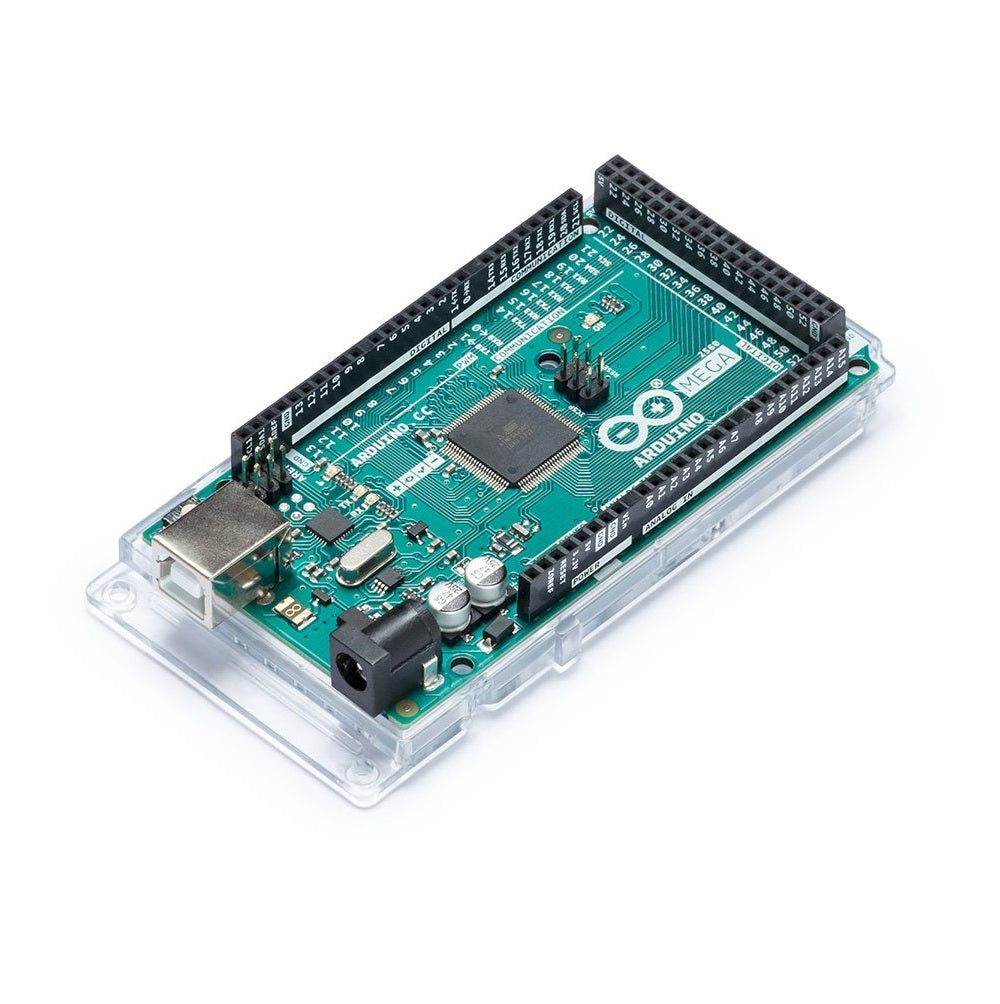
Arduino Boards
Arduino Mega 2560 R3
High-pin-count ATmega2560 board with 54 digital I/O and 16 analog inputs for larger projects needing many peripherals.
₹2,999 + 18% GST
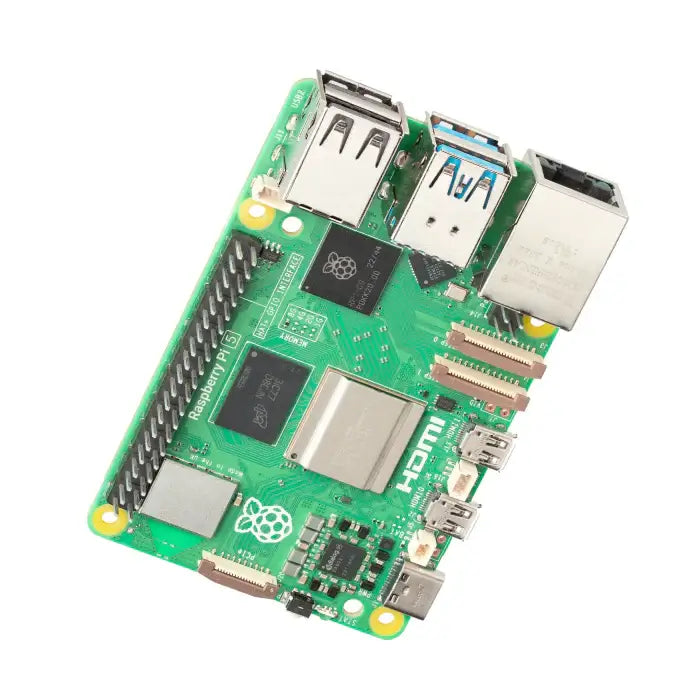
Raspberry Pi
Raspberry Pi 5 (8GB)
Flagship single-board computer with 2.4GHz quad-core Cortex-A76, 8GB RAM, PCIe and dual 4K60 HDMI output.
₹8,499 + 18% GST
You may also need
Pairs well with.
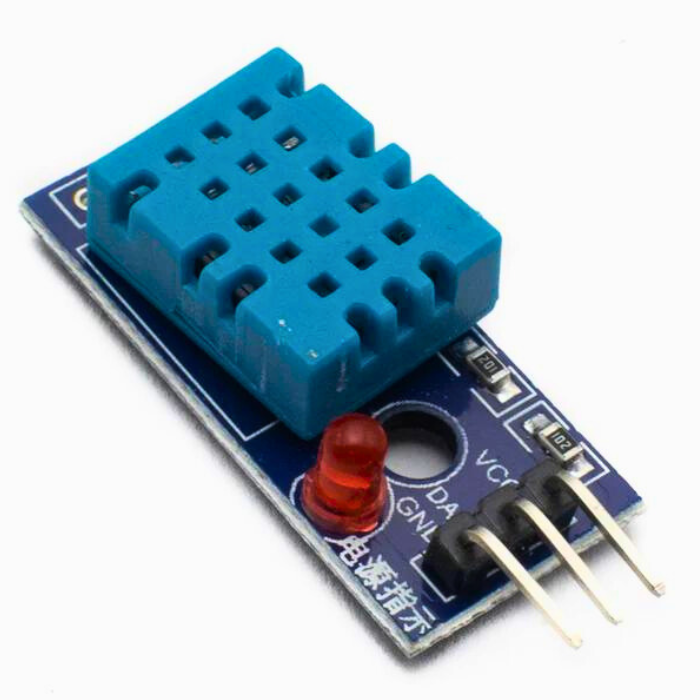
Environment
DHT11 Digital Temperature and Humidity Sensor Module
Low-cost single-wire digital temperature (0-50C) and humidity (20-90% RH) sensor, the default beginner Arduino sensor.
₹60 + 18% GST
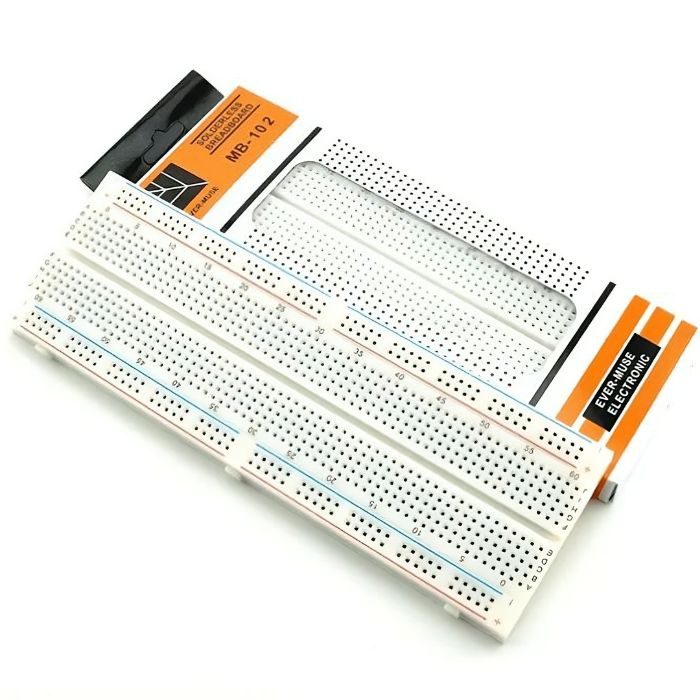
Breadboards Jumpers
MB102 830 Points Solderless Breadboard
Full-size 830 tie-point solderless prototyping breadboard with power rails, accepts 20-29 AWG wire.
₹90 + 18% GST