3.5 inch TFT panel with 320x480 (480x320) pixel resolution
In stock
Tft Graphic
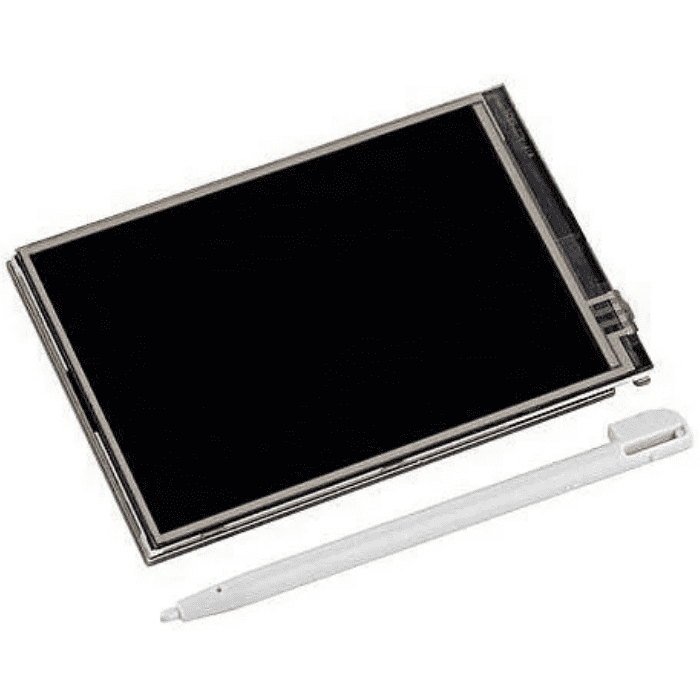
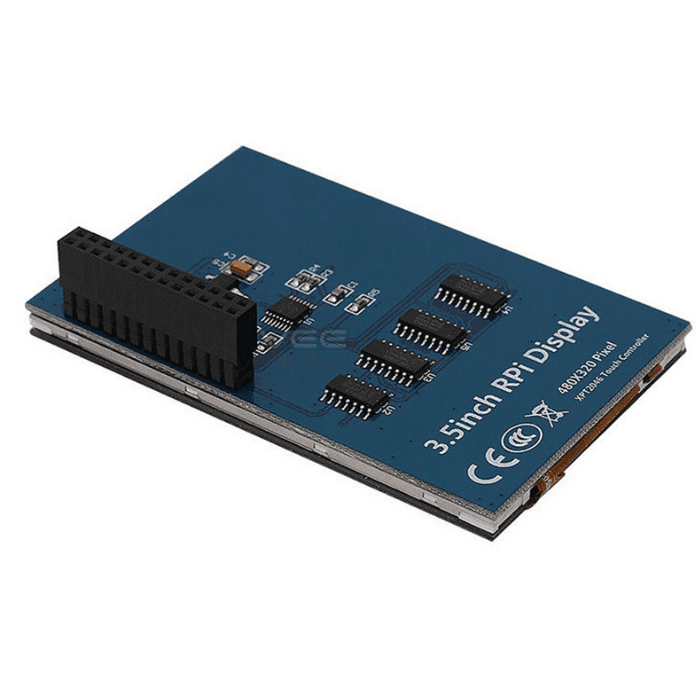
3.5 inch TFT LCD Touch Screen Display for Raspberry Pi (320x480)
3.5" 320x480 resistive-touch SPI TFT that plugs directly onto the Raspberry Pi GPIO header; ships with a stylus.
₹1,100 + 18% GST
SKU: BOTBIT-DSP-10 · Best for: Portable, screen-equipped Raspberry Pi projects without an external HDMI monitor
Overview
About 3.5 inch TFT LCD Touch Screen Display for Raspberry Pi (320x480).
The 3.5 inch TFT LCD Touch Screen is a 320x480 resistive-touch display that plugs directly onto the Raspberry Pi's 40-pin GPIO header, turning a headless Pi into a compact touch-enabled device with no HDMI monitor required. It communicates over SPI and is a favourite for portable Pi builds, retro consoles and kiosk-style projects across India.
Because it seats straight onto the GPIO header, setup is largely mechanical: mount the screen, install the vendor's display driver/overlay, and the Pi outputs its desktop to the small screen. The resistive touch layer lets you tap, and a stylus is included in the box for precise input on the 3.5 inch panel.
At around Rs 1100 it is an economical way to add a screen to a Raspberry Pi 3, 4, Zero (with header) or compatible board. It suits projects where an HDMI monitor is impractical and a small, self-contained touch display is exactly what is needed.
Key features
Why it stands out.
Plugs directly onto the Raspberry Pi 40-pin GPIO header for a compact, cable-free fit
Resistive touch layer with an included stylus for accurate on-screen input
SPI interface communication with the Raspberry Pi
Works as the primary display, showing the Pi desktop with no HDMI monitor needed
Compatible with Raspberry Pi models exposing the standard 40-pin header (Pi 2/3/4/Zero variants)
Specifications
Selection facts.
| Display size | 3.5 inch diagonal |
|---|---|
| Resolution | 320 x 480 pixels |
| Touch type | Resistive touch (stylus included) |
| Interface | SPI, via 40-pin GPIO header |
| Mounting | Direct plug onto Raspberry Pi GPIO header |
| Operating voltage | 5V / 3.3V from Pi GPIO header |
| Target platform | Raspberry Pi (40-pin header models) |
| Panel type | TFT LCD |
Applications
Where it is used.
- Portable, screen-equipped Raspberry Pi projects without an external HDMI monitor
- Retro gaming handhelds and emulation consoles
- Compact control panels, dashboards and status displays for the Pi
- Kiosk, IoT gateway and home-automation touch interfaces
- On-the-go Pi diagnostics and terminal access in the field
- Educational Raspberry Pi builds needing a small, self-contained touchscreen
Buying guide
How to choose.
This 3.5 inch display is the practical choice when you want a small touch screen that mounts directly on a Raspberry Pi's GPIO header with minimum wiring. If you instead need a display for an Arduino or ESP32 rather than a Pi, choose the 2.4 inch ILI9341 module (BOTBIT-DSP-09).
It fits Raspberry Pi models with the standard 40-pin header, including Pi 3, Pi 4 and Zero variants with a soldered header. You must install the correct display driver/overlay (often an LCD-show style script) so the Pi routes its output to the SPI screen; note this is a lower-refresh SPI display, so it is best for UI and terminal work rather than smooth video.
Pair it with a Raspberry Pi, a compatible case that accommodates the screen, and a power supply sized for the Pi plus display. The included stylus helps with the resistive touch panel on this small screen.
FAQ
Common questions.
Which Raspberry Pi models does it fit?
It fits any Raspberry Pi with the standard 40-pin GPIO header, such as the Pi 2, 3, 4 and Zero/Zero 2 W with a soldered header. It plugs directly onto the header, so ensure your Pi has that header populated.
Do I need to install drivers?
Yes. You install the vendor's display driver/overlay (commonly an LCD-show style setup script or a device-tree overlay in config.txt) so the Pi outputs its desktop to the SPI screen and enables the resistive touch.
Can it play smooth video?
Not really. Because it is an SPI-driven display, the refresh rate is modest and it is best suited to UI, terminals, dashboards and light applications rather than full-motion HD video.
Is a stylus included?
Yes. Because the panel is resistive touch, a stylus is included in the box for precise taps on the small 3.5 inch screen. You can also use a fingernail; resistive touch responds to pressure.
Does it work with an Arduino or ESP32?
This model is designed to plug onto the Raspberry Pi GPIO header and use Pi drivers, so it is not a plug-and-play Arduino display. For Arduino/ESP32 choose an ILI9341 SPI module such as BOTBIT-DSP-09.
What is in the box?
You receive the 3.5 inch resistive touch display that mounts on the Pi header, together with a touch stylus. A Raspberry Pi, case and power supply are not included.
More in Displays & HMI
Related hardware.
Tft Graphic
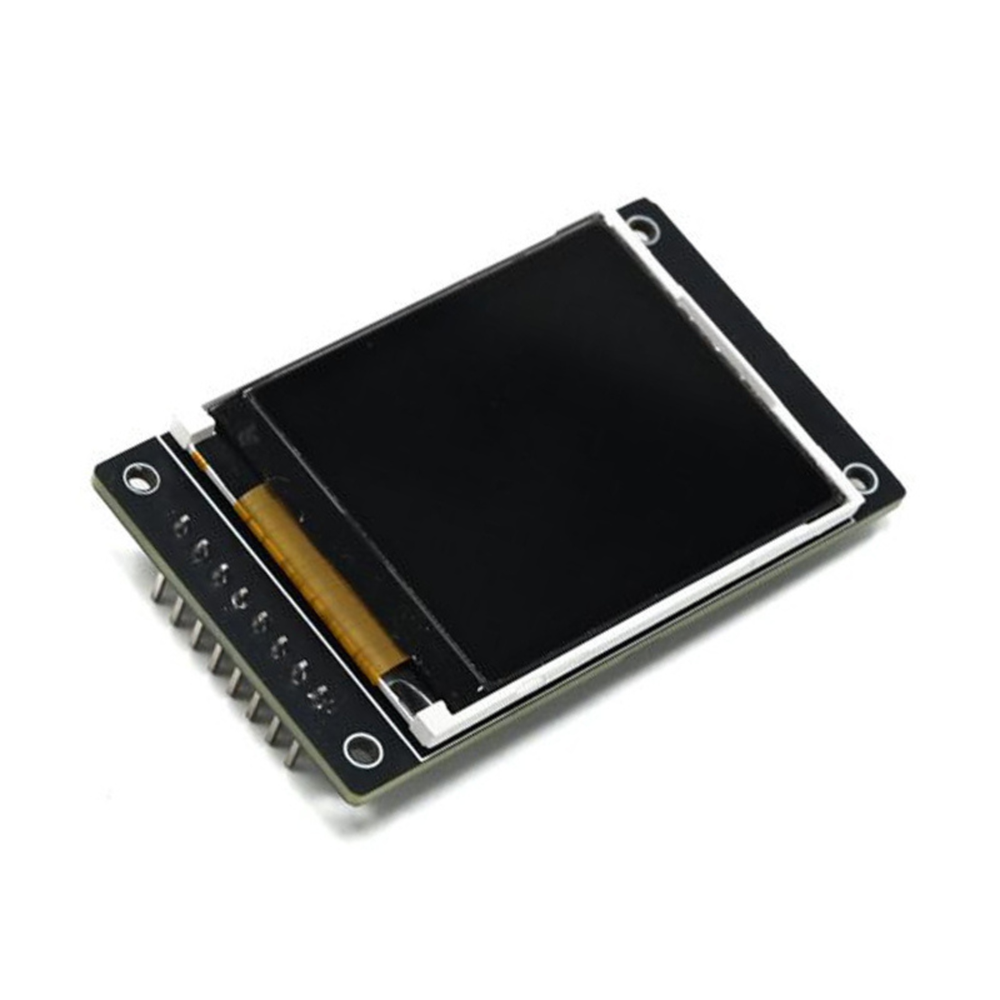
1.8 inch TFT LCD Display Module 128x160 ST7735 (SPI)
1.8" full-color 128x160 TFT with ST7735 driver over 4-wire SPI; entry-level graphic color display for Arduino.
₹273 + 18% GST

Tft Graphic
2.4 inch TFT LCD Touch Display Module 240x320 ILI9341 (SPI)
2.4" 240x320 color TFT with ILI9341 driver, resistive touch and microSD slot, SPI interface for UNO/MEGA/ESP32.
₹550 + 18% GST
Oled
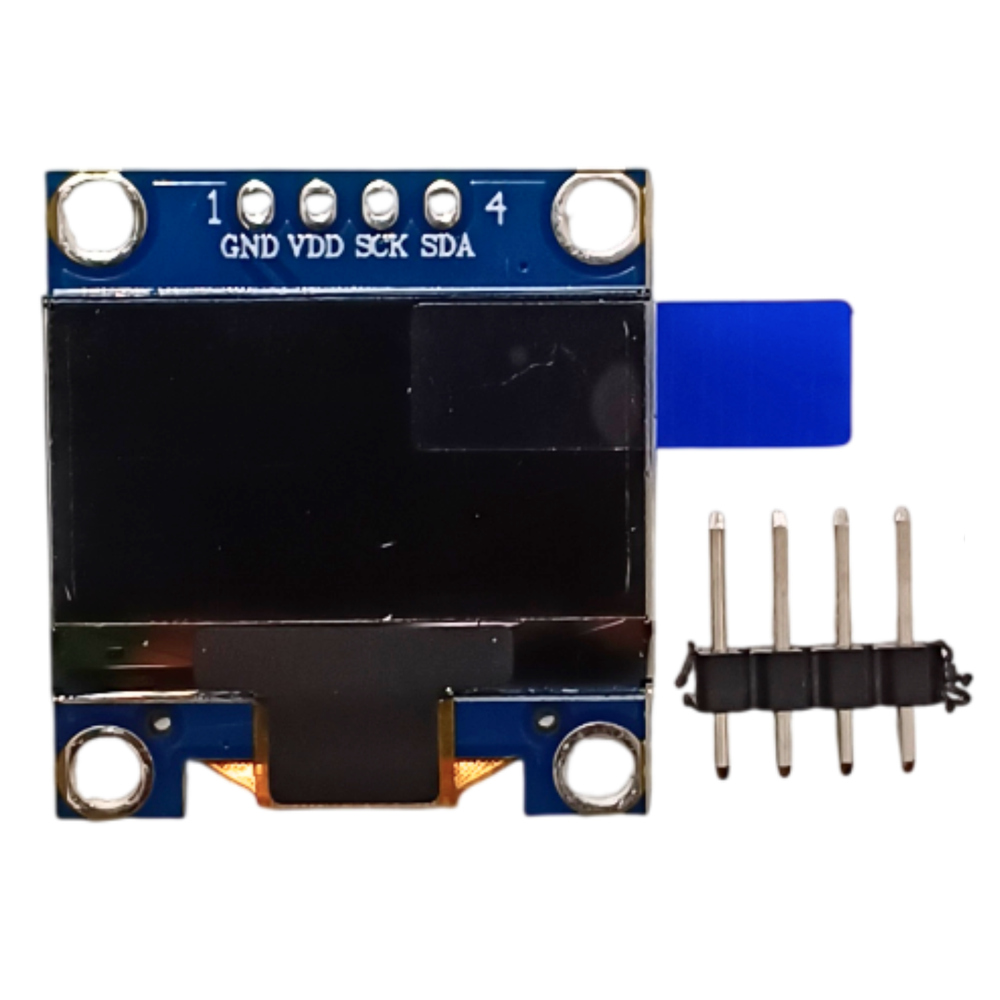
0.96 inch OLED Display Module 128x64 SSD1306 (I2C)
Monochrome 0.96" 128x64 OLED with SSD1306 driver, I2C 4-pin interface; the default display for Arduino/ESP32 projects.
₹175 + 18% GST
Oled
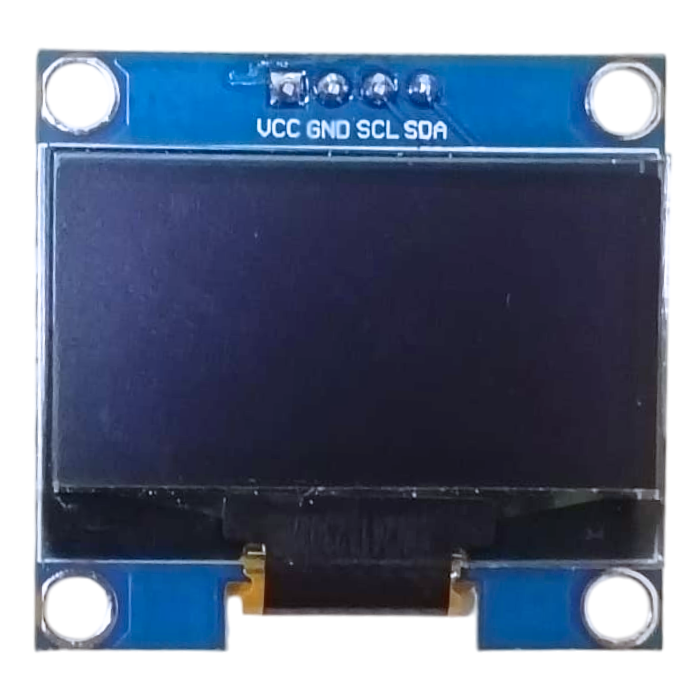
1.3 inch OLED Display Module 128x64 SH1106 (I2C)
Larger 1.3" 128x64 monochrome OLED using the SH1106 controller with I2C interface; brighter, roomier alternative to the 0.96".
₹320 + 18% GST
You may also need
Pairs well with.
Arduino Boards
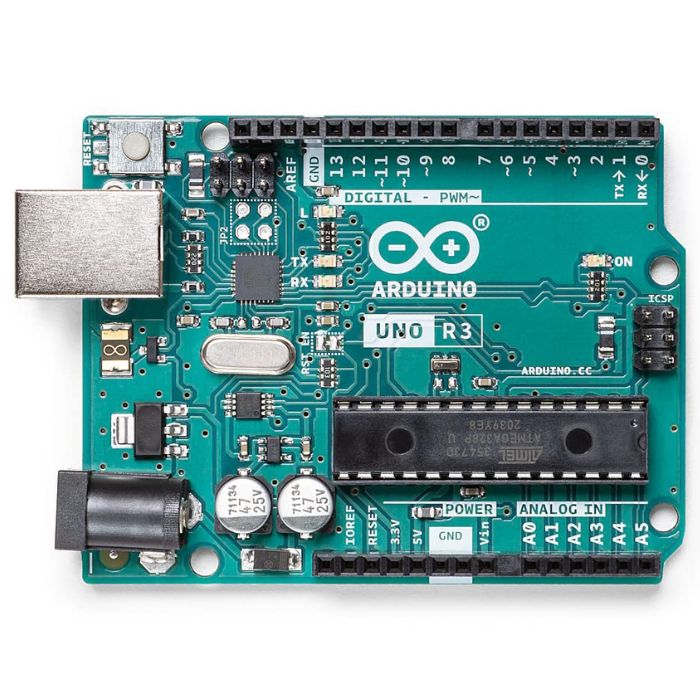
Arduino Uno R3
The classic ATmega328P 8-bit microcontroller board, a popular beginner prototyping platform with 14 digital and 6 analog I/O pins.
₹799 + 18% GST
Breadboards Jumpers
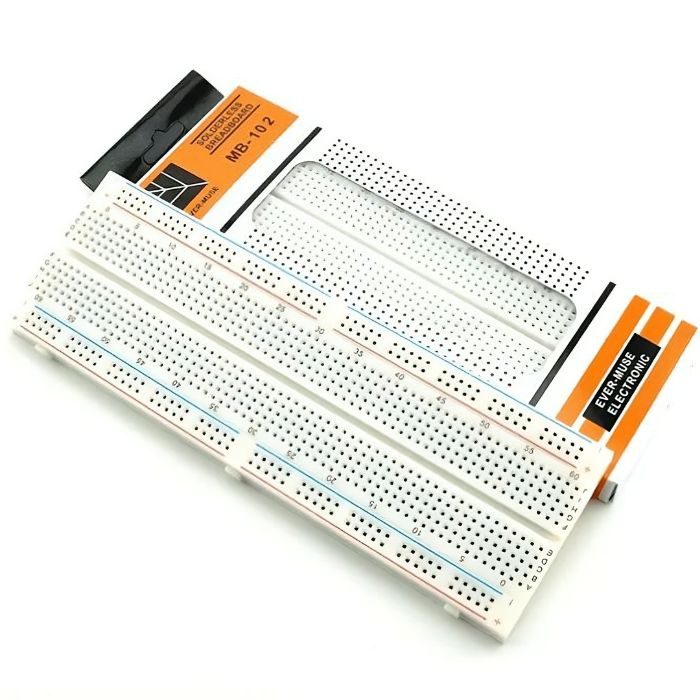
MB102 830 Points Solderless Breadboard
Full-size 830 tie-point solderless prototyping breadboard with power rails, accepts 20-29 AWG wire.
₹90 + 18% GST