ESP32 dual-core processor with 2.4GHz WiFi and Bluetooth
In stock

Esp Boards
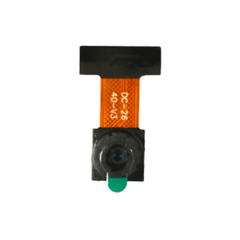
ESP32-CAM Development Board
ESP32 board with OV2640 camera and microSD slot for low-cost WiFi image capture and video streaming projects.
₹499 + 18% GST
SKU: BOTBIT-DEV-11 · Best for: DIY WiFi security cameras and video doorbells
Overview
About ESP32-CAM Development Board.
The ESP32-CAM is a compact, low-cost development board from Ai-Thinker that pairs an ESP32-S module with an OV2640 2-megapixel camera and a microSD card slot. It makes WiFi image capture, video streaming and simple computer-vision projects possible for the price of a single sensor module, which is why it is hugely popular for DIY monitoring cameras, doorbells and time-lapse cameras.
It is built on the ESP32 dual-core processor with integrated 2.4GHz WiFi and Bluetooth, backed by 4MB of PSRAM that provides the extra memory needed to buffer camera frames. The bundled OV2640 supports resolutions up to 1600x1200 (UXGA), and the onboard microSD slot lets you record images and video locally. An onboard LED flash is included for low-light capture.
For India buyers, the ESP32-CAM is the cheapest practical way to add a WiFi camera to a project. Note that it has no onboard USB port, so you program it using a separate USB-to-TTL (FTDI/CP2102) adapter or the matching ESP32-CAM-MB programmer, which is an important thing to plan for.
Key features
Why it stands out.
OV2640 2MP camera, up to 1600x1200 (UXGA) resolution
4MB external PSRAM for camera frame buffering
Onboard microSD card slot (up to 4GB officially) for local storage
Built-in LED flash and standard camera connector (also supports OV7670)
Deep-sleep support for battery-powered remote camera nodes
Specifications
Selection facts.
| Module | Ai-Thinker ESP32-CAM (ESP32-S based) |
|---|---|
| CPU | ESP32 dual-core, up to 240MHz |
| Camera | OV2640, 2MP, up to 1600x1200 (UXGA) |
| PSRAM | 4MB external (for frame buffer) |
| Flash memory | 4MB SPI flash |
| Wireless | 2.4GHz WiFi 802.11 b/g/n + Bluetooth |
| Storage | microSD card slot (up to 4GB officially supported) |
| Onboard extras | LED flash, reset button |
| Programming | External USB-to-TTL adapter required (no onboard USB) |
| Operating voltage | 5V supply recommended; 3.3V logic |
Applications
Where it is used.
- DIY WiFi security cameras and video doorbells
- Live MJPEG video streaming over a local network or the internet
- Time-lapse and motion-triggered photo capture to microSD
- Face detection and basic computer-vision experiments
- Remote monitoring nodes for wildlife, plants or workshops
- Robotics FPV (first-person view) camera on rovers and drones
Buying guide
How to choose.
Buy the ESP32-CAM when you need a very cheap WiFi camera for streaming or capture and can accept a modest 2MP sensor. If you want an easier out-of-the-box experience with a built-in USB port and screen, consider higher-end camera boards, but they cost significantly more.
Because there is no USB port on the board, you must pair it with a USB-to-TTL serial adapter (FTDI or CP2102) or, much more conveniently, the ESP32-CAM-MB programmer shield that plugs straight into a PC. Buying the MB programmer version is strongly recommended for beginners.
The camera is sensitive to power quality: use a solid 5V supply, as brownouts cause reboots and camera-init errors. Pair it with a good microSD card (4GB or as your firmware supports), a stable 5V source, and jumper wires or the MB board for flashing.
FAQ
Common questions.
How do I upload code to the ESP32-CAM?
It has no USB port. Connect a USB-to-TTL adapter to the U0T/U0R and GND/5V pins, tie GPIO0 to GND to enter flash mode, then upload from the Arduino IDE (select 'AI Thinker ESP32-CAM'). The ESP32-CAM-MB programmer shield does this automatically.
What camera does it use and what resolution?
It ships with an OV2640 2-megapixel sensor capable of up to 1600x1200 (UXGA). For smooth live streaming most users run lower resolutions like VGA or SVGA.
Why does it keep resetting or show a 'brownout' error?
The camera draws current in bursts, so a weak USB port or thin wires cause voltage dips. Power it from a stable 5V source with adequate current and short, thick wires to fix most reboot and camera-init problems.
How large a microSD card can I use?
Ai-Thinker officially specifies up to 4GB, though many users report larger FAT32-formatted cards working. Format the card as FAT32 for best compatibility.
Is it available in India and does it need a separate programmer?
Yes, it is widely stocked in India. Since it has no onboard USB, buy it together with a USB-to-TTL adapter or, preferably, the ESP32-CAM-MB base board for easy flashing.
What is in the box?
Usually the ESP32-CAM board with the OV2640 camera module and ribbon cable. The USB-to-TTL adapter or MB programmer is separate unless the listing bundles it.
More in Development Boards
Related hardware.
Esp Boards
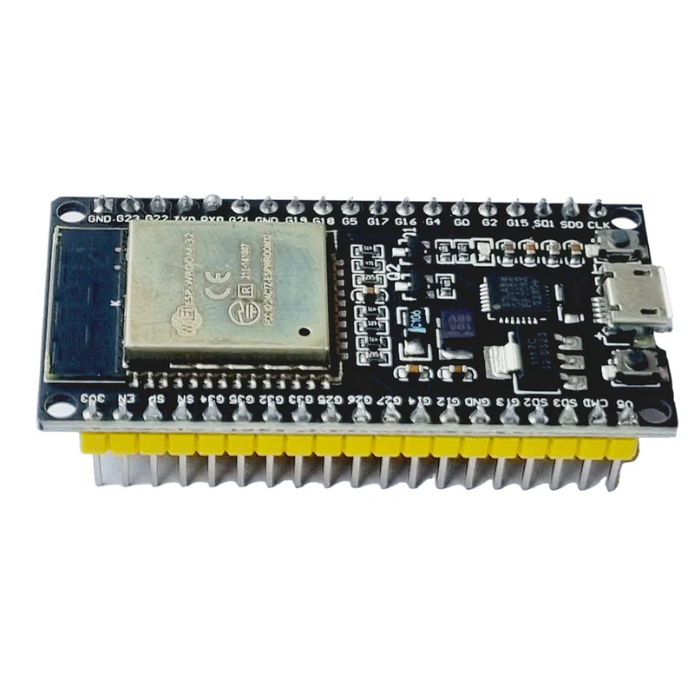
ESP32 DevKit V1 (38-pin)
ESP32-WROOM-32 dual-core board with integrated WiFi and Bluetooth, the go-to low-cost IoT microcontroller.
₹349 + 18% GST
Esp Boards
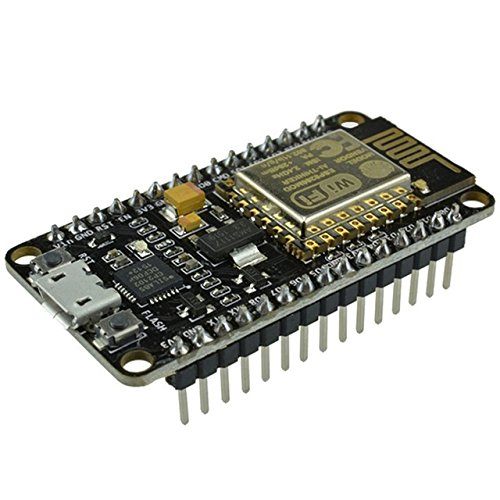
NodeMCU ESP8266 (CP2102)
Budget WiFi microcontroller board based on the ESP8266, widely used for simple IoT and home automation projects.
₹279 + 18% GST
Arduino Boards
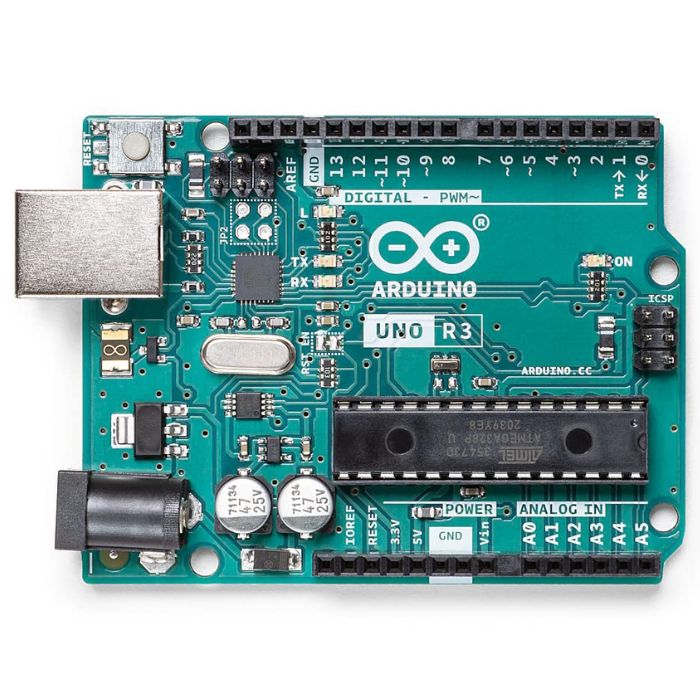
Arduino Uno R3
The classic ATmega328P 8-bit microcontroller board, a popular beginner prototyping platform with 14 digital and 6 analog I/O pins.
₹799 + 18% GST
Arduino Boards
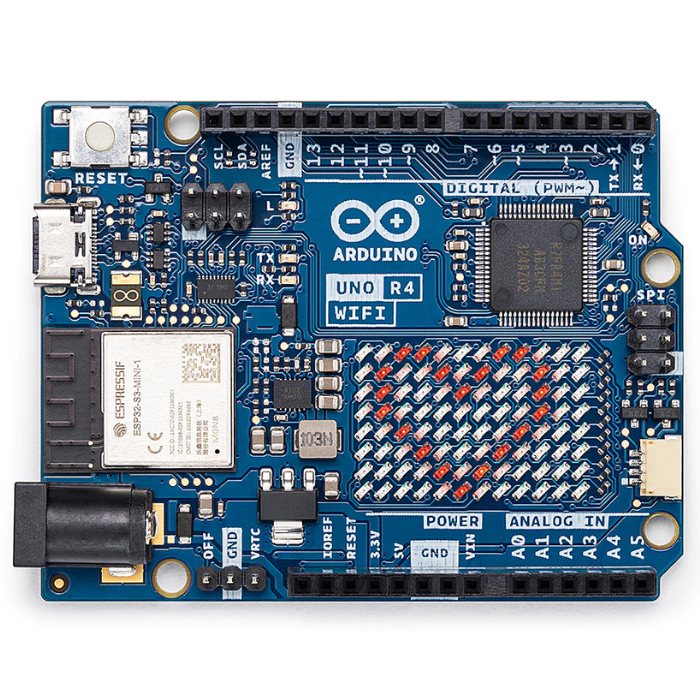
Arduino Uno R4 WiFi
Next-gen Uno with 32-bit Renesas RA4M1 Arm Cortex-M4 MCU, ESP32-S3 WiFi/Bluetooth and a built-in 12x8 LED matrix.
₹2,199 + 18% GST
You may also need
Pairs well with.
Environment
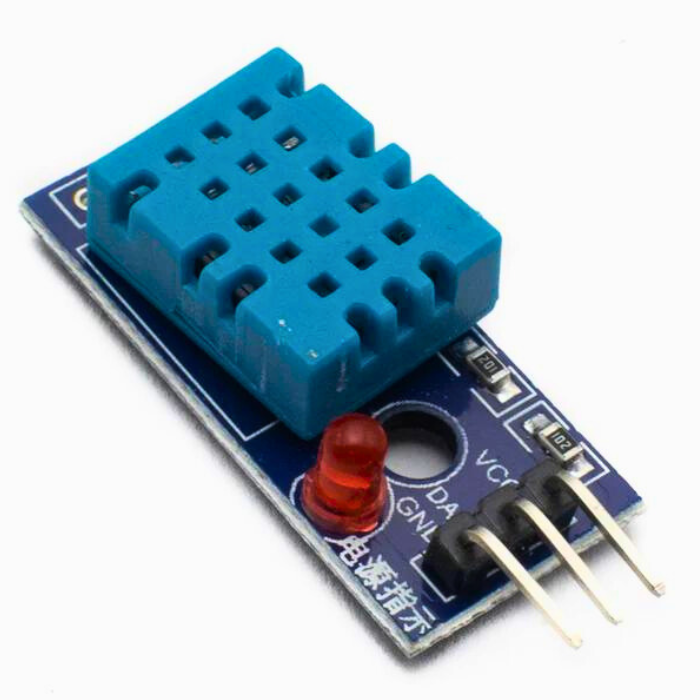
DHT11 Digital Temperature and Humidity Sensor Module
Low-cost single-wire digital temperature (0-50C) and humidity (20-90% RH) sensor, the default beginner Arduino sensor.
₹60 + 18% GST
Breadboards Jumpers
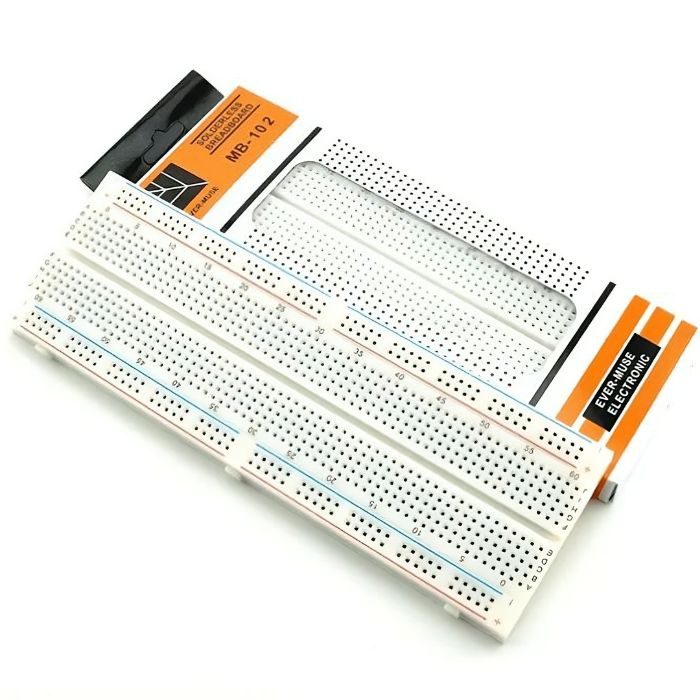
MB102 830 Points Solderless Breadboard
Full-size 830 tie-point solderless prototyping breadboard with power rails, accepts 20-29 AWG wire.
₹90 + 18% GST