RP2040 dual-core Arm Cortex-M0+ at up to 133MHz with 264KB SRAM
In stock
Other Mcu Boards
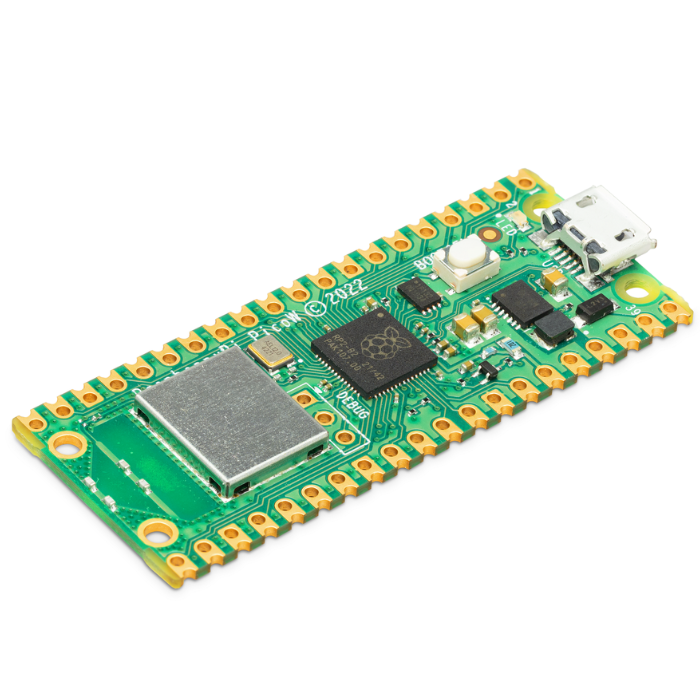
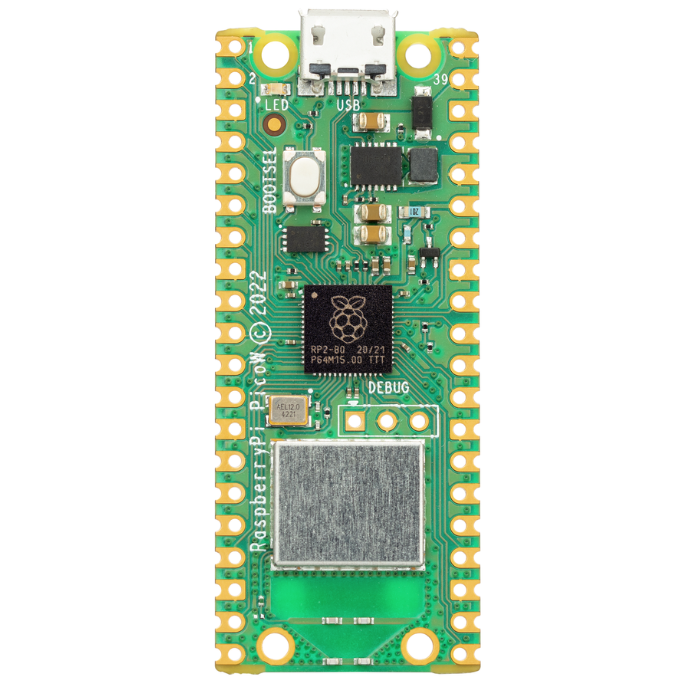
Raspberry Pi Pico W
Low-cost RP2040 dual-core Cortex-M0+ microcontroller board with onboard 2.4GHz WiFi, programmable in C/C++ or MicroPython.
₹599 + 18% GST
SKU: BOTBIT-DEV-08 · Best for: WiFi-connected IoT sensors reporting to a cloud dashboard or MQTT broker
Overview
About Raspberry Pi Pico W.
The Raspberry Pi Pico W is a tiny, low-cost microcontroller board built around the Raspberry Pi RP2040 chip, adding 2.4GHz 802.11n WiFi through an onboard Infineon CYW43439 wireless module. It is one of the most popular entry-level MCU boards in India because it delivers genuine Raspberry Pi build quality and long-term availability at a price point close to a bare ESP module.
The RP2040 packs a dual-core Arm Cortex-M0+ running up to 133MHz, 264KB of on-chip SRAM and 2MB of onboard QSPI flash. Its standout feature is the set of eight Programmable I/O (PIO) state machines, which let you create custom hardware interfaces (like driving WS2812 LEDs, DVI, or extra UARTs) that most other boards cannot do in real time.
For an India buyer, the Pico W is ideal when you want reliable WiFi connectivity, clean MicroPython support, excellent official documentation and a board that will still be in production for years. It is the natural upgrade path from a plain Pico when your project needs to talk to the internet or a local network.
Key features
Why it stands out.
Onboard 2.4GHz 802.11b/g/n WiFi via Infineon CYW43439 module
2MB onboard QSPI flash for program and file storage
26 multi-function GPIO pins including 3 analog (12-bit ADC) inputs
8 Programmable I/O (PIO) state machines for custom hardware protocols
USB 1.1 controller and drag-and-drop UF2 flashing, castellated edges for surface mounting
Specifications
Selection facts.
| Microcontroller | Raspberry Pi RP2040 (dual-core Arm Cortex-M0+) |
|---|---|
| Clock speed | Up to 133MHz (default 125MHz) |
| SRAM | 264KB on-chip |
| Flash memory | 2MB onboard QSPI flash |
| Wireless | 2.4GHz 802.11b/g/n WiFi (Infineon CYW43439) |
| GPIO pins | 26 multi-function GPIO (3.3V logic) |
| Analog inputs | 3x 12-bit ADC channels |
| Interfaces | 2x UART, 2x SPI, 2x I2C, 16x PWM, USB 1.1 |
| Input voltage | 1.8V to 5.5V (VSYS); 5V via micro-USB |
| Dimensions | 51 x 21mm, castellated module |
Applications
Where it is used.
- WiFi-connected IoT sensors reporting to a cloud dashboard or MQTT broker
- Home automation controllers and smart switches over a local network
- Data logging projects that upload readings to a server or Google Sheets
- Driving addressable LED strips (WS2812/NeoPixel) using PIO state machines
- Learning MicroPython and embedded C/C++ programming
- Custom USB HID devices, macro keypads and hobby robotics controllers
Buying guide
How to choose.
Choose the Pico W if your project needs WiFi and you value Raspberry Pi's documentation, ecosystem and guaranteed long production life. If you do not need wireless, the cheaper plain Pico saves money; if you need Bluetooth and faster cores, step up to the Pico 2 W.
The Pico W ships without pre-soldered headers, so pair it with a 40-pin male header set and a soldering iron, or buy the 'Pico WH' variant that has headers pre-fitted. A micro-USB cable (data-capable, not charge-only) is required for programming.
It runs on 3.3V logic, so for 5V sensors or level-sensitive devices add a logic level shifter. Pair it with a breadboard for prototyping, and consider a small OLED (SSD1306) or sensor modules like DHT22, BMP280 or a relay board to build a complete project.
FAQ
Common questions.
Is the Pico W programmable in MicroPython and C/C++?
Yes. Raspberry Pi provides an official MicroPython UF2 build and a full C/C++ SDK. Beginners usually start with MicroPython via Thonny; C/C++ is available for performance-critical work. Arduino IDE support (via the Earle Philhower core) is also available.
Does it have Bluetooth?
The CYW43439 chip is Bluetooth-capable and Bluetooth support was added later via firmware, but the Pico W is primarily marketed and best used for 2.4GHz WiFi. If Bluetooth is central to your project, the newer Pico 2 W with Bluetooth 5.2 is the better choice.
How do I flash a program onto it?
Hold the BOOTSEL button while plugging it into USB. The board mounts as a USB drive; drag a .uf2 file onto it and it reboots running your code. No external programmer is needed.
What logic voltage does it use?
All GPIO run at 3.3V logic and are not 5V tolerant. Use a logic level shifter when interfacing with 5V devices to avoid damaging the board.
Is it available in India with headers?
Yes, it is widely stocked in India. The standard version has no headers; look for the 'Pico WH' variant if you want headers pre-soldered so you can use it straight on a breadboard.
What comes in the box?
Typically just the Pico W board itself with unpopulated header holes. USB cables and headers are usually sold separately unless the listing states a kit.
More in Development Boards
Related hardware.

Other Mcu Boards
Raspberry Pi Pico 2 W
Upgraded RP2350 board with dual Cortex-M33 cores, more SRAM, 150MHz clock and onboard WiFi/Bluetooth 5.2.
₹749 + 18% GST
Other Mcu Boards
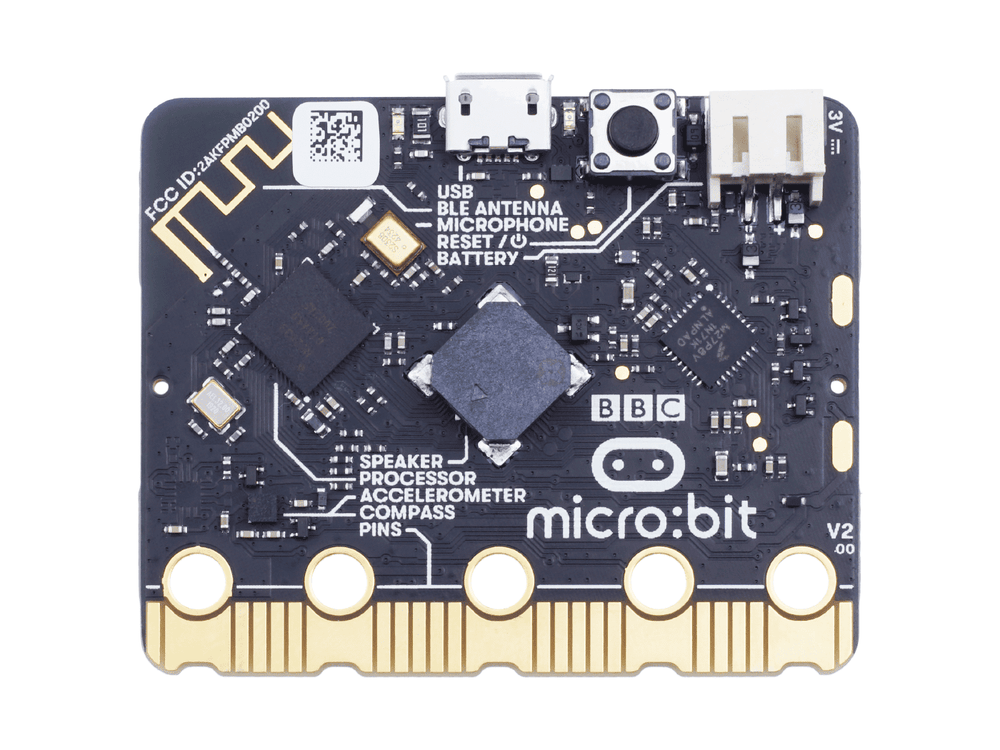
BBC micro:bit V2
Education-focused board with nRF52833 MCU, 5x5 LED display, accelerometer, mic, speaker and Bluetooth for coding lessons.
₹1,999 + 18% GST
Arduino Boards
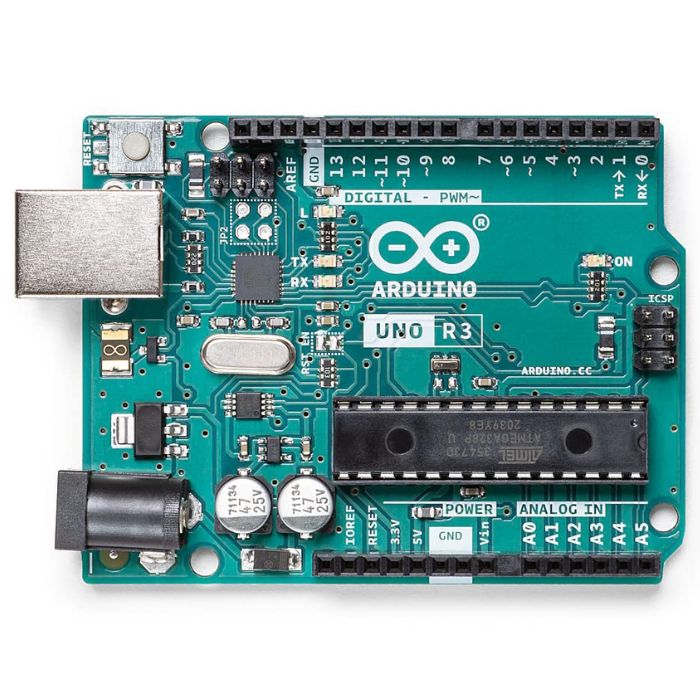
Arduino Uno R3
The classic ATmega328P 8-bit microcontroller board, a popular beginner prototyping platform with 14 digital and 6 analog I/O pins.
₹799 + 18% GST
Arduino Boards
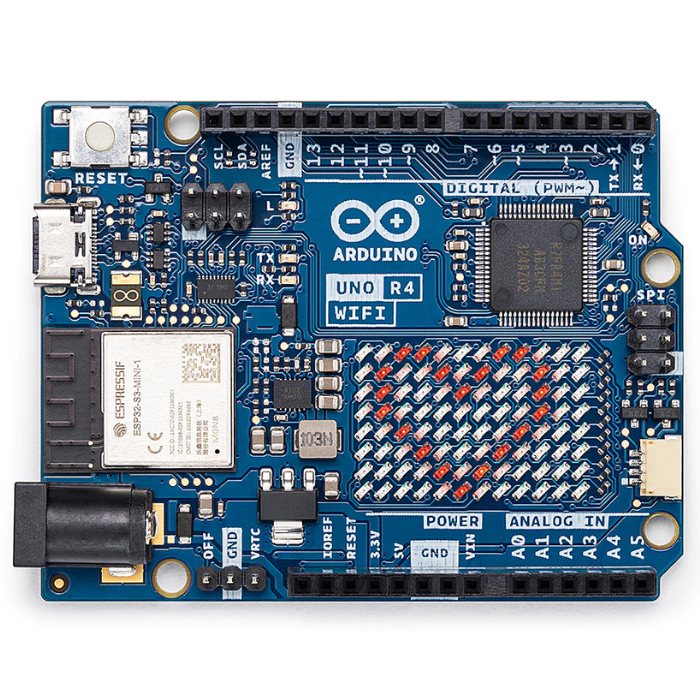
Arduino Uno R4 WiFi
Next-gen Uno with 32-bit Renesas RA4M1 Arm Cortex-M4 MCU, ESP32-S3 WiFi/Bluetooth and a built-in 12x8 LED matrix.
₹2,199 + 18% GST
You may also need
Pairs well with.
Environment
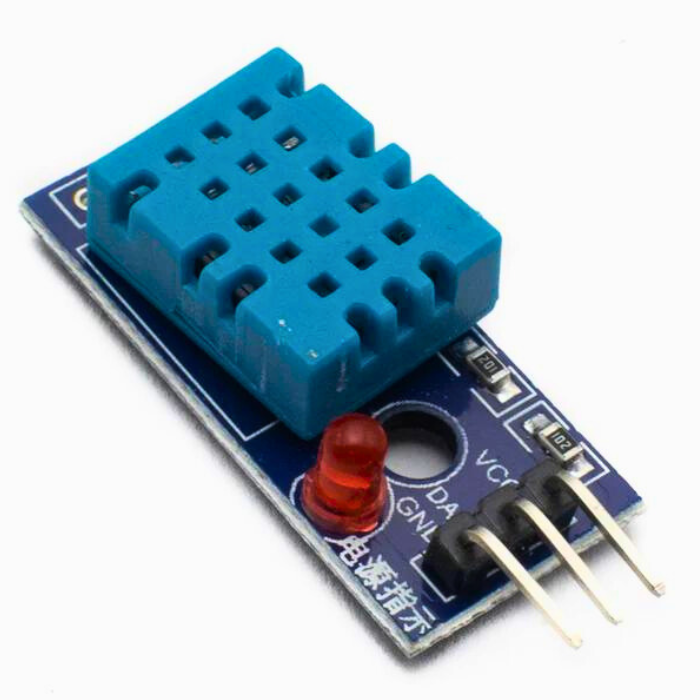
DHT11 Digital Temperature and Humidity Sensor Module
Low-cost single-wire digital temperature (0-50C) and humidity (20-90% RH) sensor, the default beginner Arduino sensor.
₹60 + 18% GST
Breadboards Jumpers
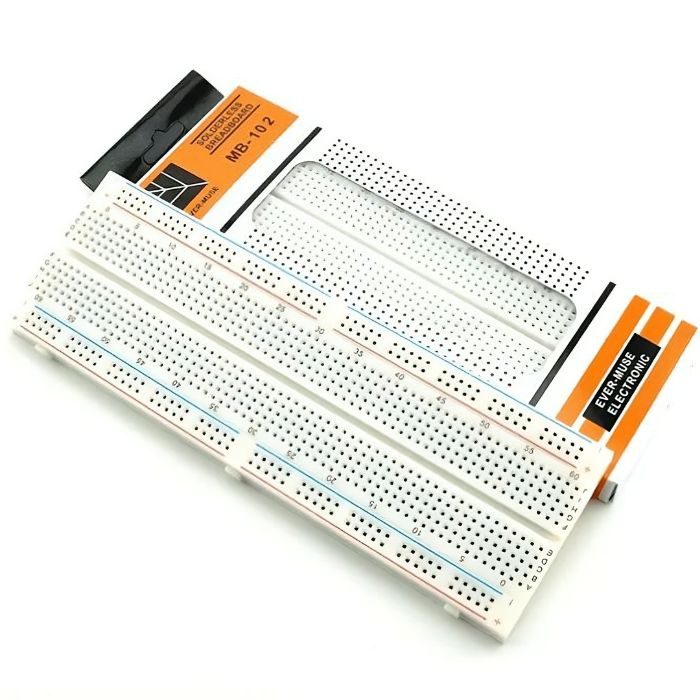
MB102 830 Points Solderless Breadboard
Full-size 830 tie-point solderless prototyping breadboard with power rails, accepts 20-29 AWG wire.
₹90 + 18% GST